- English 21 -
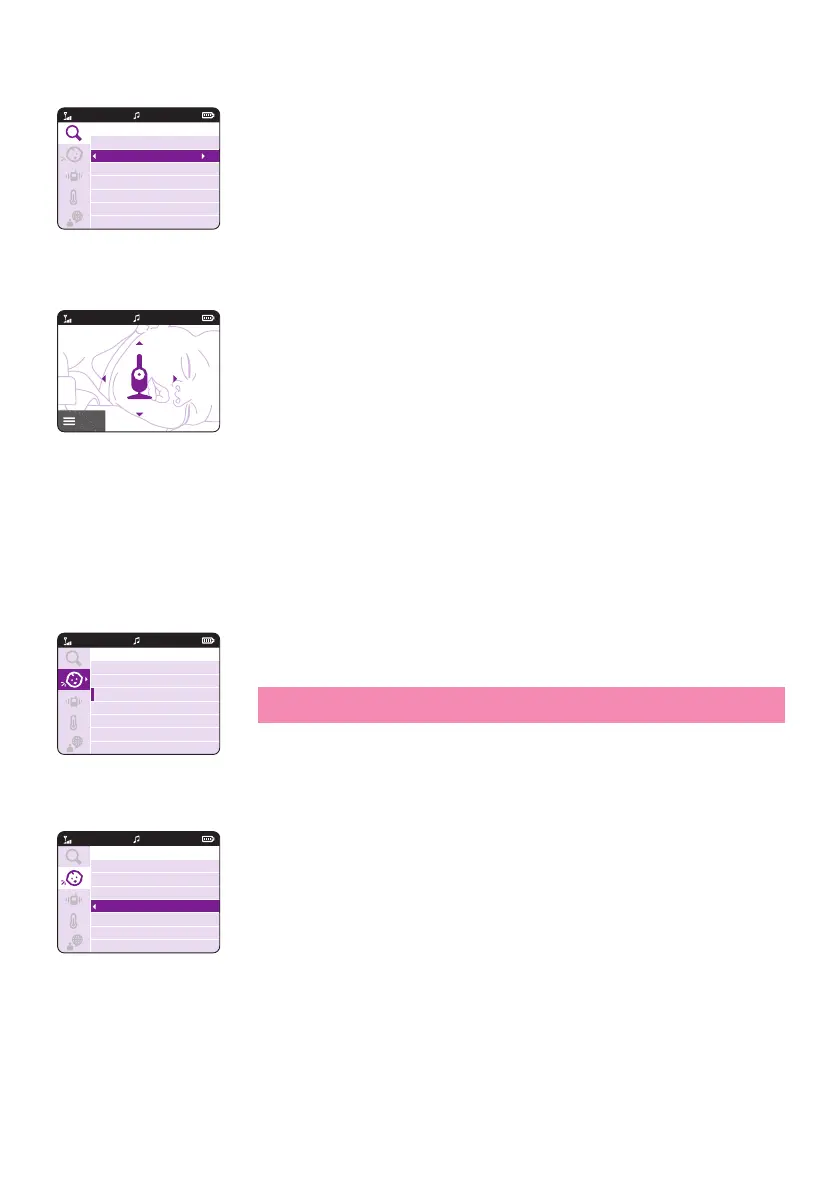
2 Press the bottom part of the control button to switch on the zoom
feature�
3 To adjust the video image press the right part of the control button�
Now you can use the top/bottom/right/left part of the control button
to choose what image will be shown on the parent unit�
4 Press the menu button to save the new setting� The image is
automatically saved after 5 seconds�
5
zoom out the image on the parent unit�
Sensitivity
you will hear only the louder sounds�2
1 Press the right part of the control button to access the sensitivity levels�
leave the menu�
2 Press the top or bottom part of the control button to select the desired
sensitivity level�
Zoom
Off
On Pan
20°CVIDEO
1
20°CVIDEO
Menu
1
20°C
1
VIDEO
Sensitivity
Low
Medium
High
Very High
20°C
1
Sensitivity
Low
Medium
High
Very High
VIDEO


 To Next Page
 Loading...