- 14 -
Video mode
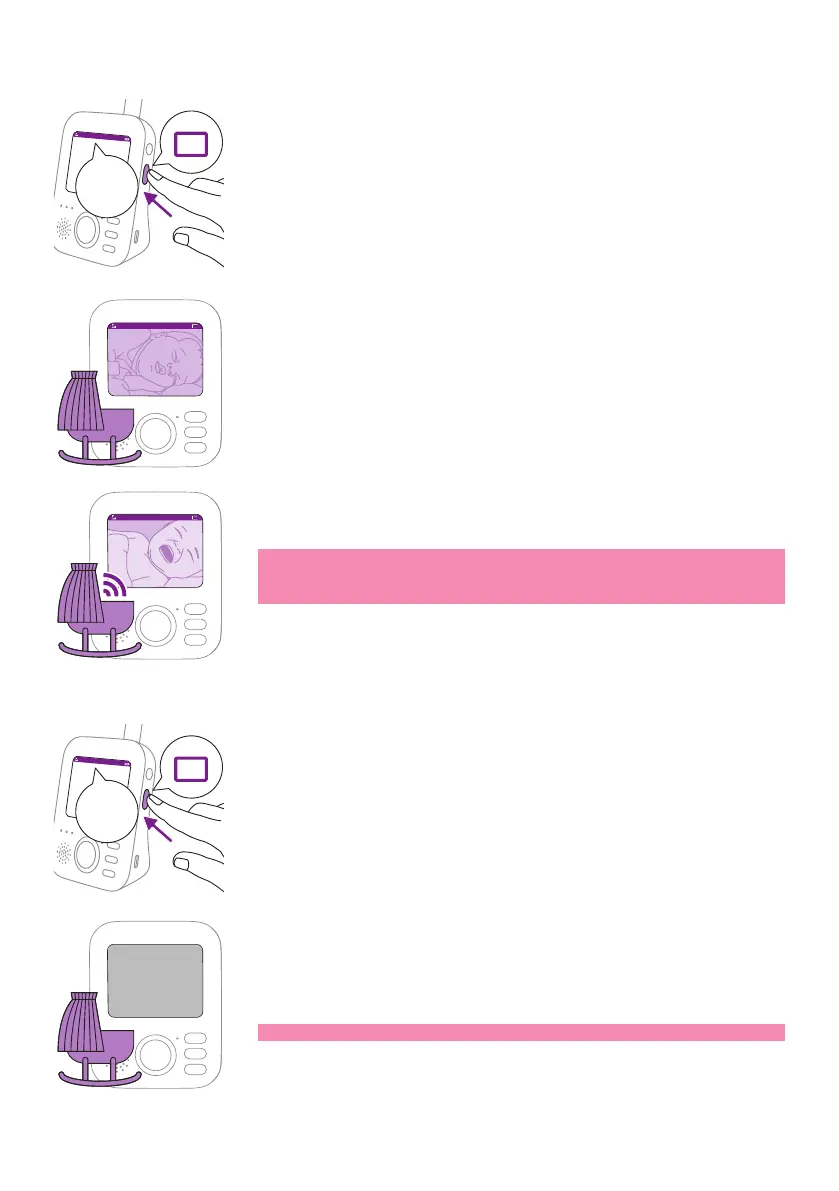
Press the mode button on the side of the parent unit to select theVideo
mode�
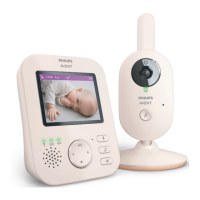
When the Video mode is activated, the screen is always on, so you can see
your baby� All sounds are directly transmitted to the parent unit�
Video17:00
Note: Set the sensitivity level to 'very high' to have continuous
sound on the parent unit� Please see section 'Sensitivity' for more
information�
Audio mode
1 Press the mode button on the side of the parent unit to switch to
Audio mode�
When the Audio mode is activated, the display of the parent unit
switches o. After 3 seconds the display will completely turn o and
the status bar will disappear�
Note: The status bar is not visible when the display is o.
Video
17:00
Video
Video17:00
Audio
17:00
Audio










 To Next Page