- 16 -
Eco mode
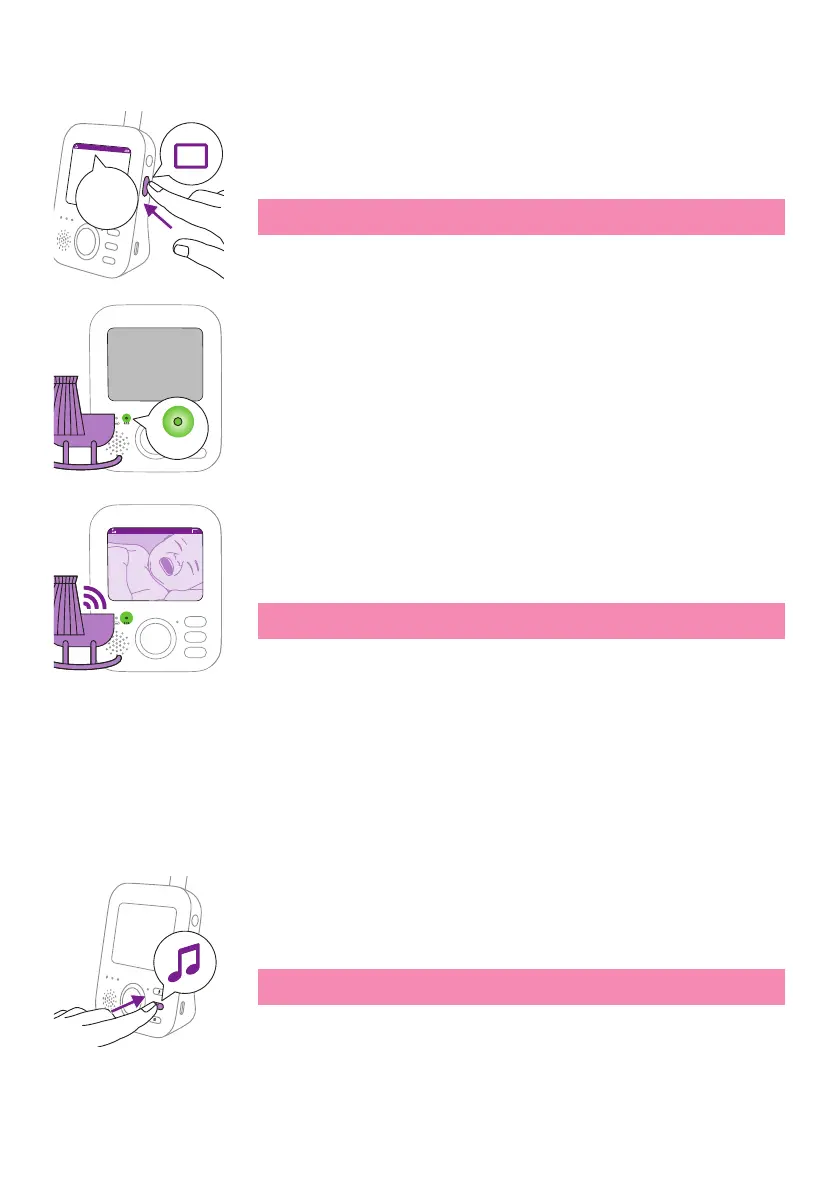
1 Press the mode button on the side of the parent unit to switch to Eco
mode�
Note: When the display is on, the selected mode will be visible in the
status bar. The status bar is not visible when the display is o.
When the Eco mode is activated the display and sound of the parent
unit switch o when no sound is detected for 20 seconds. TheEco light
lights up green to indicate that the Eco mode is activated� During Eco
mode the display and sound transmissions are turned o.
Whensound is picked up by the baby unit, the displayand sound of
the parent unit switch on immediately.The sounds are transmitted to
the parent unit�
Note: The minimum sound level to activate sound and display is
dened by the sensitivity setting.
Soothing sounds
You can activate the soothing sound feature either from the parent unit
or from the baby unit�
To activate the soothing sound feature from the parent unit, follow the
instructions below:
Soothing sound selection
1 Press the soothing sound button on the parent unit to open the menu
for soothing sounds�
Note: Pressing the soothing sound button while the soothing sound
menu is already open, will close the menu.
Eco
17:00
Eco
eco
Eco17:00











 To Next Page