- 17 -
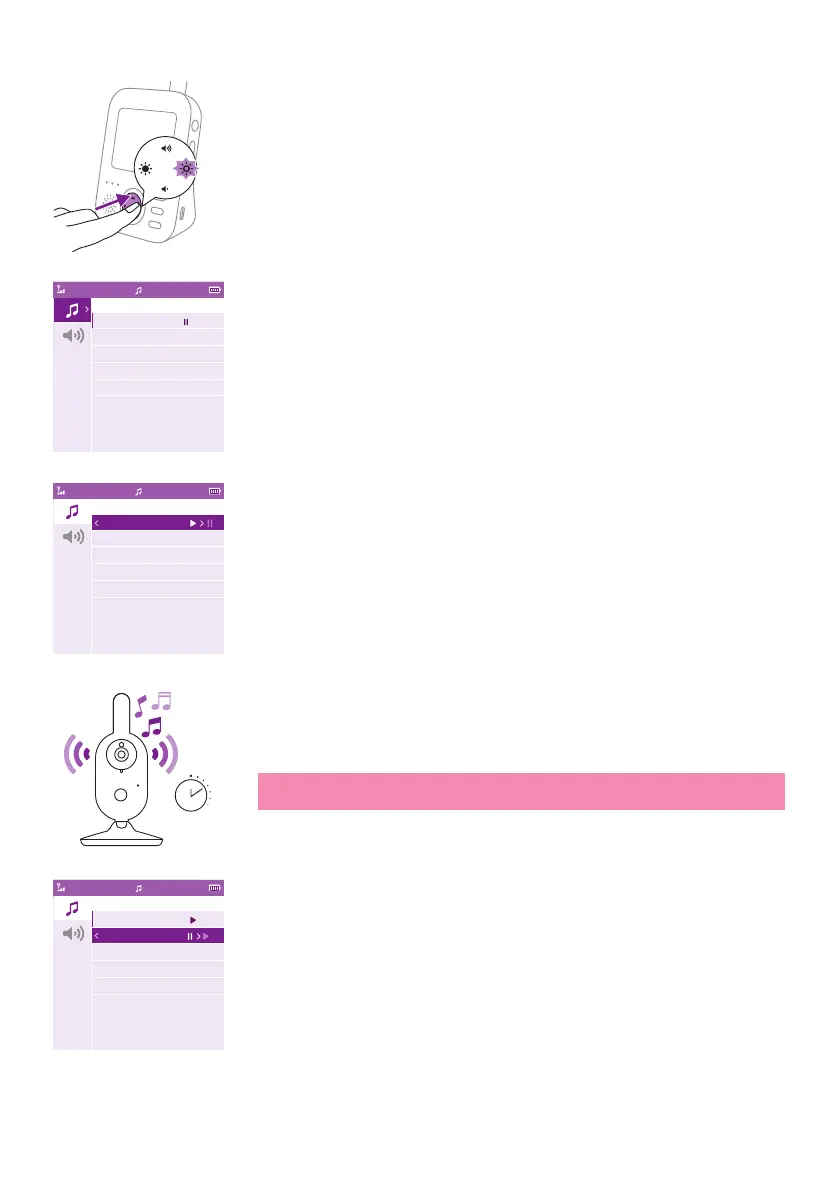
2 Press the right part of the control button to enter the list of soothing
sounds�
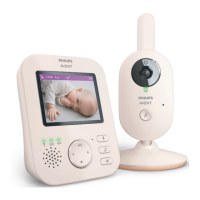
3 Press the top or bottom part of the control button to scroll through
the list of soothing sounds�
4 Press the right part of the control button to play a specic soothing
sound. If you want to pause the soothing sound, press the right side of
the control button again�
5 The status barof the parent unit shows the number of soothing
sounds thatare being played and repeated.
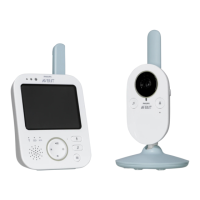
The soothing sound starts to play on the baby unit and it is repeated
continuously for approximately 15 minutes.
Tip: To repeat all lullabies that are available, select All lullabies in the
list�
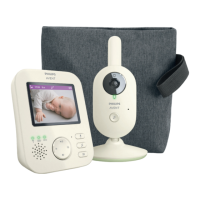
6 To select another soothing sound, scroll up or down with thecontrol
button to select another soothing sound from the list.Press the right
part of the control button to start the selected soothing sound�
7 To stop the soothing sound, press the soothing sound button on the
parent unit. To pause the soothing sound that is currently playing,
press the right part of the control button one more time�
Video17:00
Soothing Sounds
1 Rock-a-Bye Baby
2 Twinkle, Twinkle
3 Female-shh
4 White-noise
5 All lullabies
Video17:00
Soothing Sounds
1 Rock-a-Bye Baby
2 Twinkle, Twinkle
3 Female-shh
4 White-noise
5 All lullabies
15 min
Video17:00
Soothing Sounds
1 Rock-a-Bye Baby
2 Twinkle, Twinkle
3 Female-shh
4 White-noise
5 All lullabies












 To Next Page