- 19 -
Talk-back
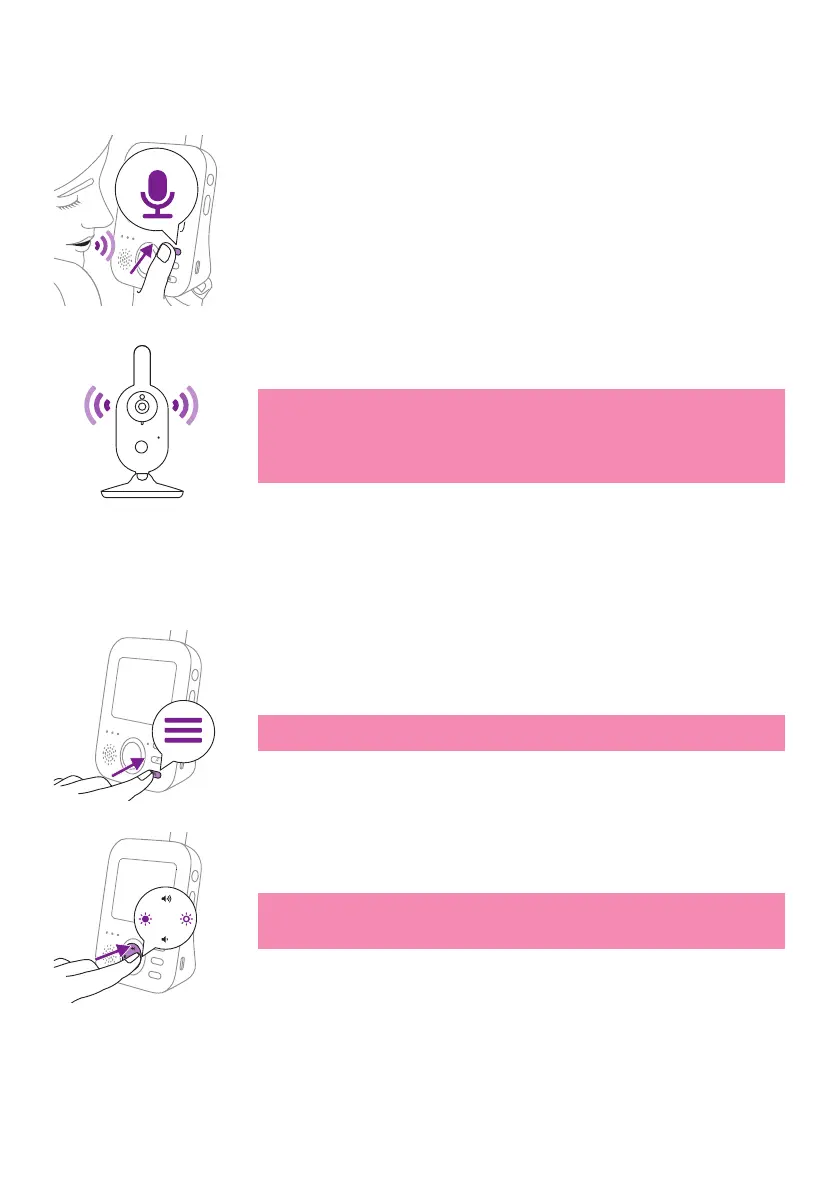
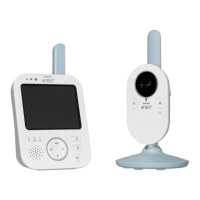
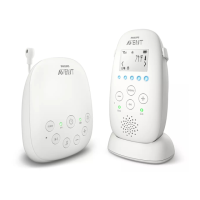
You can use the talk-back button on the parent unit to talk to your baby�
1 Press and hold the talk-back button on the parent unit�
2 Talk clearly into the microphoneat the front of the parent unit from a
distance between 15-30 cm /0.5-1 ft.
As long as the talk-back button is pressed, there is an open sound
connection to the baby unit� The display of the parent unit shows the
talk-back icon, indicating the active connection.
3 Release the talk-back button when you have nished talking.
Note: While the talk-back button is pressed, the parent unit cannot
receive sounds from the baby unit, and any soothing sounds being
played will be stopped. However, upon releasing the talk-back
button, the soothing sound, if already turned on, will continue
playing�
Menu features
All features described in the following sections can be operated through
the menu of the parent unit�
1 Press the menu button to enter the menu�
Note: When pressing the menu button again, you will leave the
menu�
2 Use the control button to navigate through the menu� The selected
menu item is highlighted purple�
Note: If you are already in one of the sub menus and you want to
switch between menu features,press the left part of the control
button to navigate back to the main menu�
3 Press the top or bottom part of the control button to scroll through
the dierent menu items.


 To Next Page