- 18 -
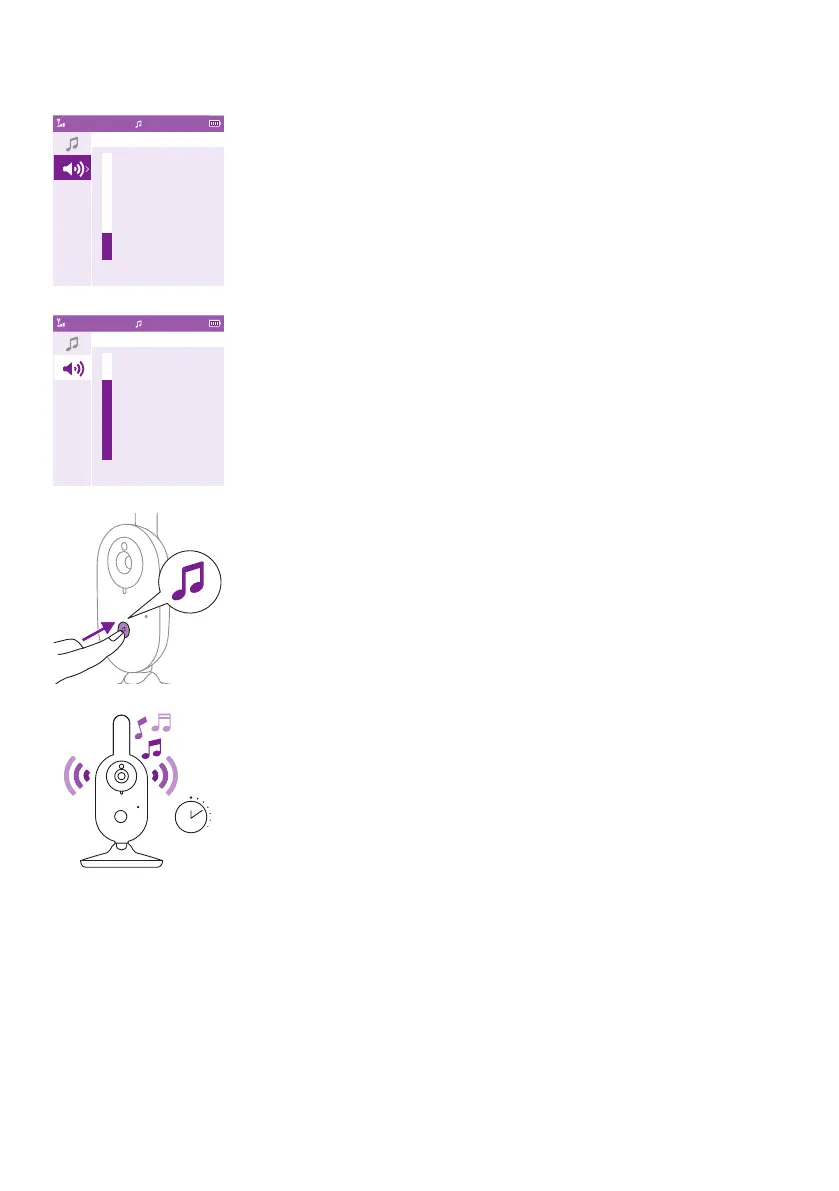
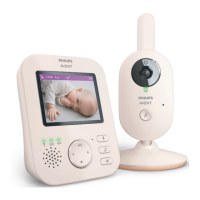
Soothing sound volume
1 Press the soothing sound button and then press the bottom of the
control button to select the volume options of thesoothing sound
menu� Press the right part of the control button to access the soothing
sound volume levels�
2 Press the top or bottom part of the control button to adjust the
volume�
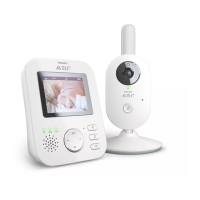
To activate the soothing sound feature from the baby unit, press the
soothing sound on/o button on the baby unit.
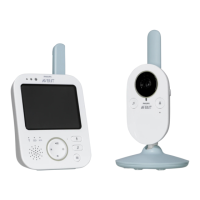
15 min
The latest selected soothing sound on the parent unit starts to play
on the baby unit and is repeated continuously for approximately
15 minutes. To stop the soothing sound on the baby unit, press the
soothing sound on/o button on the baby unit.
Video17:00
Soothing Sound Volume
Video17:00
Soothing Sound Volume










 To Next Page