11EN
4 Play
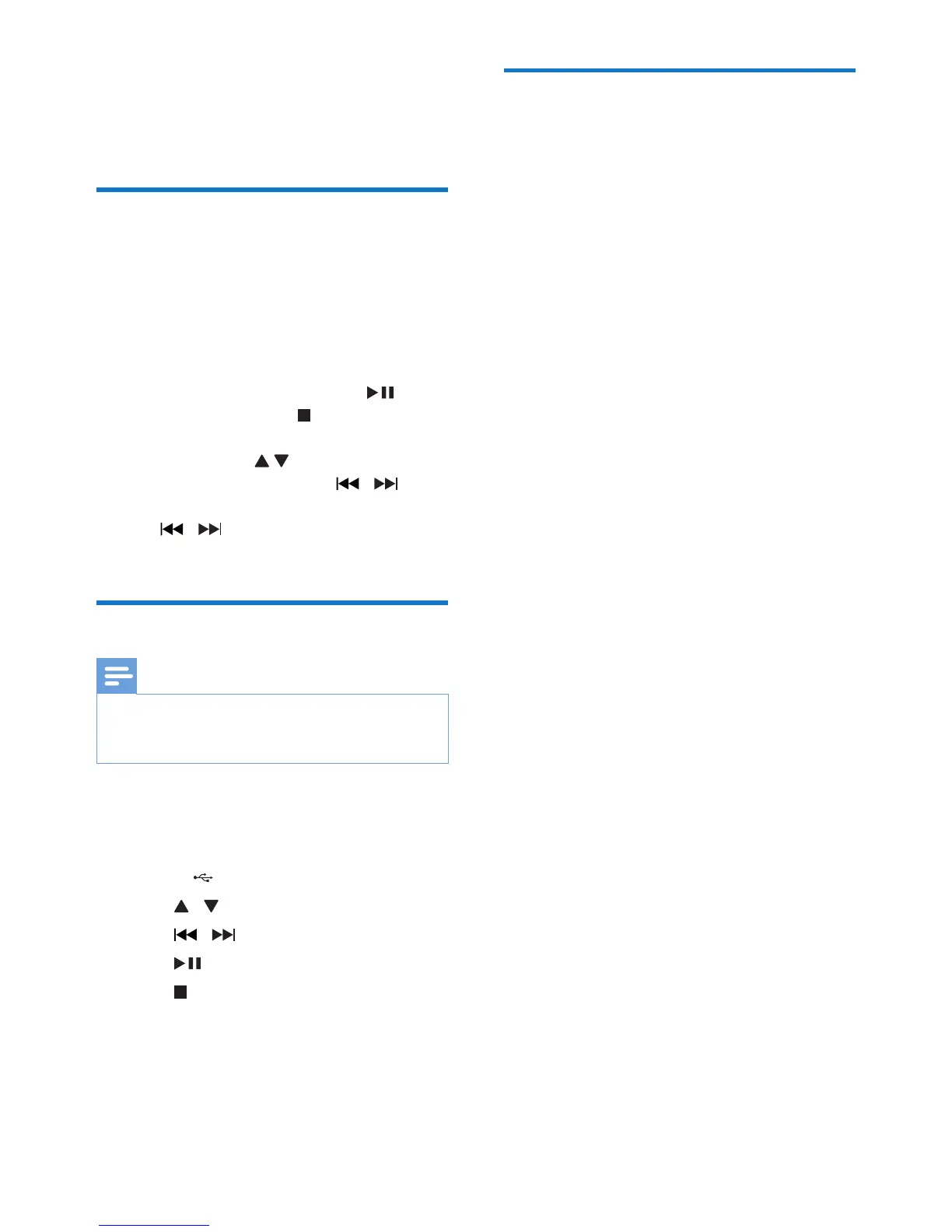
Play CD
1 Press SOURCE repeatedly to select the
CD source.
2 Open the disc compartment.
3 Insert a disc with the printed side facing up,
and then close the disc compartment.
• To pause/resume play, press .
• To stop play, press .
• ForMP3/WMAles:toselectan
album, press .
• To skip to a track, press / .
• To search within a track, press and hold
/ . Release to resume normal
play.
Play from USB devices
Note
• Ensure that the USB device contains playable audio
contents for supported formats.
• The USB terminal can be loaded with 700 mA.
1 Press SOURCE repeatedly to select the
USB source.
2 Insert the USB connector on the device
into the socket.
3 Press / unit to select a folder.
4 Press / toselectale.
5 Press to pause/resume play.
6 Press to stop play.
Listen to an external device
You can also listen to an external audio device
through this unit.
For an audio device with a headphone socket:
1 Press SOURCE repeatedly to select MP3
LINK source.
2 Connect the supplied MP3 LINK cable to
• the MP3 LINK socket on this unit.
• the headphone socket on an MP3
player.
3 Start to play the MP3 player. (See the user
manual of the MP3 player.)



 To Next Page