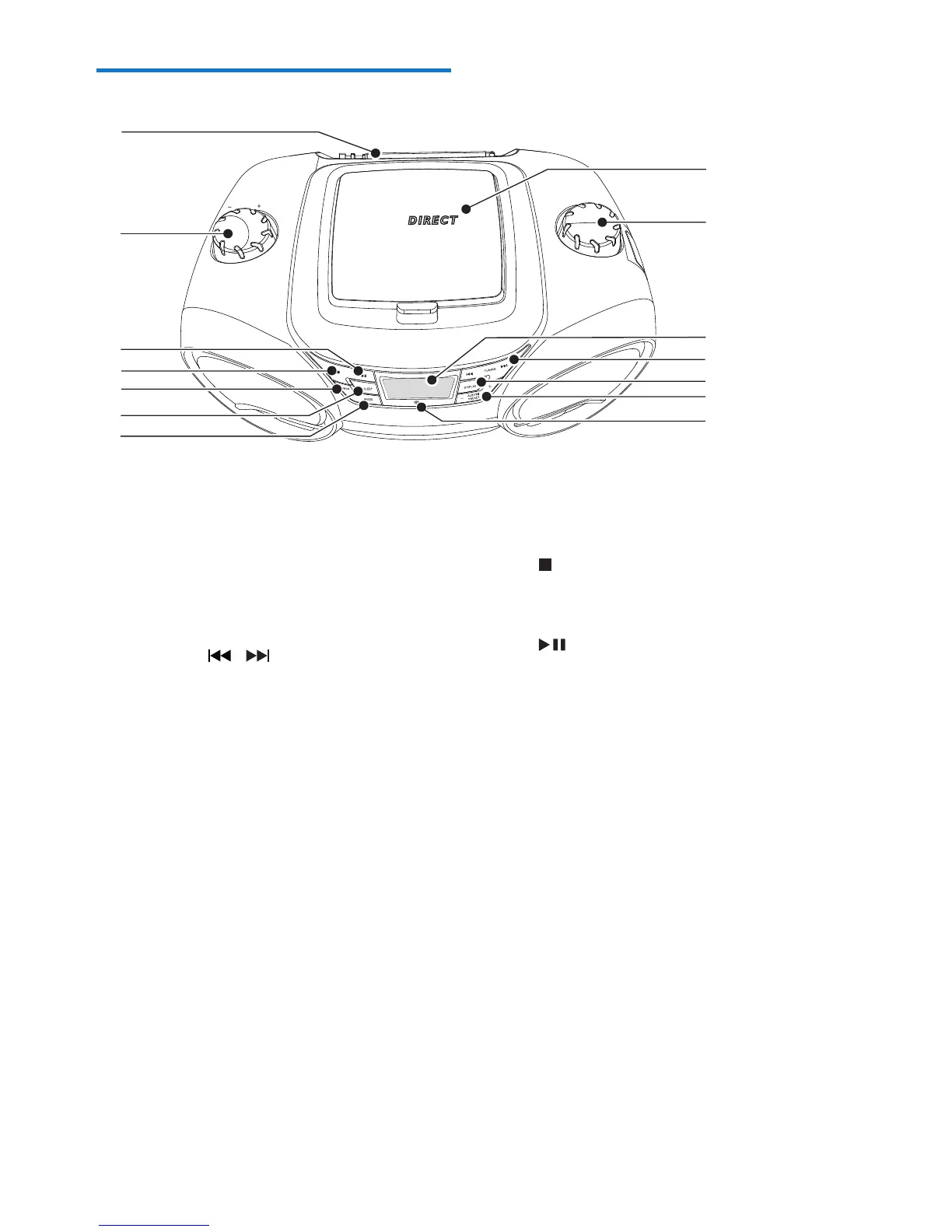
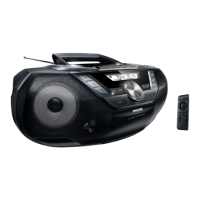
a Disc compartment
b SOURCE
• Select a source (CD, USB, MP3-Link,
FM, MW).
c Display panel
• Display current status.
d TUNING /
• Tune to a radio station.
• Skip to the previous/next track.
• Search within a track.
e DISPLAY
• Change the display contents.
f ALBUM /PRESET+/-
• Skip to the previous/next album.
• Select a preset radio station.
g Remote control sensor
h MODE
• Select a play mode: REPEAT or
SHUFFLE.
i SLEEP
• Set the sleep timer.
• Turn on/off the timer.
VOLUME
U S B
CD SOUNDMACHINE AZ3831
SOURCE
a
b
c
d
e
f
g
h
i
j
k
l
m
n
j PROG
• Program tracks and browse the
program.
• Tuner AUTO SEARCH.
k
• Stop play.
• Erase a program.
l
• Start or pause play.
m - VOLUME +
• Adjust volume.
n FM ANTENNA
• Adjust FM reception.



 To Next Page