• Non-supported file formats are skipped.
This means that e.g.:Word documents .doc
or MP3 files with extension .dlf are ignored
and will not be played.
• Playlist Files e.g. .m3u,.pls of WMA,AAC,
Winamp,Sonic,RealJukebox,
MS Mediaplayer 7.0,MusicMatch.
• Recordings created on e.g.DirectCD,
PacketWriting and Package Writing.
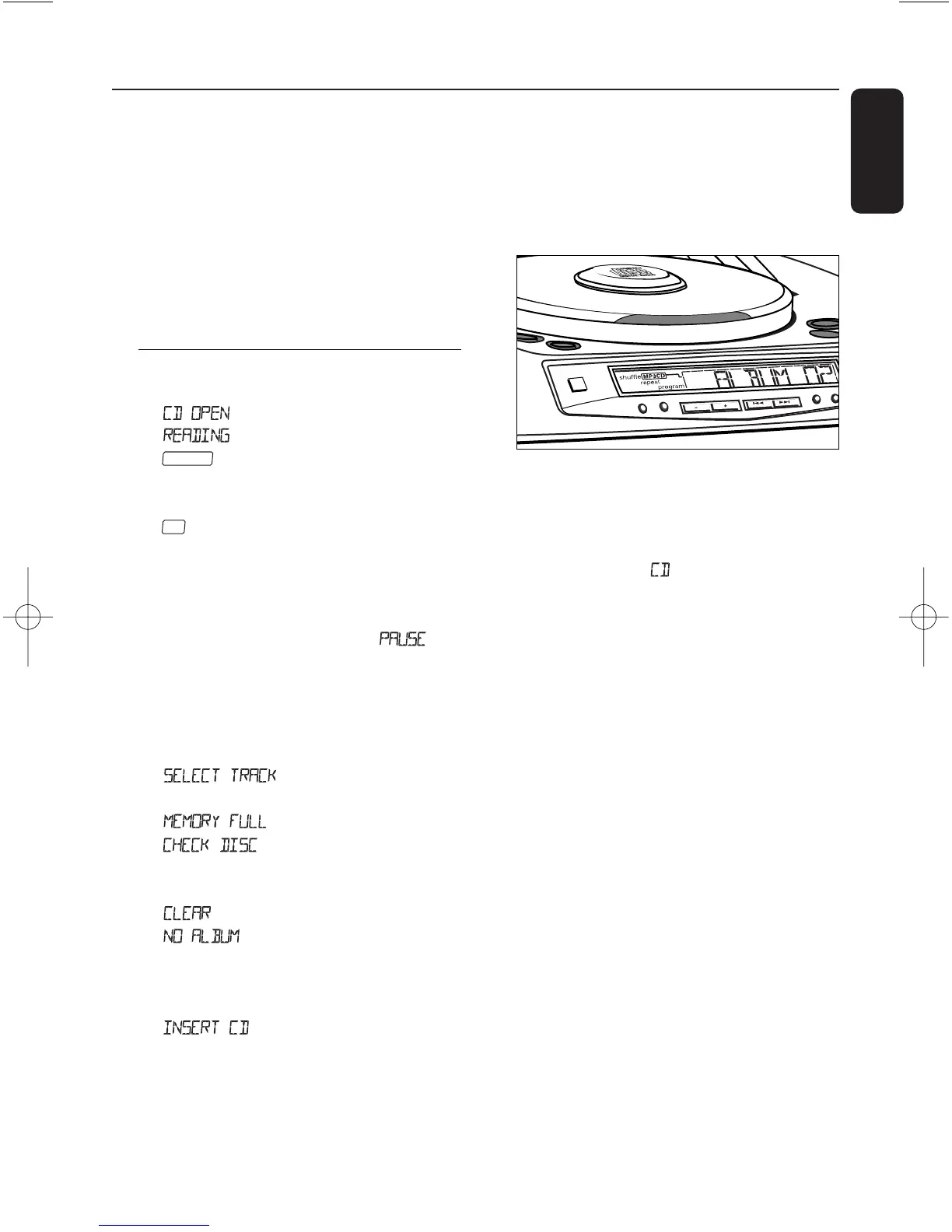
Display indication for
MP3-CD/ CD functions:
– :CD door open
– :when reading disc contents
– :when a MP3-CD is inserted:
total album number and total track
number
– :when a CD is inserted:total track
number and total playback time
– During MP3-CD/ CD playback:
elapsed playback time of current album
and title / current track number
– Pause:when in pause mode
appears
– , ,etc.: when the respective
mode is activated
– program: when MP3-CD/ CD program
is active
– :program activated but
no title/ track selected
– :program memory full
– :error in CD operation or
with the CD/ CD-R(W) is blank or the
disc is not finalised (see Troubleshooting)
– :program cancelled
– :scrolls across when
PRESET/ ALBUM - or
+
pressed
during playback of normal CDs or an
MP3-CD with no album arrangement.
– :no disc inserted
Playing MP3-CD & CD
This CD player plays Audio Discs including
CD-R(W)s,and MP3 CD-ROMs.
• CD-I,CDV,VCD,DVD or computer CDs,
are not possible.
1 Press the POWER y button.
2 Press SOURCE once or more (or press
CD once on the remote control) to select
MP3-CD.
➜ Display:shows briefly.
3 To open the CD door,push the CD door.
4 Insert a CD or CD-R(W) with the printed
side facing up and press the CD door gently
close.
5 Press PLAY/PAUSE 2; to start playback.
6 To pause playback press PLAY/PAUSE 2;.
To resume,press PLAY/PAUSE 2; again.
7 To stop,press STOP 9.
8 To switch off the set,press the POWER y
button.
Note: MP3-CD/ CD playback will also stop
when:
– you press the CD door open;
– you select TUNER source;
– the disc has reached to the end.


 To Next Page