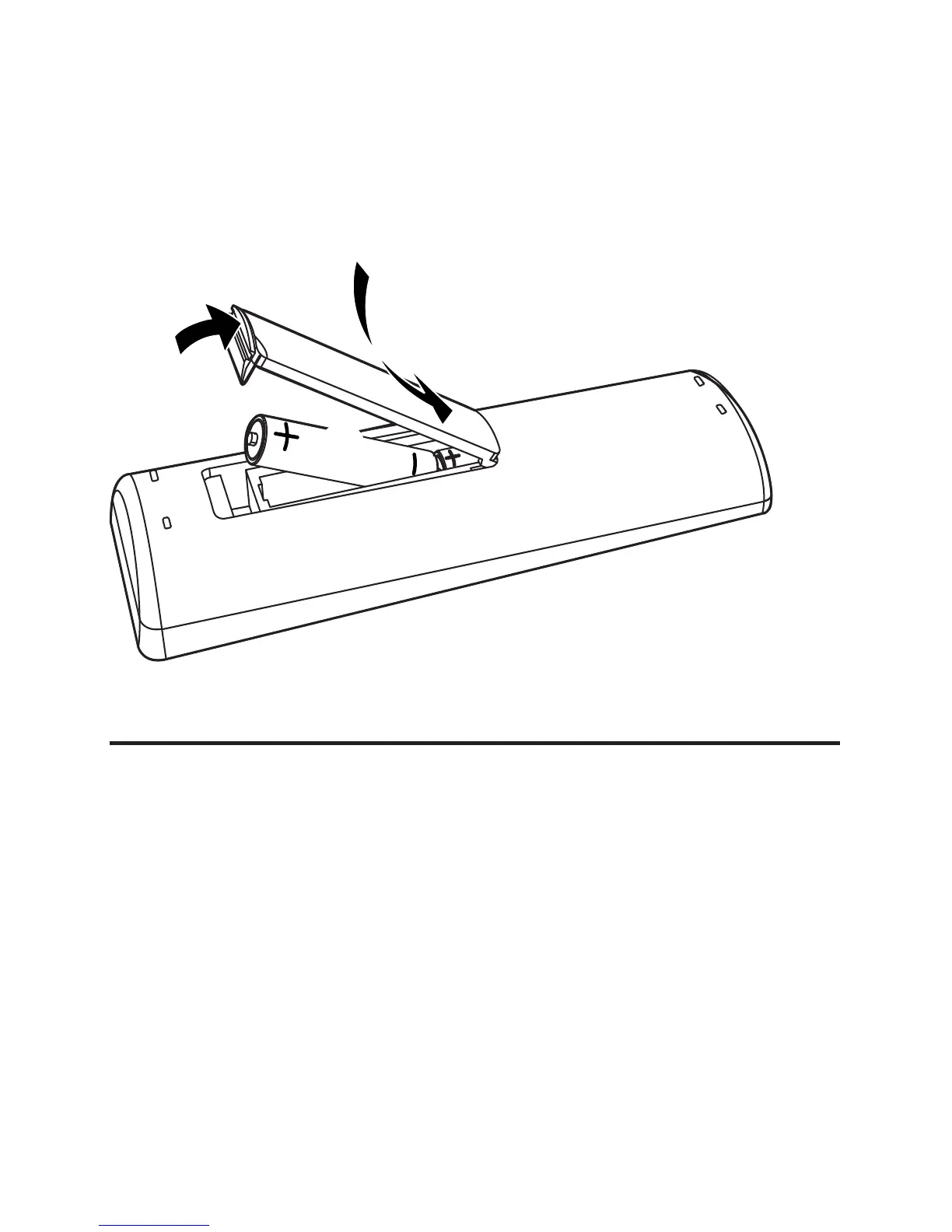
1 Open the battery compartment.
2 Insert 2 AA batteries with correct polarity (+/-) as
indicated.
3 Close the battery compartment.
Connect TV
1 Connect the black end of the supplied video cable to the
AV OUT socket on this unit.
2 Connect the yellow plug to the VIDEO INPUT socket on
the TV.
3 Connect the red plug to the AUDIO INPUT socket
marked “R”.
4 Connect the white plug to the AUDIO INPUT socket
marked “L”.
3
1
2


 To Next Page