Connect power
Caution
Risk of product damage! Ensure that the power •
supply voltage corresponds to the voltage printed on
the bottom of the unit.
The type plate is located on the bottom of the main •
unit.
Before connecting the AC power cord, ensure you •
have completed all other connections.
1 Switch the voltage selector at the bottom of the unit to
the local power line voltage.
2 Connect the AC power cable to:
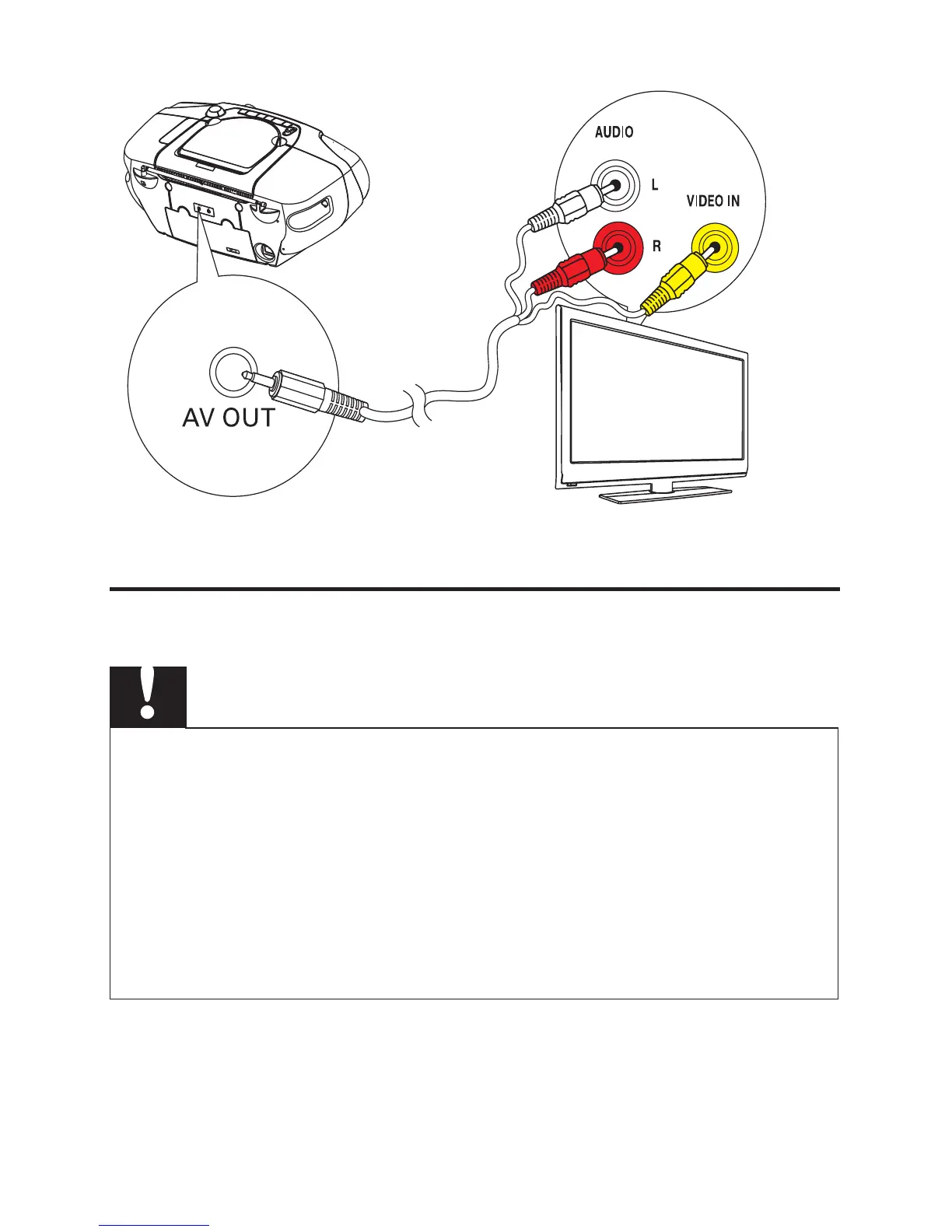
TV
IN


 To Next Page