4 Play
Play disc
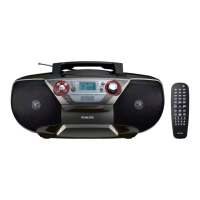
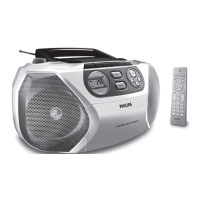
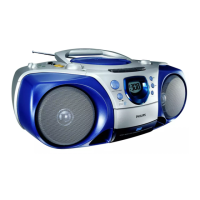
1 Push the source selector on the main unit to DISC .
2 Lift to open the disc compartment.
3 Insert a disc with the printed side facing up, then close the
disc compartment.
4 Press to start play.
To pause/resume play, press
• PAUSE .
To stop play, press
• .
To skip to a track, press
• / .
To search within a track/disc, press and hold
• / ,
then release to resume normal play.
Use the disc menu
When you load a (S)VCD disc, a menu may be displayed on the
TV screen.
To access or exit the menu manually:
1 Press DISC MENU .
For VCD with PlayBack Control (PBC) feature (version 2.0
only):
With the PBC feature, you can play VCD interactively according
to the menu screen.
1 During play, press DISC MENU to enable/disable PBC.
When PBC is enabled, the menu screen is displayed. »
When PBC is disabled, normal play is resumed. »
To return to the previous menu, press
• RETURN .


 To Next Page