Change the audio channel
Note
This feature is only available for CD/MP3 play. •
1 During play, press AUDIO repeatedly to select an audio
channel available on the disc:
Mono Left
•
Mono Right•
Stereo•
6 Adjust settings
To maximize your play experience, use SYSTEM MENU to ne
tune your settings.
1 Press SYSTEM MENU .
The system menu is displayed. »
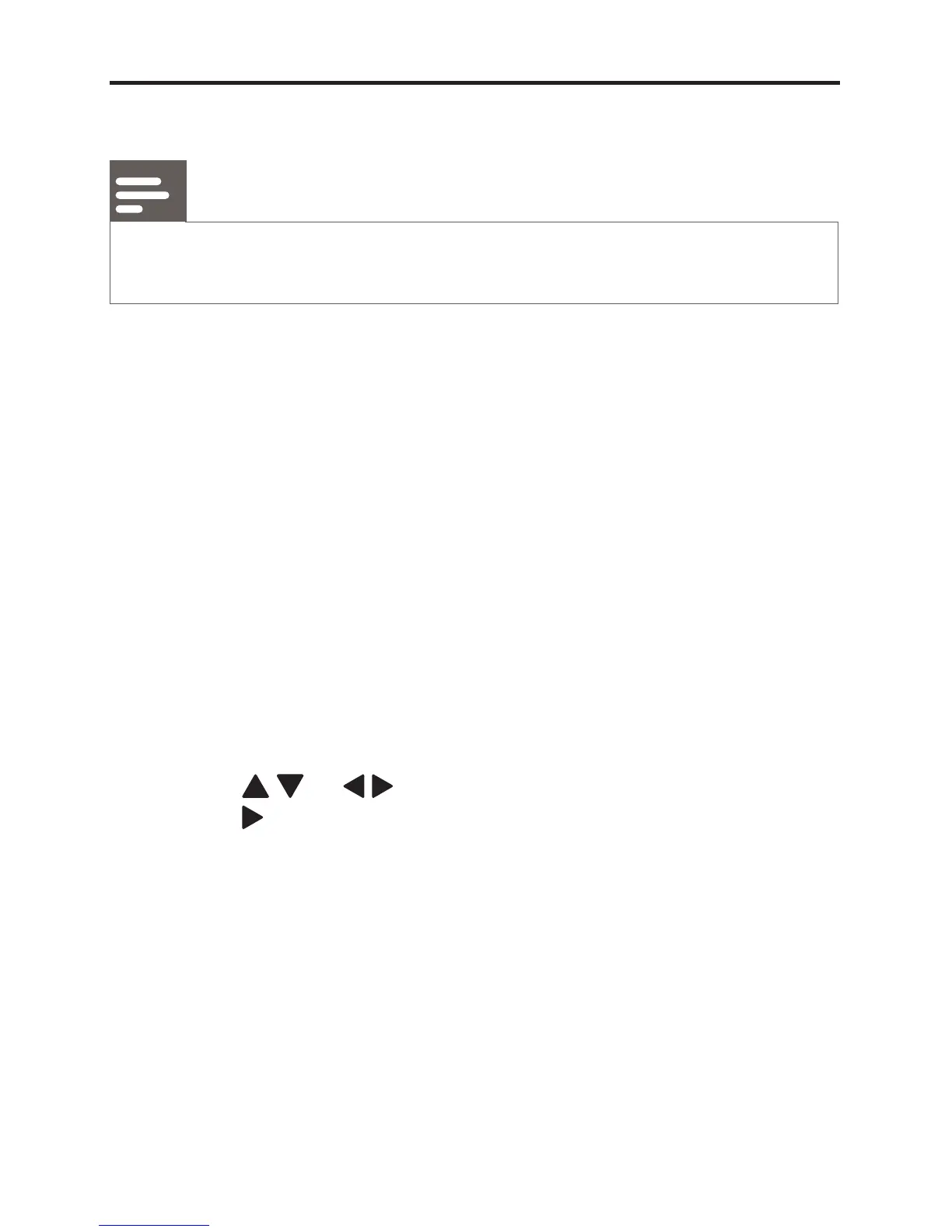
2 Press / or / to navigate through the menu and
press
to select an option.
3 press OK to con rm.
4 Press RETURN to go back to previous menu level.
5 Press SYSTEM MENU to exit.


 To Next Page