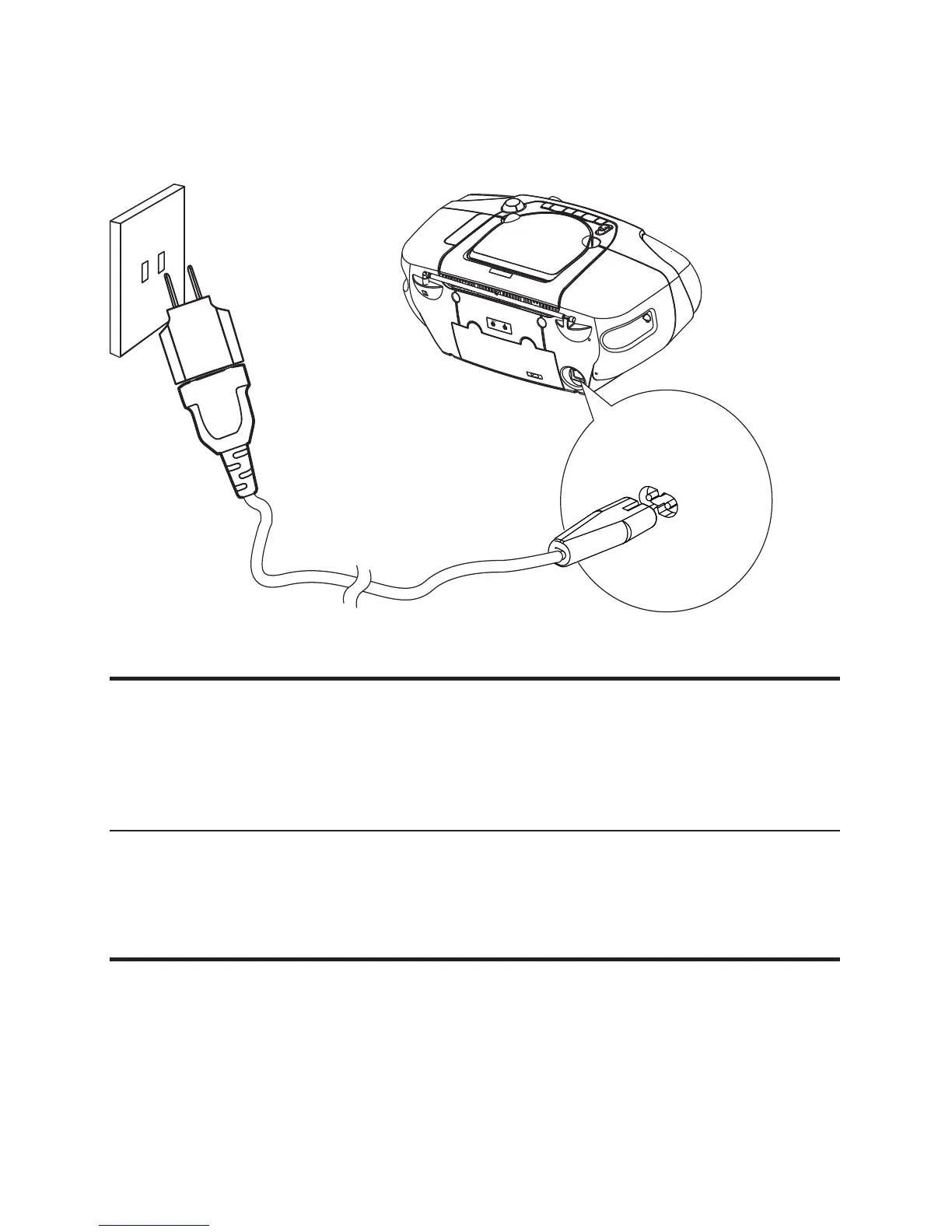
the main unit.•
the wall socket.•
Turn on
1 Push the source selector on the main unit to
DISC / USB / FM / TAPE .
Turn off
1 Push the source selector on the main unit to OFF .
Find the correct viewing channel
1 Push the source selector to DISC to switch to disc mode.
2 Turn on the TV and switch to the correct video-in channel
in one of the following ways:


 To Next Page