Play from USB
Note
Ensure that the USB device contains playable audio •
contents for supported formats. (See “USB playability
information”)
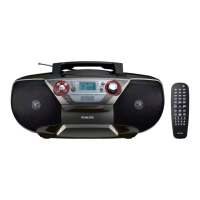
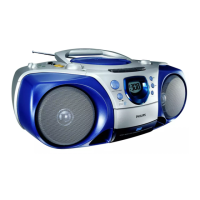
1 Flip open the USB socket cover.
2 Plug the USB device into the socket.
3 Push the source selector on the main unit to USB .
4 Press to start play.
To pause/resume play, press
• PAUSE .
To stop play, press • .
To search within an audio le, press and hold
• / ,
then release to resume normal play.
Play tape
Note
When you play or record a tape, the sound source •
cannot be changed.
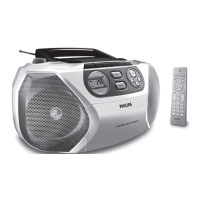
1 Push the source selector on the main unit to TAPE .
2 Open the tape button cover.


 To Next Page