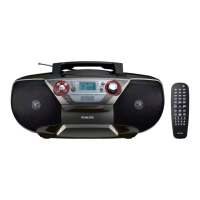
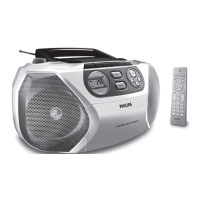
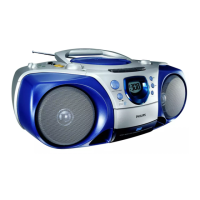
3 Press STOP/OPEN / on the main unit to open the
tape door.
4 Load the tape with the open side upward and the full
spool to the left.
5 Press PLAY on the main unit to start play.
To pause/resume play, press
• PAUSE on the main
unit.
To rewind or fast-forward, press
• SEARCH /
on the main unit.
To stop play, press • STOP/OPEN / on the main
unit.
Listen to a radio station
Tip
Position the antenna as far as possible from TV, VCR •
or other radiation source.
Note
For optimal reception, fully extend and adjust the •
position of the antenna.
1 Push the source selector on the main unit to FM .
2 Turn TUNING to tune to a radio station.


 To Next Page