4
EN
Note
• Available video options depend on the video source.
Picture options
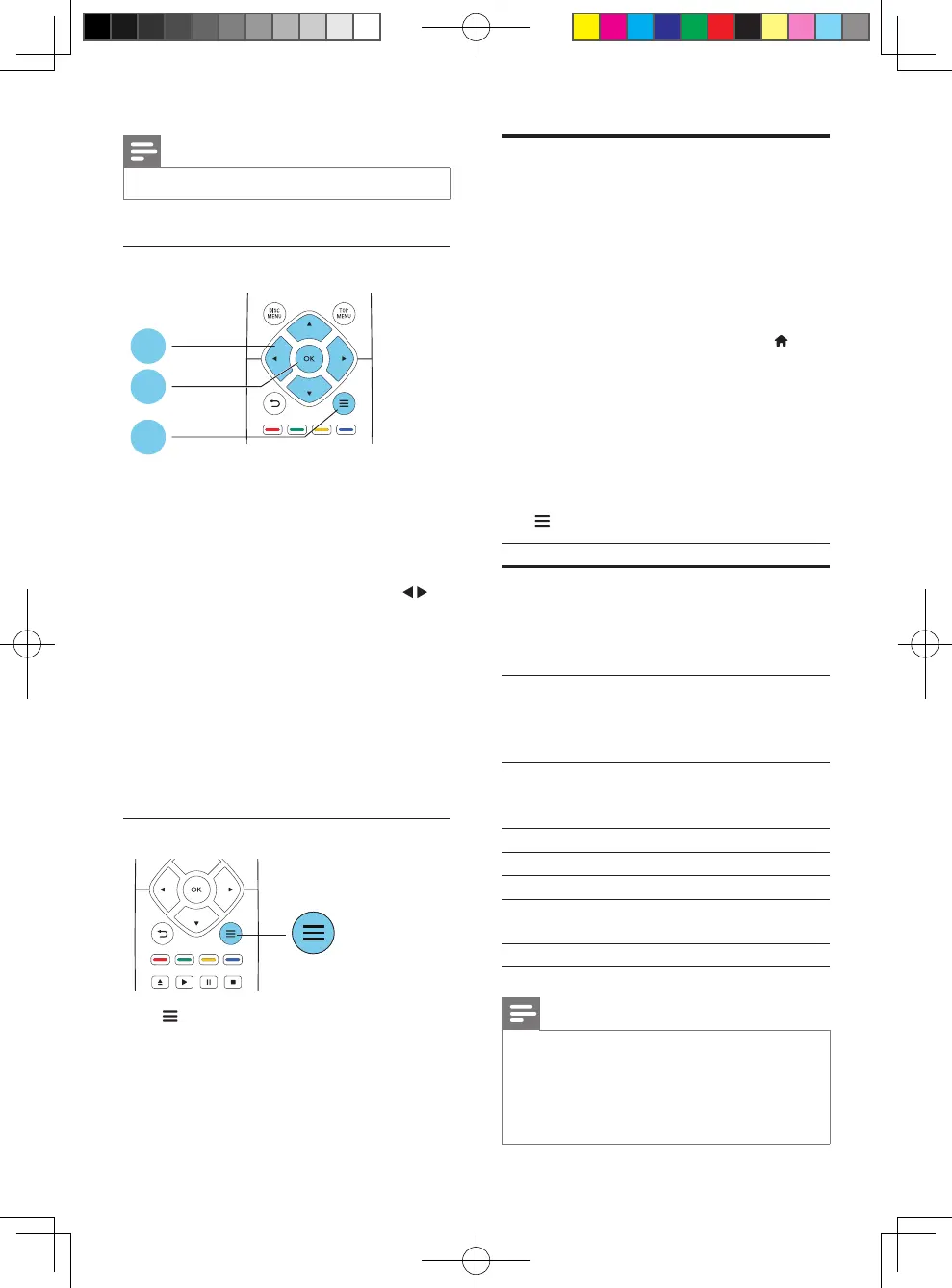
Access more options during slideshow.
• [Rotate +90]: Rotate a picture 90 degrees
clockwise.
• [Rotate -90]: Rotate a picture 90 degrees
counter-clockwise.
• [Zoom]: Zoom into a picture. Press to
select a zoom factor.
• [Info]: Display picture information.
• [Duration per slide]: Set a display interval
for a slideshow.
• [Slide animation]: Select a transition effect
for a slideshow.
• [Picture settings]:Selectapredened
color setting.
• [Repeat]: Repeat a selected folder.
Audio options
Press repeatedly to cycle through the
following options.
• Repeat the current track.
• Repeat all the tracks on the disc or folder.
• Play audio tracks in a random loop.
• Turn off a repeat mode.
2
3
1
DivX videos
You can play DivX videos from a disc or a USB
storage device.
VOD code for DivX
• Before you purchase DivX videos and play
them on this player, register this player on
www.divx.com using the DivX VOD code.
• Display the DivX VOD code: press , and
select [Setup] > [Advanced] > [DivX
®
VOD Code].
DivX subtitles
• Press SUBTITLE to select a language.
• If the subtitle is not displayed correctly,
change the character set that supports the
DivX subtitle. Select a character set: press
, and select [Character set].
Character set
Languages
[Standard] English, Albanian, Danish, Dutch,
Finnish, French, Gaelic, German,
Italian, Kurdish (Latin), Norwegian,
Portuguese, Spanish, Swedish, and
Turkish
[Central
Europe]
Albanian, Croat, Czech, Dutch,
English, German, Hungarian, Irish,
Polish, Romanian, Slovak, Slovene,
and Serbian
[Cyrillic] Bulgarian, Belorussian, English,
Macedonian, Moldavian, Russian,
Serbian, and Ukrainian
[Greek] Greek
[Baltic] Estonian, Latvian and Lithuanian
[Chinese] SimpliedChinese
[Chinese-
Traditional]
Traditional Chinese
[Korean] English and Korean
Note
• Tousethesubtitles,makesurethatthesubtitlele
hasthesamenameastheDivXvideolename.For
example,iftheDivXvideoleisnamed“movie.avi",
savethesubtitleleas“movie.srt”,or“movie.sub”.
• Thisplayercanplaysubtitlelesinthefollowing
formats: .srt, .sub, .txt, .ssa, and .smi.
BDP2285_96_UM_V1.0.indb 4 4/11/2014 2:03:20 PM



 To Next Page