14
EN
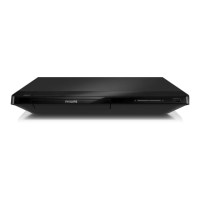
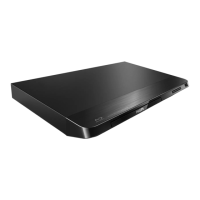
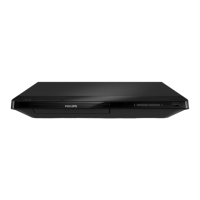
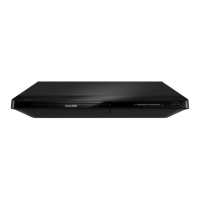
• Dimensions (w x h x d):
310 x 39.5 x 217.7 (mm)
• Net Weight: 1.12 kg
Operating Temperature & Humidity
• 0°C to 45°C, 5% to 90% Humidity for all
climates.
Storage Temperature & Humidity
• -40 °C to 70 °C, 5% to 95%
Accessories
• Remote control and batteries
• User manual
• HDMI cable
Laser
• Laser Type (Diode): AlGaInN (BD), AlGaInP
(DVD/CD)
• Wave length: 398nm to 413nm (BD),
645nm to 664nm (DVD),
770nm to 800nm(CD)
• Output power: 1.7mW (BD),
0.19mW(DVD), 0.25mW (CD)
5 Troubleshooting
Note
• Foridenticationandsupplyratings,seethetypeplate
at the back or bottom of the product.
• Before you make or change any connections, make sure
that all devices are disconnected from the power outlet.
Warning
• Risk of electric shock. Never remove the casing of the
player.
To keep the warranty valid, never try to repair
the player yourself.
If you have problems using this player, check the
following points before you request service. If
you still have a problem, register your player and
get support at www.philips.com/support.
If you contact Philips, you will be asked for the
model and serial number of this player. The
model number and serial number are on the
back of this player. Write the numbers here:
Model No. __________________________
Serial No. ___________________________
Main unit
The buttons on this player do not work.
• Disconnect this player from the power
supply for a few minutes, and then
reconnect.
Picture
No picture.
• Make sure that the TV is switched to the
correct source input for this player.
No picture on HDMI connection.
• Make sure that the HDMI cable is not
faulty. If it is faulty, replace with a new
HDMI cable.
BDP2285_96_UM_V1.0.indb 14 4/11/2014 2:03:26 PM



 To Next Page