EN 30
8. SPECIAL PLAYBACK
8.1. Fast Forward / Fast Reverse
[UHDBD]
UHD
BD
UHD
BD
[BD Video]
BD
VIDEO
BD
VIDEO
[DVD Video]
DVD
VIDEO
DVD
VIDEO
[DVD Video]
DVD
VR
DVD
VR
[AVCHD]
AVC H DAVC H D
[MP3]
MP3MP3
[AAC]
AACAAC
[MP4]
MP4MP4
[FLAC]
FLACFLAC
[WAV]
WAVWAV
[CD]
CDCD
1. During playback, press [ D (forward)] repeatedly
for fast forward.
During playback, press [ E (reverse)] repeatedly
for fast reverse.
Every time you press [ D (forward)] or
[ E (reverse)], the playback speed will change.
2. Press [ B (play)] to return to normal playback.
NoteD
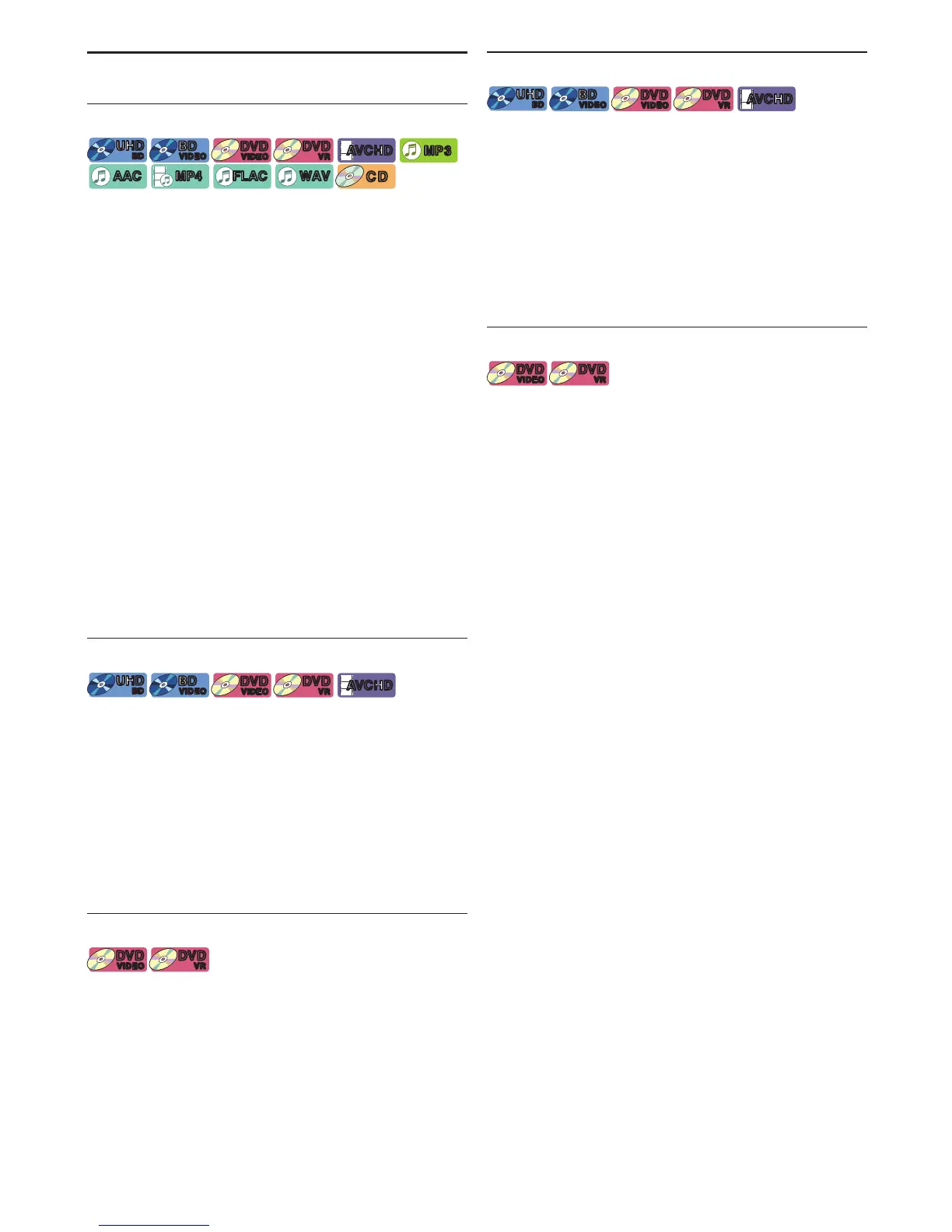
• For Ultra HD Blu-ray Disc™,Blu-ray Disc™, DVD, DVD-VR,
AVCHD, MP4 and MPEG2, speed changes in 5 different
levels.
• For audio CD, MP3, AAC, FLAC and WAV, speed
increases 1 level.
• For audio CD, fast forward / fast reverse search
between different tracks are not available during
random playback.
• For MP3, AAC, FLAC and WAV, fast forward / fast
reverse search between different files are not available.
When searching reaches the beginning/ending of the
track, it will return to normal playback.
8.2. Slow Forward Playback
[UHDBD]
UHD
BD
UHD
BD
[BD Video]
BD
VIDEO
BD
VIDEO
[DVD Video]
DVD
VIDEO
DVD
VIDEO
[DVD Video]
DVD
VR
DVD
VR
[AVCHD]
AVC H DAVC H D
1. During playback, press [ k (pause)], then press
[ D (forward)].
Every time you press [ D (forward)], the playback
speed changes in 5 different levels.
2. Press [ B (play)] to return to normal playback.
NoteD
• For Ultra HD Blu-ray Disc™, Blu-ray Disc™, AVCHD, only
slow forward is available.
8.3. Slow Reverse Playback
[DVD Video]
DVD
VIDEO
DVD
VIDEO
[DVD Video]
DVD
VR
DVD
VR
1. During playback, press [ k (pause)], then press
[ E (reverse)].
Every time you press [ E (reverse)], the playback
speed changes in 5 different levels.
2. Press [ B (play)] to return to normal playback.
8.4. Frame by frame Playback
[UHDBD]
UHD
BD
UHD
BD
[BD Video]
BD
VIDEO
BD
VIDEO
[DVD Video]
DVD
VIDEO
DVD
VIDEO
[DVD Video]
DVD
VR
DVD
VR
[AVCHD]
AVC H DAVC H D
1. In pause mode, press [ 1 ] repeatedly.
Every time you press
[ 1 ], playback will advance
one step at a time.
2. Press [ B (play)] or [ k (pause)] to return to normal
playback.
NoteD
• For Ultra HD Blu-ray Disc™, Blu-ray Disc™, AVCHD, only
slow forward is available.
8.5. Frame Return Playback
[DVD Video]
DVD
VIDEO
DVD
VIDEO
[DVD Video]
DVD
VR
DVD
VR
1. During playback, press [ k (pause)], then press
[ 0 ].
Every time you press
[ 0 ], playback will reverse by
1 frame.
2. Press [ B (play)] or [ k (pause)] to return to normal
playback.



 To Next Page