16 Getting started
4.4 Menu structure
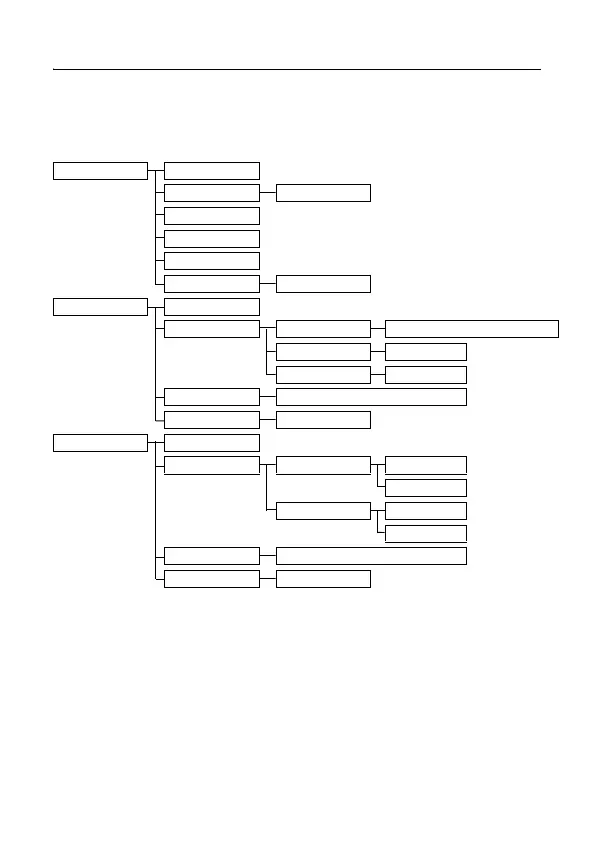
The table below describes the menu tree of your phone.
Press
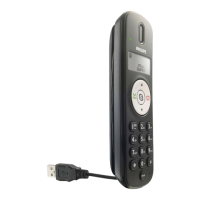
m key to display the main menu. Use navigation keys : to navigate within
the menus and press
< key to enter each option.
PHONEBOOK NEW ENTRY
LIST Phonebook entries
EDIT ENTRY
DELETE ENTRY
DELETE ALL
DIRECT MEMORY KEY 1/2
PERSONAL SET HANDSET NAME
HANDSET TONES RING VOLUME OFF/LEVEL 1/LEVEL 2/LEVEL 3/LEVEL 4
RING TONES Melody list
KEY BEEP ON/OFF
LANGUAGE ENGLISH/ESPANOL/FRANCAIS
AUTO HANG-UP ON/OFF
CLOCK & ALARM SET DATE/TIME
SET FORMAT TIME FORMAT 12
HOURS
24
HOURS
DATE FORMAT DD/MM
MM/DD
ALARM OFF/ON ONCE/ON DAILY
ALARM TONE MELODY 1/2/3



 To Next Page