9EN
Install the handset
Caution
Risk of explosion! Keep batteries away from heat, •
sunshineorre.Neverdiscardbatteriesinre.
Use only the supplied batteries. •
Risk of decreased battery life! Never mix •
different brands or types of batteries.
Warning
Check the battery polarity when inserting in •
the battery compartment. Incorrect polarity
may damage the product.
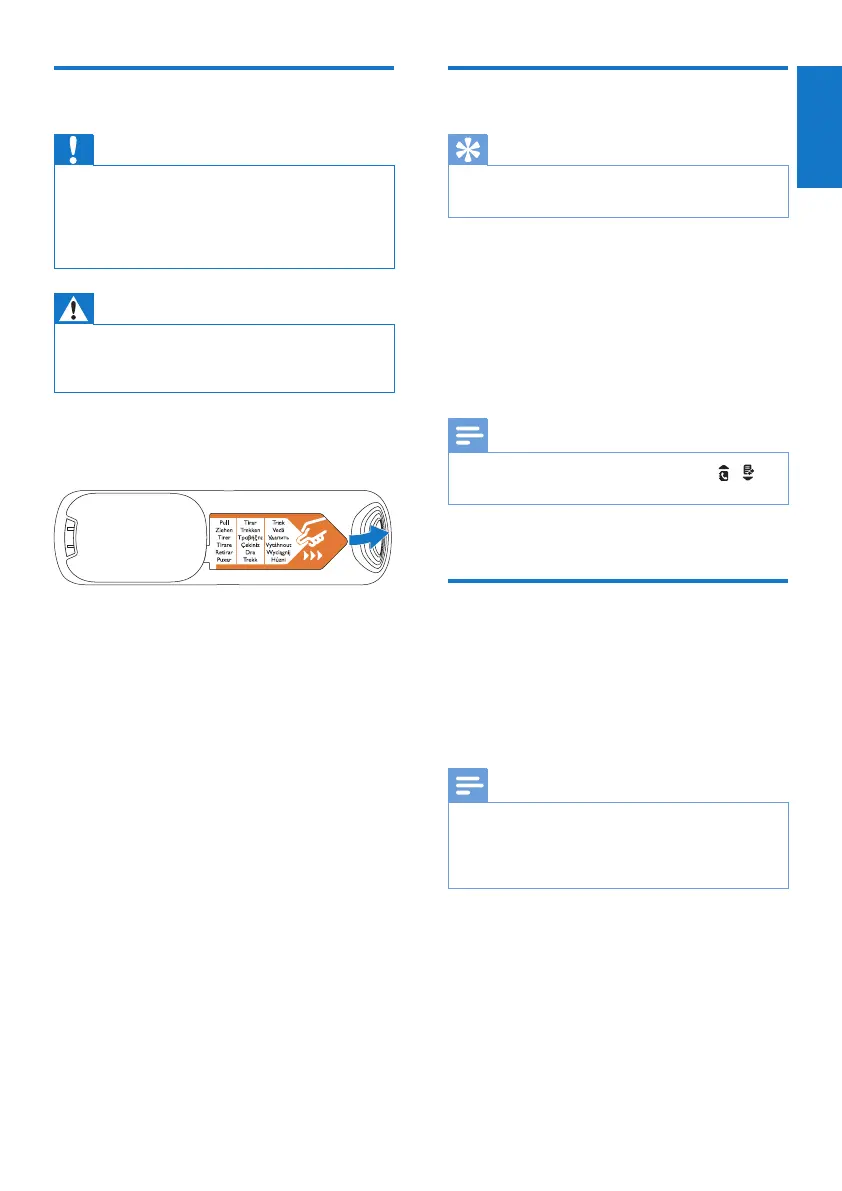
The batteries are pre-installed in the handset.
Pull the battery tape off from the battery door
before charging.
Set the date and time
Tip
To set the date and time later, press • [Back] to
skip this setting.
1 Select [Menu] > [Phone setup] > [Date
& time], then press [OK]toconrm.
2 Press the numeric buttons to enter the
date, then press [OK]toconrm.
The time setting menu is displayed on »
the handset.
3
Press the numeric buttons to enter the time.
Note
If the time is in 12-hour format, press • / to
select [AM] or [PM].
4 Press [OK]toconrm.
Charge the handset
Place the handset on the charging cradle to
charge the handset. When the handset is placed
correctly on the charging cradle, your hear a
docking sound.
The handset starts charging. »
Note
Chargethebatteriesfor8hoursbeforerst •
use.
If the handset becomes warm when the
•
batteries are being charged, it is normal.
Your phone is now ready to use.
English



 To Next Page