58
EN
Troubleshooting
Troubleshooting of the phone
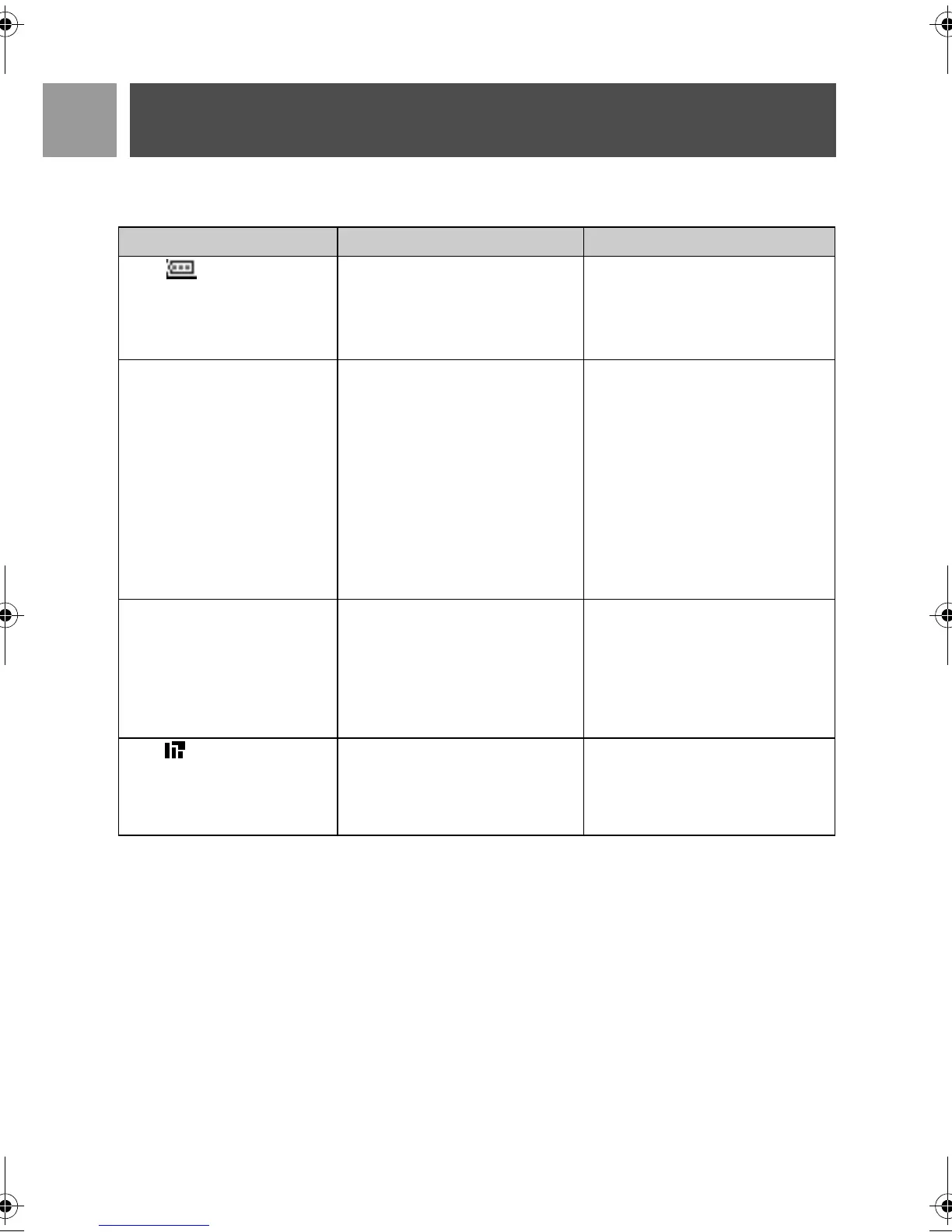
Problem Causes Solution
The icon is not blinking
when the handset is placed
on the base
• Bad battery contact
• Dirty contact
• Battery is full
• Move the handset slightly
• Clean the battery contact with a
cloth moistened with alcohol
• No need to charge
No dialling tone • No power
• Batteries are empty
• You are too far from the base
station
• Wrong line cable
• Line adaptor (when needed) is
not connected to the line cord
• Check the connections. Reset
the phone: unplug and plug
back in the mains
• Charge the batteries for at least
24 hours
• Move closer to the base station
• Use the line cable provided
• Connect the line adaptor (when
needed) to the line cord
Poor audio quality • You are too far from the base
station
• The base station is too close to
electrical appliances, reinforced
concrete walls or metal
doorframes
• Move closer to the base station
• Move the base station at least
one metre away from any elec-
trical appliances
The icon is blinking • Handset is not registered to
the base station
• The handset is too far from the
base station
• Register the handset to the base
station
• Move closer to the base station
CD535_IFU_EN.book Page 58 Monday, September 25, 2006 1:15 PM


 To Next Page