12 EN
Tip
• When a trac announcement cuts in, you
can press to switch the system to the
previous mode.
Synchronize the clock
You can synchronize the clock with an
RDS station that transmits time signals.
• Tap > to select
or .
• : Enable automatic clock
synchronization.
• : Disable automatic clock
synchronization.
Tip
• The accuracy of time depends on the RDS
station that transmits time signals.
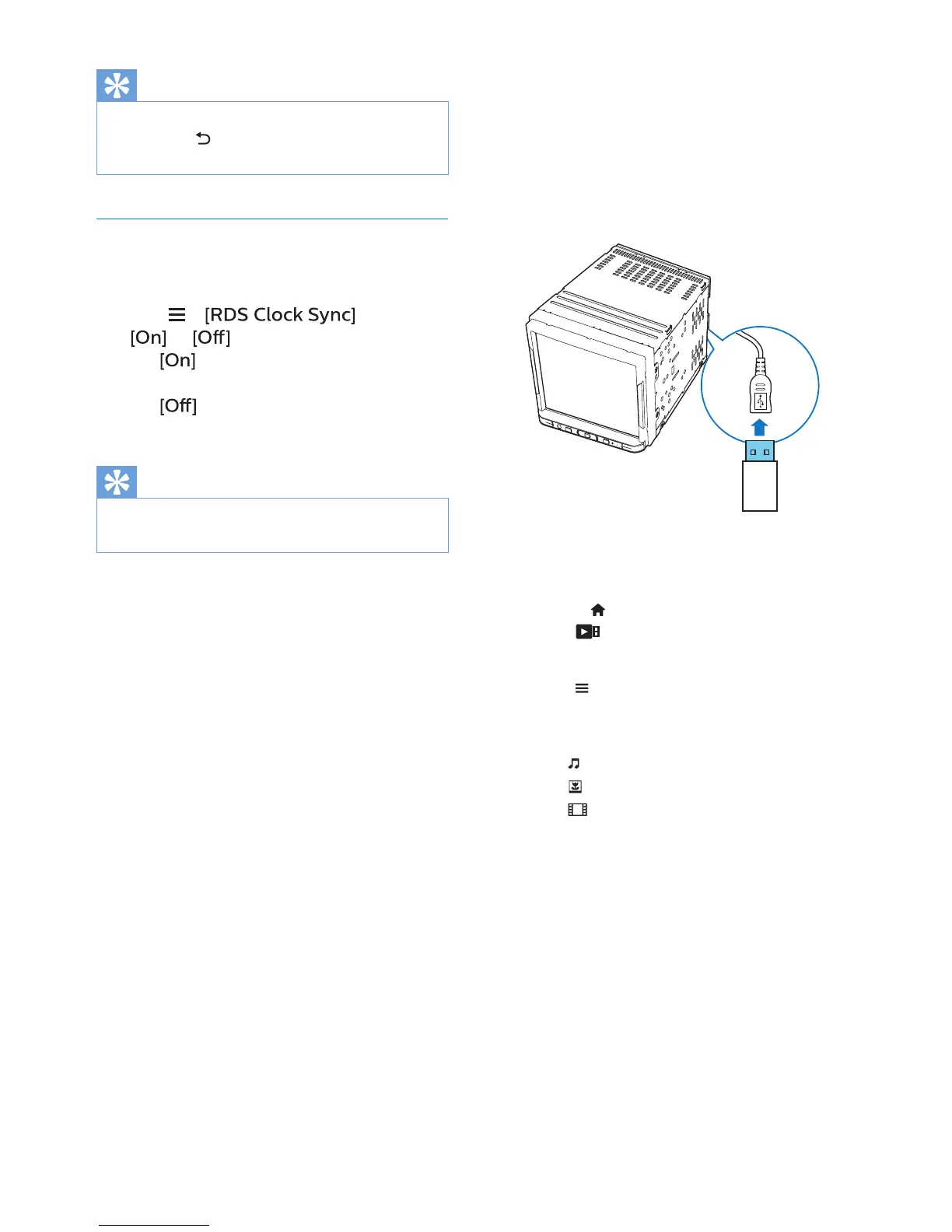
6 USB
On the unit, you can play the media les
that you have stored on a USB storage
device.
1 Connect your USB storage device to
the unit.
2 Press to enter the Home screen.
Tap .
» Music play starts automatically.
3 Tap to go to the song list.
» Media les are sorted as
follows:
: Display music les/ folders.
: Display picture les/ folders.
: Display video les/ folders.
4 Select a le to start play.



 To Next Page