14 EN
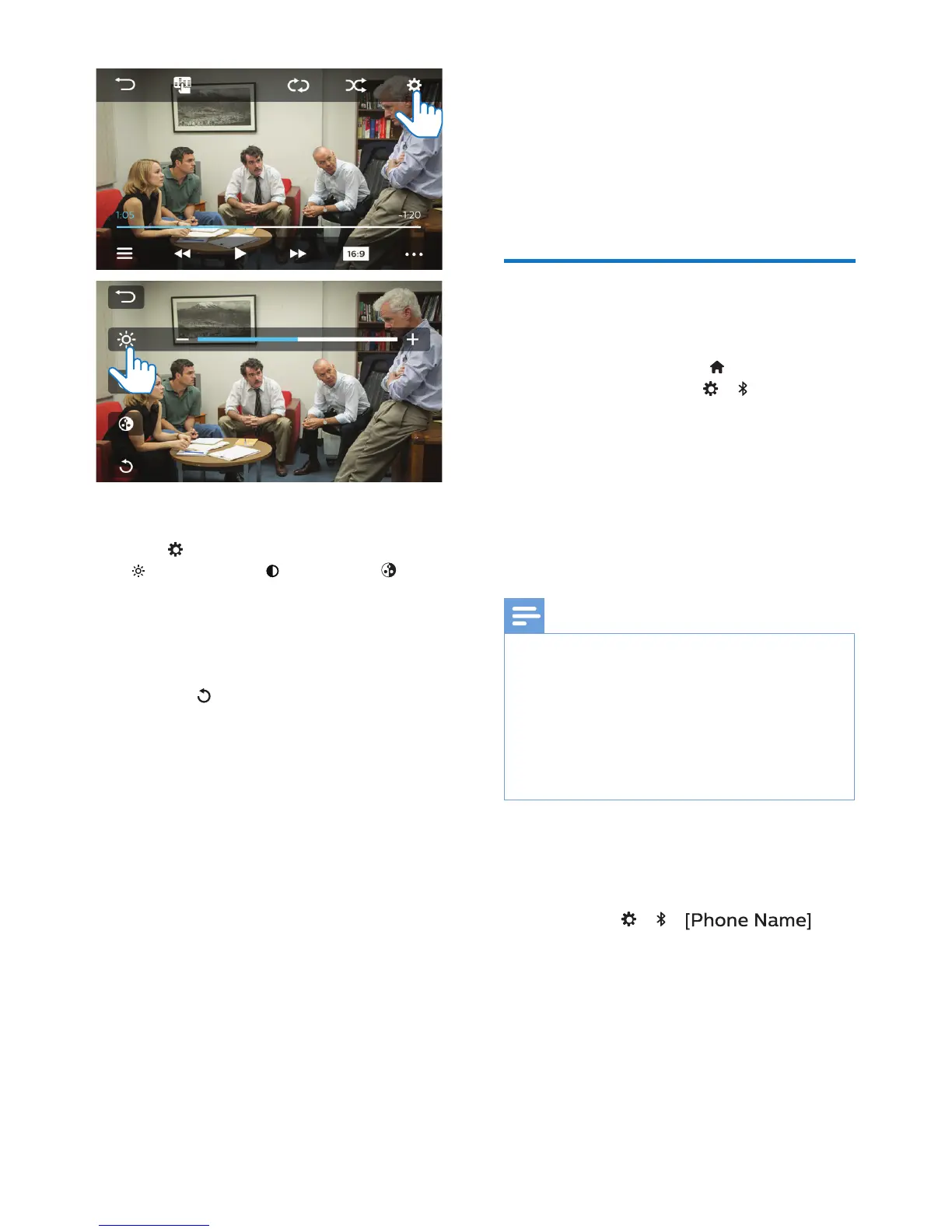
Select settings
1 Tap to access the options list:
(Brightness), (Contrast),
(Color).
2 Tap the icon to hide or show the
adjustment bar.
3 Tap +/ - to make adjustment.
• Tap to discard the adjustment.
7 Bluetooth
On the unit, you can enjoy music play
that stream from a connected Bluetooth
device.
Connect your Bluetooth
device
1 On your unit, press to enter the
Home screen. Tap > to switch
on Bluetooth.
2 On your Bluetooth device, search
for and select Philips CE600BT.
3 Follow the onscreen instructions to
complete Bluetooth connection.
• If necessary, enter the passcode
0000 on your Bluetooth device.
Note
• The operational range between this system
and a Bluetooth device is approximately
8 meters (24 feet).
• Any obstacle between this system and
a Bluetooth device can reduce the
operational range.
• Keep away from any other electronic
device that may cause interference.
To connect another Bluetooth device
1 Disable Bluetooth in currently
connected Bluetooth device.
• Go to > >
to check currently connected
Bluetooth device.
2 Follow the steps above to complete
Bluetooth connection.



 To Next Page