15EN
Enjoy music from your
Bluetooth device
1 On your unit, press to enter the
Home screen. Tap .
2 Check that your Bluetooth device
supports the Bluetooth prole A2DP
and AVRCP.
3 On your Bluetooth device, start
music play.
» You can listen to music through
the unit.
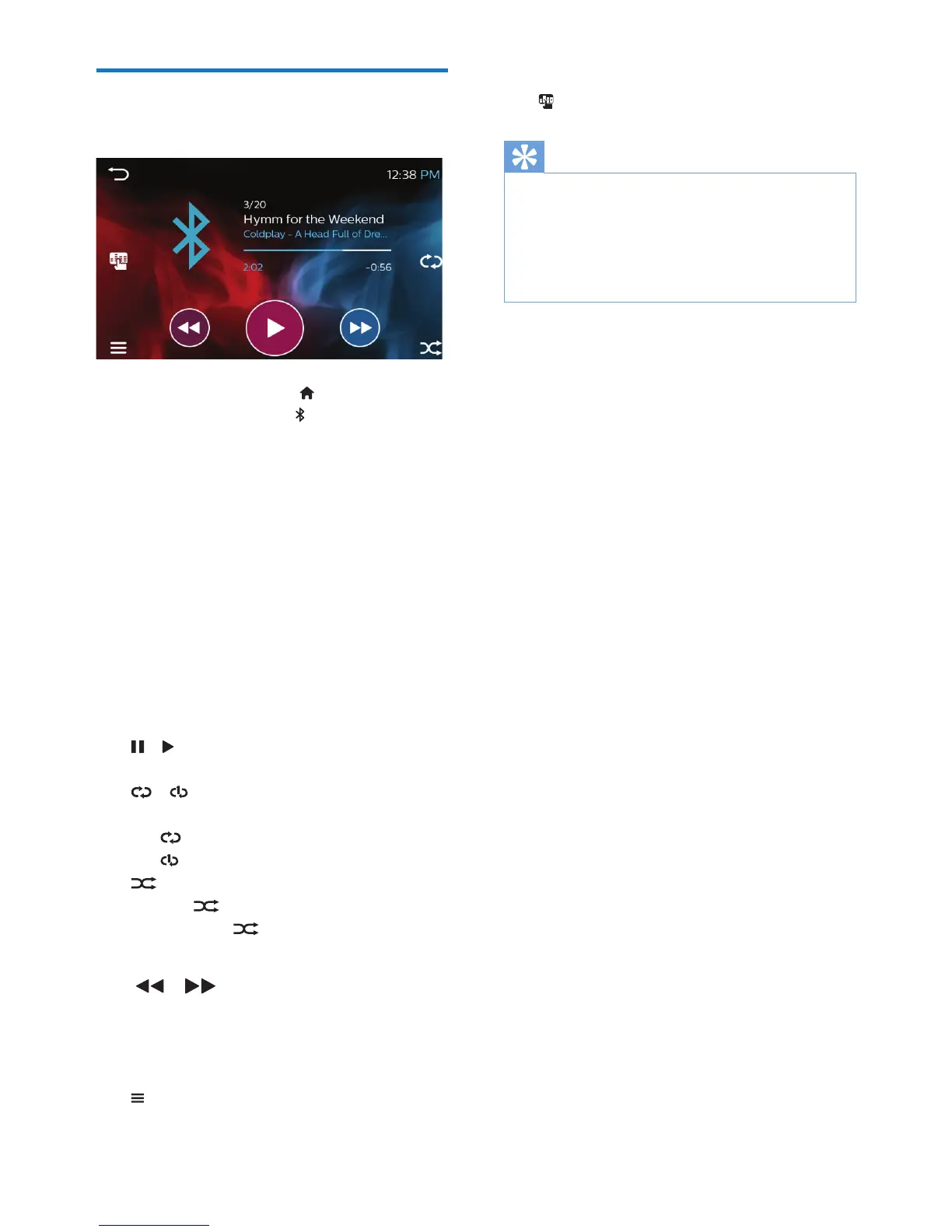
» On the unit, the play screen
shows le information, play
status, and play controls for you
to select options.
Select play options
• / : Tap to start, pause, or resume
play.
• / : Tap to select a repeat
mode:
• : Repeats all songs.
• : Repeats current song.
• : Tap to play all songs in random
order ( highlighted) or in
sequence ( in gray).
Search for les
• / :
• Tap to skip to the next/previous
le.
• Tap and hold to fast forward or
rewind within current le.
• : Tap to go to the song list.
Select sound settings
• : Tap to select sound settings.
Tip
• To browse the song/ folder list or select the
repeat/ random play mode, check that
- your Bluetooth device supports Bluetooth
AVRCP 1.5, for example, iPhone 6 or later;
- you play music from a supported app, for
example, Apple Music.



 To Next Page