EasyManua.ls Logo

Philips CE600BT - Page 7

Philips CE600BT
28 pages
Print Icon
To Next Page IconTo Next Page
To Previous Page IconTo Previous Page
Loading...
5EN
ISO male
connectors
Connect to
g Blue strip, white
strip
Amplier relay
control lead
h Black strip Ground
i Yellow strip The +12V car
battery which is
energized at all
times
2 Connect other wires if necessary.
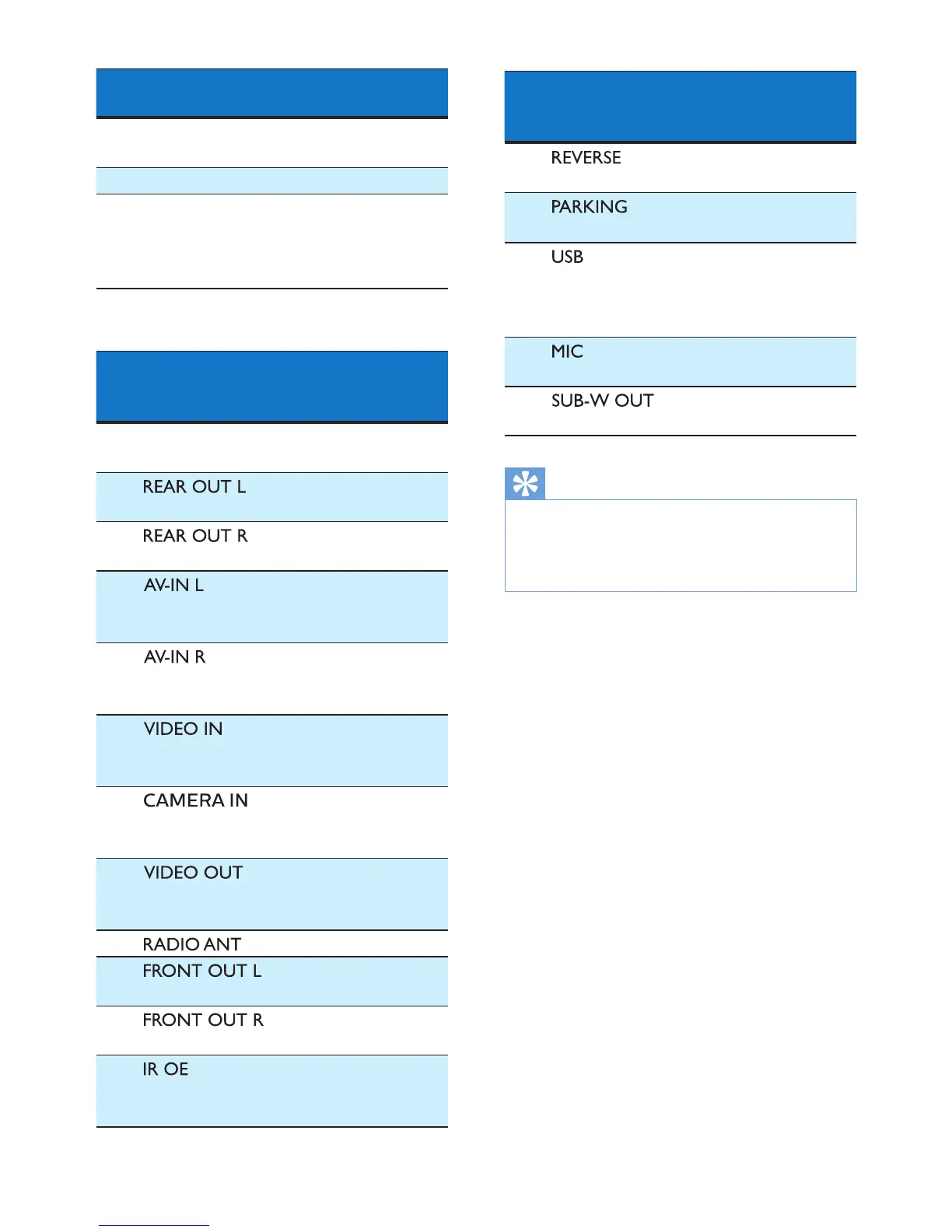
Connectors and
sockets on rear
panel
External sockets
or connectors
1 For ISO male
connectors
As indicated
above
2
(White socket)
Rear left
speaker
(Red socket)
Rear right
speaker
3
(White socket)
Left audio
output of the
external player
(Red socket)
Right audio
output of the
external player
(Yellow socket)
Video output
of the external
player
4
(Yellow socket)
Video output
socket of an
external camera
5
(Yellow socket)
Video input of
the external
display device
6 Radio antenna
7
(White socket)
Front left
speaker
(Red socket)
Front right
speaker
8
(Black/ brown
wire)
OE remote
Connectors and
sockets on rear
panel
External sockets
or connectors
9
(Purple wire)
Reverse camera
(B+)
10
(Pink wire)
Parking brake
(-)
11
(Black socket)
USB connector
of the external
USB storage
device
12
(Black socket)
External
microphone
13
(Black socket)
Sub-woofer
Tip
The pin arrangement for the ISO
connectors depends on the type of your
vehicle. To avoid damage to the system,
connect properly.

Other manuals for Philips CE600BT

Related product manuals