25EN
• [4 PG13] - Unsuitable for children
under age 13.
• [5 PG-R] - Parental Guidance;
recommended that parents restrict
children under 17 from viewing.
• [6 R] - Restricted; recommended only
when supervised by a parent or adult
guardian.
• [7 NC-17] - Not recommended for
children under age 17.
• [8 ADULT] - Viewed only by adults
due to graphic sexual scenes, violence,
or language.
• [DEFAULT] (Default)
Reset all settings to factory default status
except the [PASSWORD].
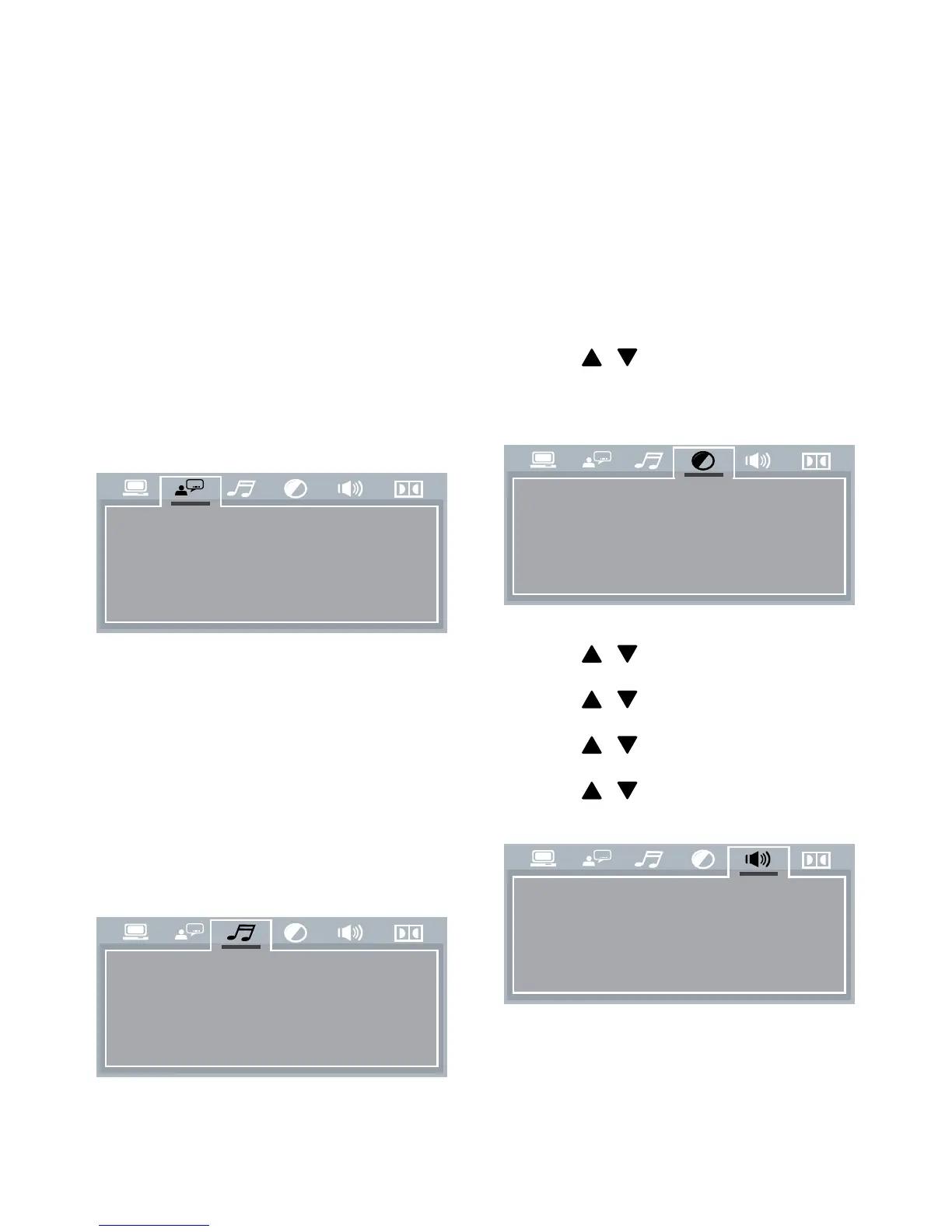
• [OSD LANGUAGE] (On-screen display
language)
Select a language for on-screen menus.
• [AUDIO LANG] (Audio language)
Select an available audio channel or audio
language.
• [SUBTITLE LANG] (Subtitle language)
Select an available language for subtitles.
• [MENU LANG] (Menu language)
Select a language for disc menu.
• [AUDIO OUT] (Audio out)
OSD LANGUAGE
AUDIO LANG
SUBTITLE LANG
MENU LANG
AUDIO OUT
KEY
Select a suitable setting if you have
connected an audio/video device to the
COAXIAL (DIGITAL AUDIO) socket.
• [SPDIF/OFF] - Select this option to
disable digital output.
• [SPDIF/RAW] - Select this option
if the connected device is a multi-
channel decoder/receiver.
• [SPDIF/PCM] - Select this option if
the connected device cannot decode
multi-channel audio.
• [KEY] (Key)
Press
/ to increase or decrease the
tone.
• [BRIGHTNESS] (Brightness)
Press
/ to adjust the brightness level.
• [HUE] (Hue)
Press
/ to adjust the hue level.
• [SATURATION] (Saturation)
Press
/ to adjust the saturation level.
• [SHARPNESS] (Sharpness)
Press
/ to adjust the contrast level.
• [DOWNMIX]
Select a suitable audio downmix when
you play a DVD recorded in Dolby Digital
format.
BRIGHTNESS
HUE
SATURA TION
SHARPNESS
DOWNMIX



 To Next Page