21
EN
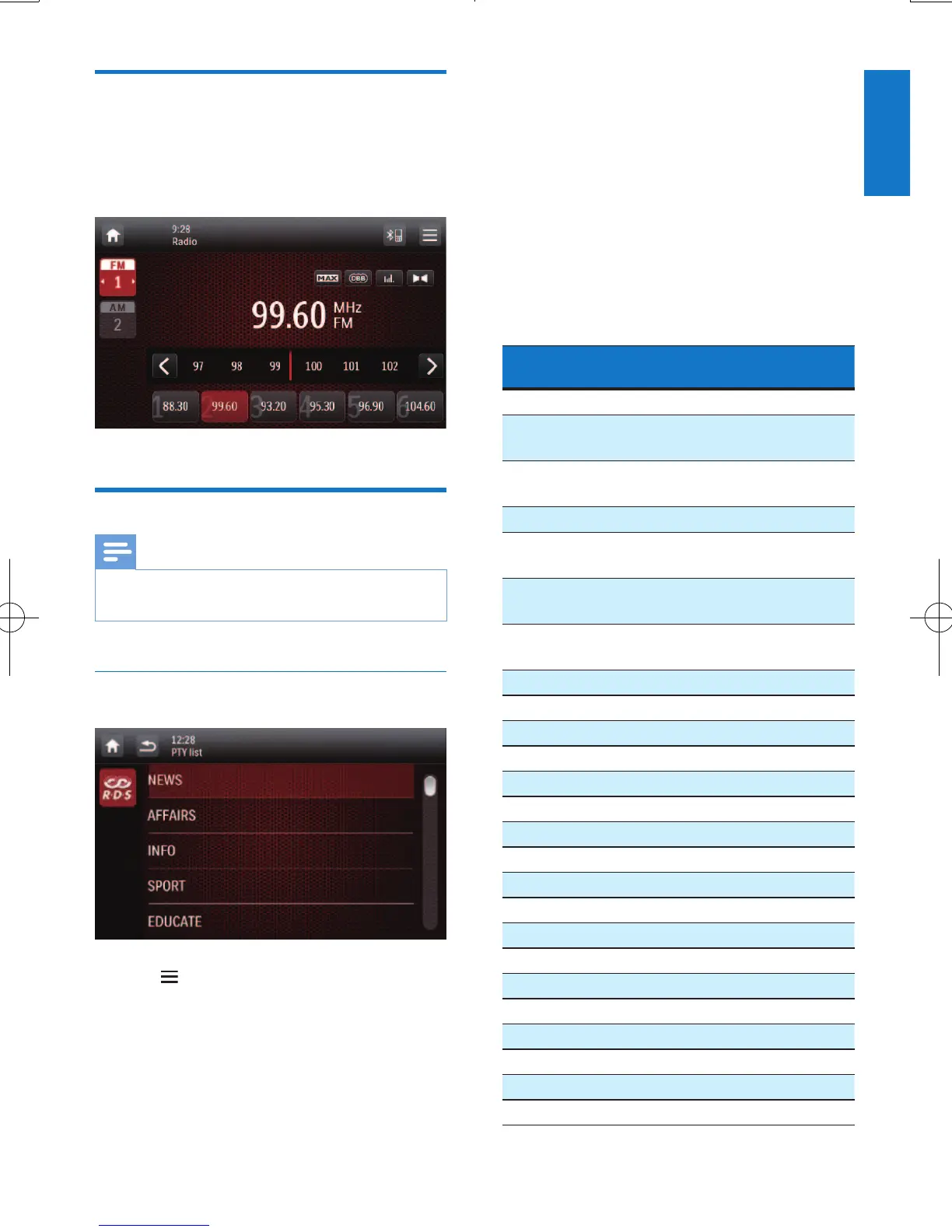
Tune to a preset radio station
1 Select a band.
2 Tap one of the preset channels (1 to 6) to
select a preset radio station.
Use RDS related features
Note
• Only after RDS feature is enabled, you can use RDS
related features.
Search for RDS programs of a specic
type
1 Tap > [PTY list] to display the list of
program types.
2 Tap the name of a program type to start
search.
» Once an RDS station that transmits
programs of the selected type is
found, the RDS station is broadcast
automatically.
• To save the RDS station, tap and hold
one of the preset channels.
• To search for another RDS station,
repeat steps 1 and 2.
RDS program types
Item Program
type
Description
1 NEWS News services
2 AFFAIRS Politics and current
affairs
3 INFO Special information
programs
4 SPORT Sports
5 EDUCATE Education and advanced
training
6 DRAMA Radio plays and
literature
7 CULTURE Culture, religion and
society
8 SCIENCE Science
9 VARIED Entertainment programs
10 POP M Pop music
11 ROCK M Rock music
12 MOR M Light music
13 LIGHT M Light classical music
14 CLASSICS Classical music
15 OTHER M Special music programs
16 WEATHER Weather
17 FINANCE Finance
18 CHILDREN Children’s programs
19 SOCIAL Social Affairs
20 RELIGION Religion
21 PHONE IN Phone In
22 TRAVEL Tr avel
23 LEISURE Leisure
24 JAZZ Jazz Music
25 COUNTRY Country Music



 To Next Page