35
English
EN
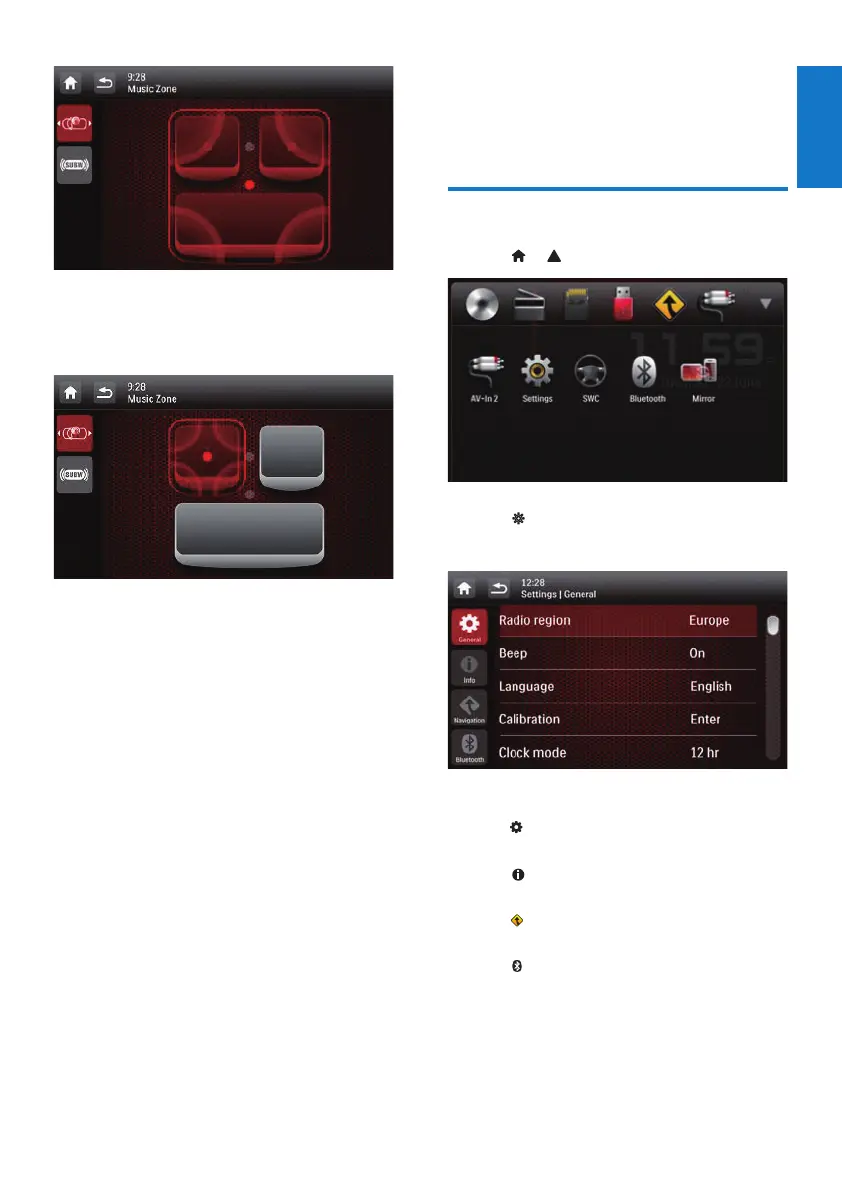
Tap a gray point to switch the listening zone.
» The highlighted area indicates the
current listening zone.
13 Adjust settings
Access system setup menus
1 Tap > to display all feature icons.
2 Tap [Settings].
» The [General] menu is displayed.
3 Tap an icon on the left.
• : Access the [General] menu to
adjust general settings.
• : Access the [Info] menu to view
system information.
• : Access the [Navigation] menu to
adjust navigation settings.
• : Access the [Bluetooth] menu to
adjust Bluetooth settings.
4 Swipe your nger up or down to view
more settings.
5 Tap an option to view details or change
the setting.



 To Next Page