14
Set time
1. Touch [Time].
2. Touch on the displayed time.
A submenu is displayed. »
3. Touch or to set hour and minute.
Tip
When date/time is set, touch • first and then
touch
to return to main menu.
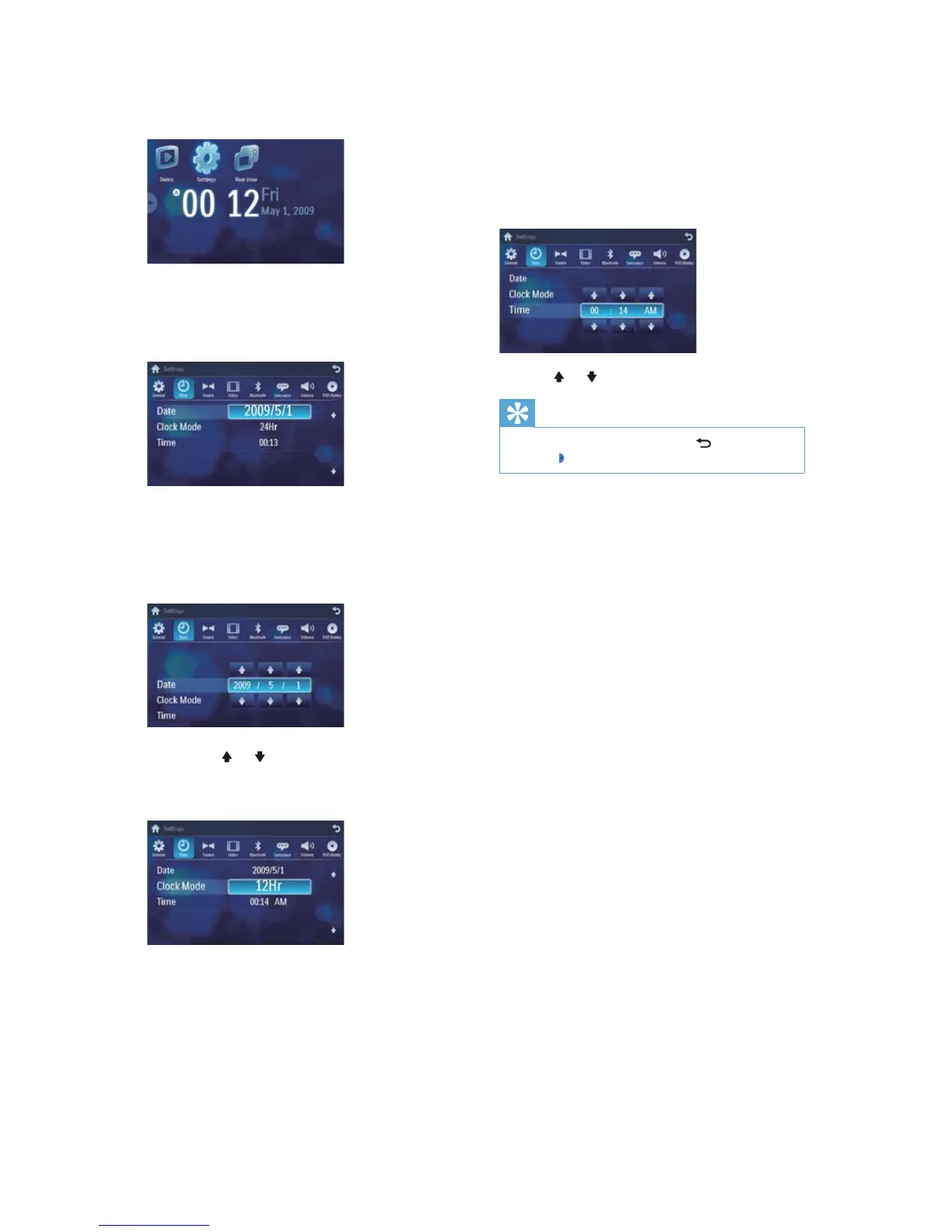
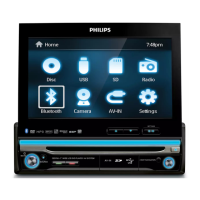
3 Touch [Settings].
4 Touch [Time].
The date/time setup menu is displayed. »
Set date
1 Touch [Date].
2 Touch on the displayed date information.
A submenu is displayed. »
3 Touch or to set year, month and day.
Set clock mode
1 Touch [Clock mode] .
2 Touch on [12Hr] or [24Hr] to select
clock mode.
EN


 To Next Page