33
English
EN
Tip
When the unit is reset, all the settings remain •
unchanged.
Remove the unit
To repair, replace fuse, or replace the unit
with another car audio, remove it from the
dashboard.
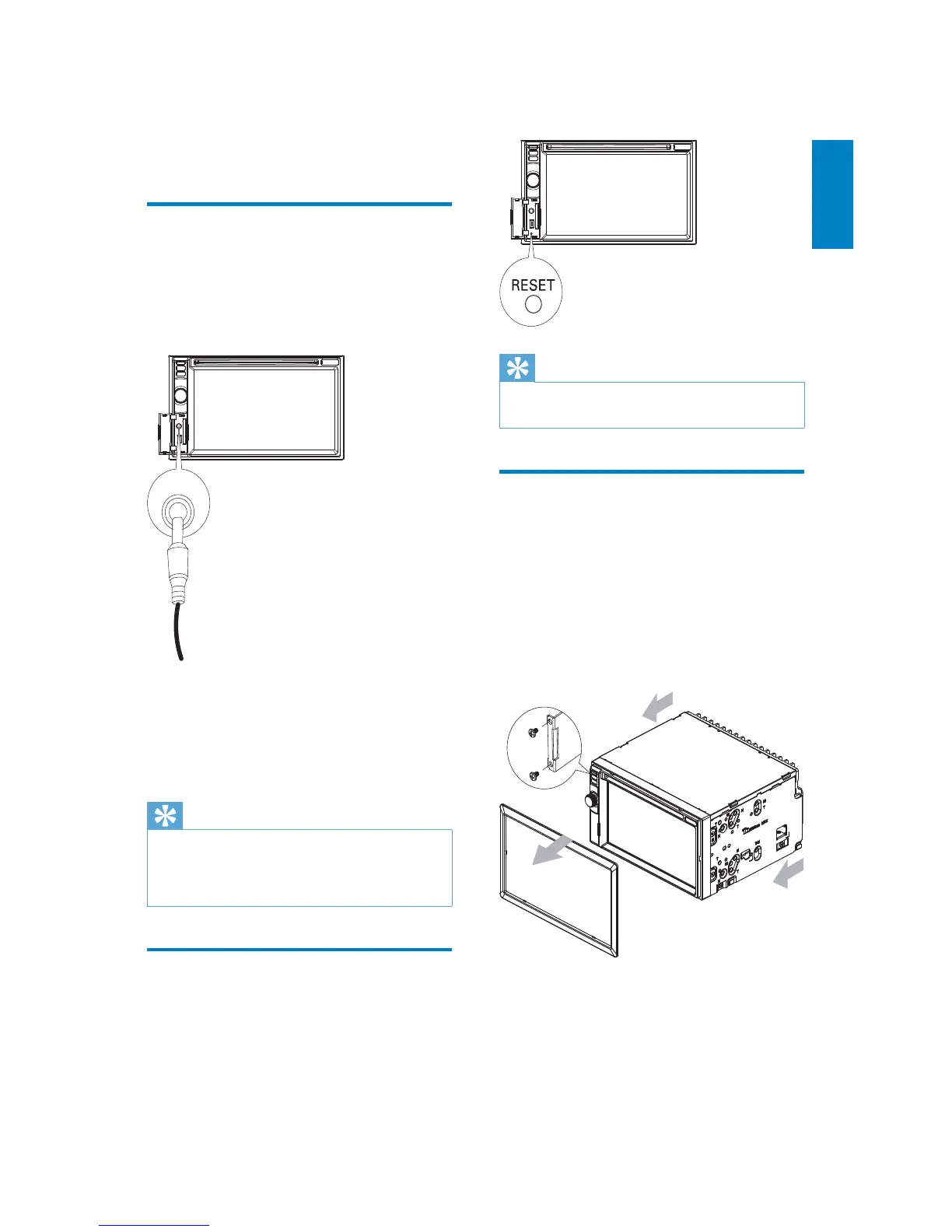
1 Take off the trim plate.
2 Screw off the four (4) screws on the
left/right side of the unit.
3 Pull the unit out from the dashboard.
9 Others
Listen to other devices
You can connect an external audio/video device
to the unit.
1 Connect the car audio to the device with
the supplied AV cable.
2 Touch the upper left corner to display the
main menu.
3 Touch [AV-IN1].
4 Operated the connected the device (see
the instructions manual of the device).
Tip
If you connected the system to other audio •
device through the REAR OUT L/R connector
(see “Connect wires” section), touch [AV-IN2]
to listen to that device.
Reset
When the unit hangs up, you can reset it.
1 Press RESET with a ball-point pen or
similar tool.
AV IN



 To Next Page