15
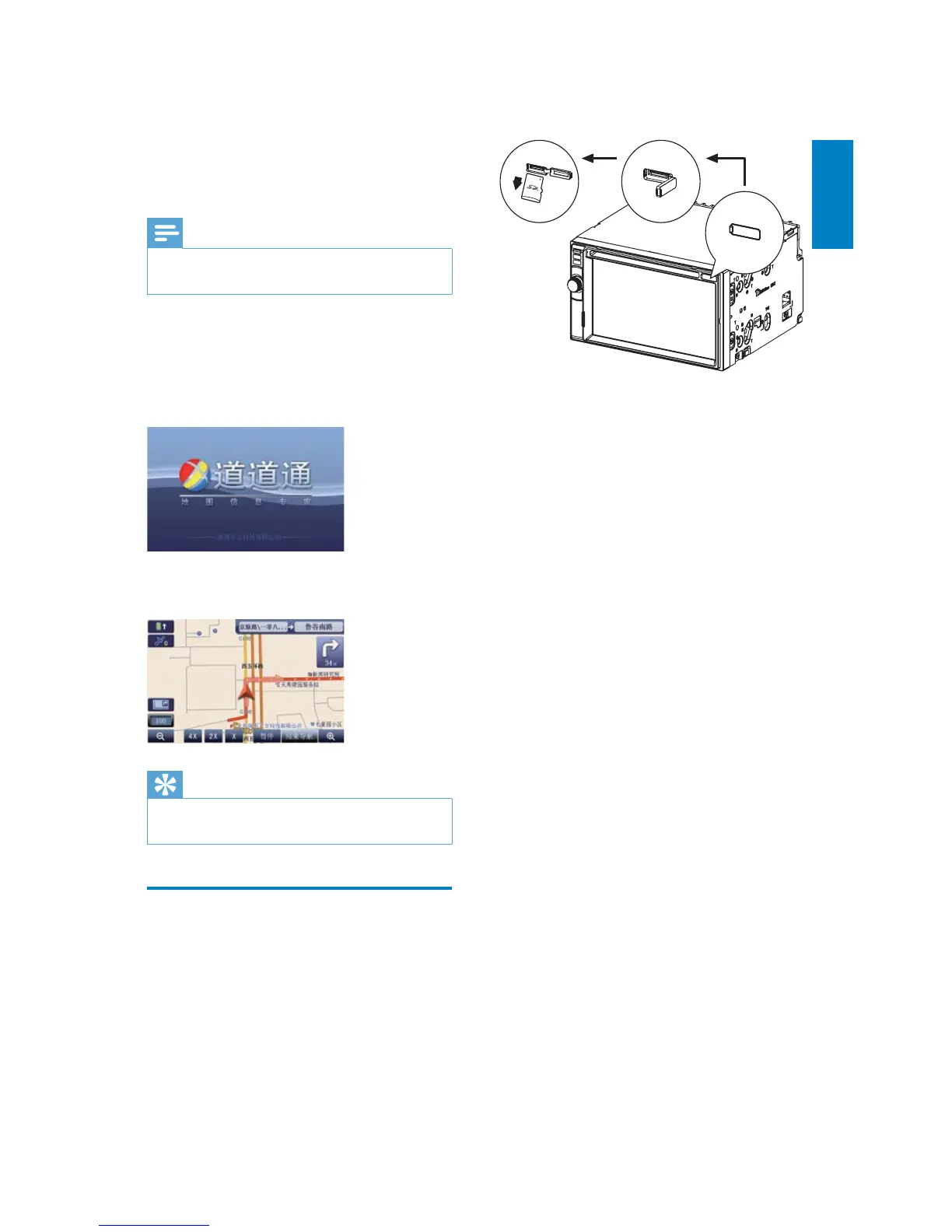
4 Insert the upgraded map card back into
the map card slot.
5 Turn on the car audio.
The map upgrades in a few minutes. »
3 Use map
Note
You may need to upgrade the map before •
using it (see “Upgrade the map” section)
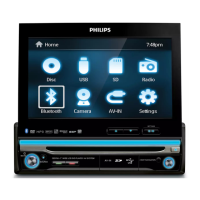
1 Touch the upper left corner to display
home menu.
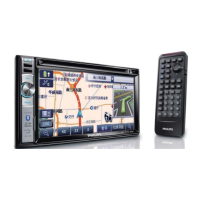
2 Touch [Navigation].
The navigation menu is displayed in a »
few seconds.
3 Refer to the map manual (in Chinese) to
operate the navigation tool.
Tip
You can press • NAVI to enter/exit the
navigation system.
Upgrade the map
1
Turn off the car audio system.
2 Press the map card until you hear a click
sound.
3 Take out the card and bring it to the
authorized service center for upgrade.
English
EN


 To Next Page