28
2 Touch or to highlight a setting.
3 Touch on the option to display/select an
option.
General
settings
Options Description
[Radio
region]
[USA],
[S.Amer-1],
[Arabia],
[China],
[S.Amer-2],
[Europe],
[Korea],
[OIRT]
Select one that
matches your
location.
[Radio
range]
[Local] Only stations
with strong
signals can be
broadcast.
[Distance] Stations with
strong and weak
signals can be
broadcast.
[Blackout] [off] Never turn on
the screen saver.
[10s] Turn on the
screen saver
automatically
10 seconds after
last operation.
[20s] Turn on the
screen saver
automatically
20 seconds after
last operation.
[Auto
dimmer]
[On] Turn on the
screen dim
automatically
5 seconds after
last operation.
[Off] Never turn the
screen dim.
[Key color] [Red] Button backlight
turns red.
[Blue] Button backlight
turns blue.
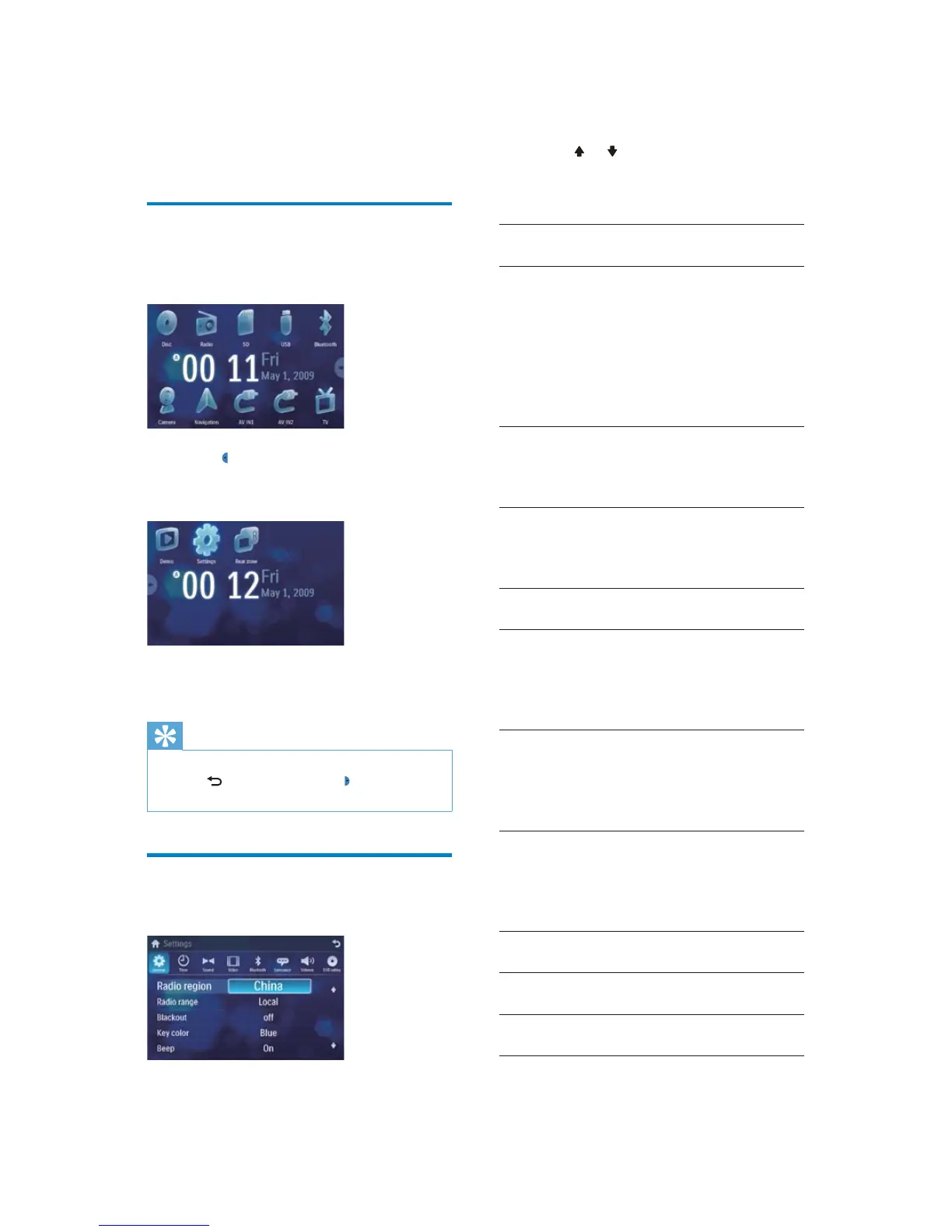
8 Adjust settings
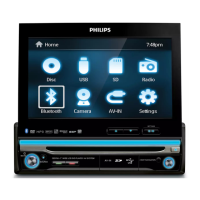
Display system setup menu
1
Touch the upper left corner to display
main menu.
2 Touch in the middle right side of the
screen.
The second main menu is displayed. »
3 Touch [Settings].
The settings menu is displayed. »
Tip
When the setup adjustment is completed, •
touch first and then touch to return to
main menu.
Adjust general settings
1
Touch [General], if necessary.
EN


 To Next Page