30
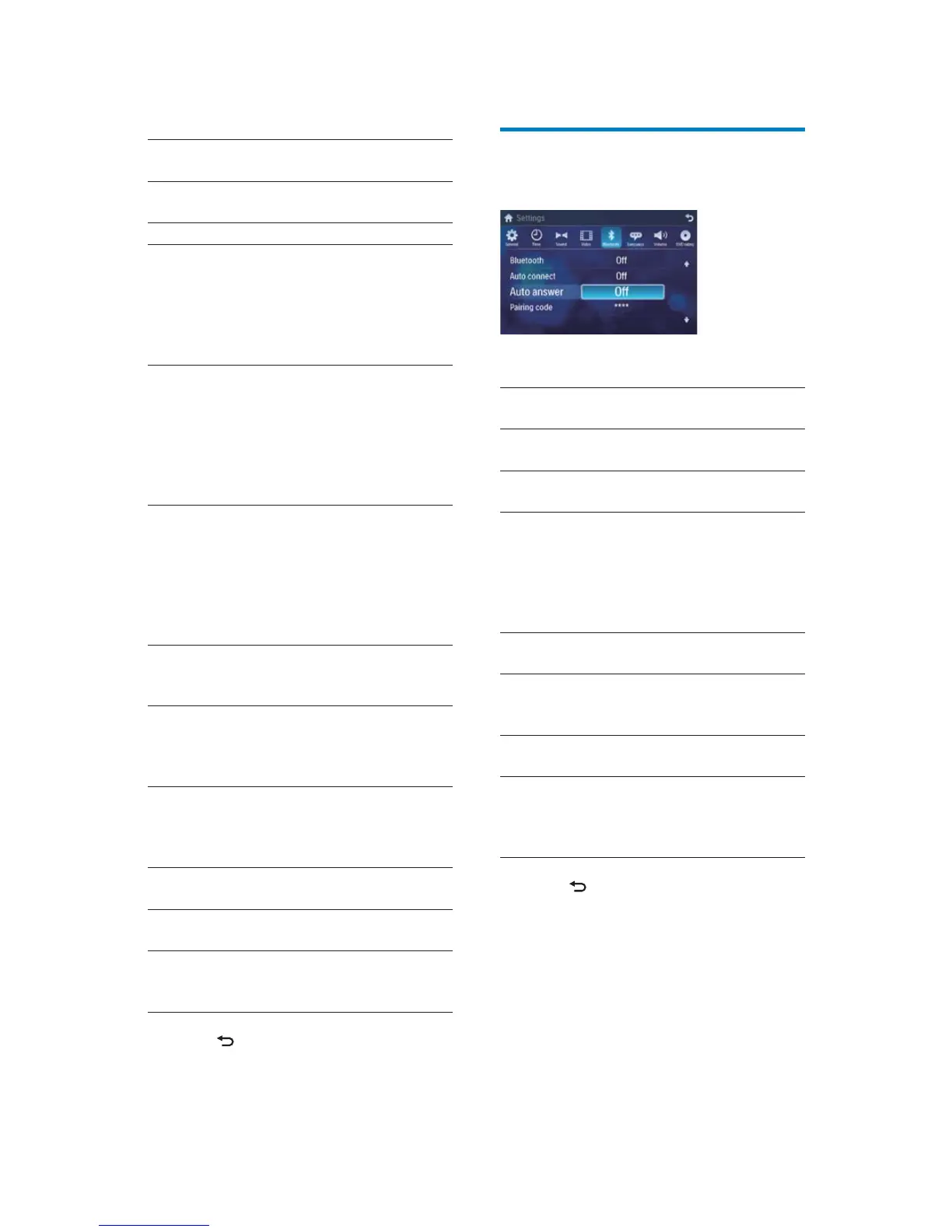
Adjust Bluetooth settings
1
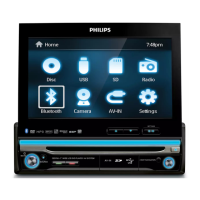
Touch [Bluetooth].
2 Touch an option repeatedly to select:
Bluetooth
settings
Options Description
[Bluetooth] [On] Turn on the
Bluetooth function.
[Off] Turn off the
Bluetooth function.
[Auto
connect]
[On] If the pre-paired
device is within the
effective range, the
unit re-connects to
pre-paired device
automatically.
[Off] Need to re-connect
manually.
[Auto
answer]
[On] Answer paired
phone call
automatically.
[Off] Answer phone call
manually.
[Pairing
code]
View code for
pairing the unit with
other Bluetooth
devices.
3 Press to exit.
Video
settings
Options Description
[Aspect
ratio]
[Full] For widescreen
display.
[Normal] For normal display.
[Video
input]
[Auto] The correct format
is set automatically.
Select this option
if you are not sure
which format should
be selected.
[NTSC] Used in the United
States, Canada,
Japan, Mexico, the
Philippines, South
Korea, Taiwan,
and some other
countries.
[PAL] Used in China,
India, Singapore, the
western European
countries (except
France), Australia,
and some other
countries.
[Secam] Used in France,
Russia and other
countries.
[Rear
camera]
[Normal] When you drive in
reverse, the rear
view is displayed
normally.
[Mirror] When you drive in
reverse, the rear
view is displayed in
mirror.
[Parking] [On] Disable video view
during drive.
[Off] Enable video view
during drive.
[DivX
registration
code]
View code for DivX
registration.
3 Press to exit.
EN


 To Next Page