16
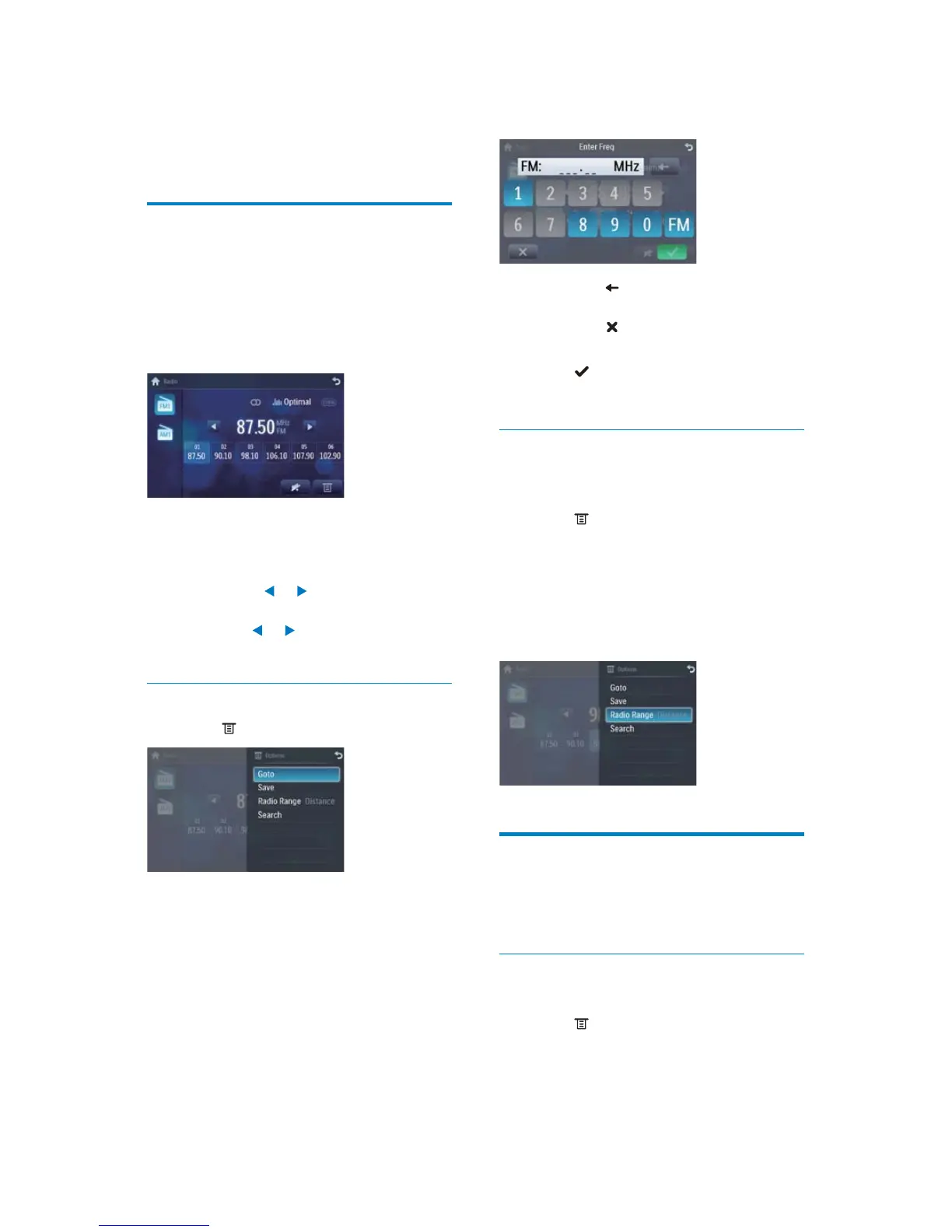
Touch • to clear the last entered
number.
Touch •
to clear all the entered
numbers.
5 Touch to confirm.
The radio station is broadcast. »
Select radio range
Before you start to search for radio stations,
you can select radio range.
1 Touch .
2 Touch [Radio range] to toggle tuner
sensitivity from normal to high sensitivity.
• [Distance]: Only stations with strong
signals can be broadcast.
• [Local]: Stations with strong and
weak signals can be broadcast.
Store radio stations in
memory
You can store up to 6 stations in each band.
Store stations manually
1 Tune to the station.
2 Touch .
3 Touch [Save].
4 Listen to radio
Tune to a radio station
1
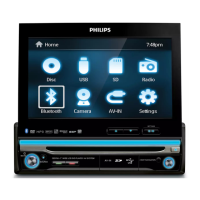
Touch the upper left corner to display
home menu.
2 Touch [Radio].
Band and frequency information is »
displayed.
3 Touch on FM or AM to select band:
FM band options: • FM1, FM2, FM3
AM band options: • AM1, AM2
4 Briefly touch or to tune to a radio
station by step.
Touch •
or for over 1 seconds to
tune to a radio station automatically.
Tune by frequency
1 Touch .
2 Touch [Goto].
3 Touch FM or AM to select band.
4 Touch the numbers to enter frequency.
EN


 To Next Page