10
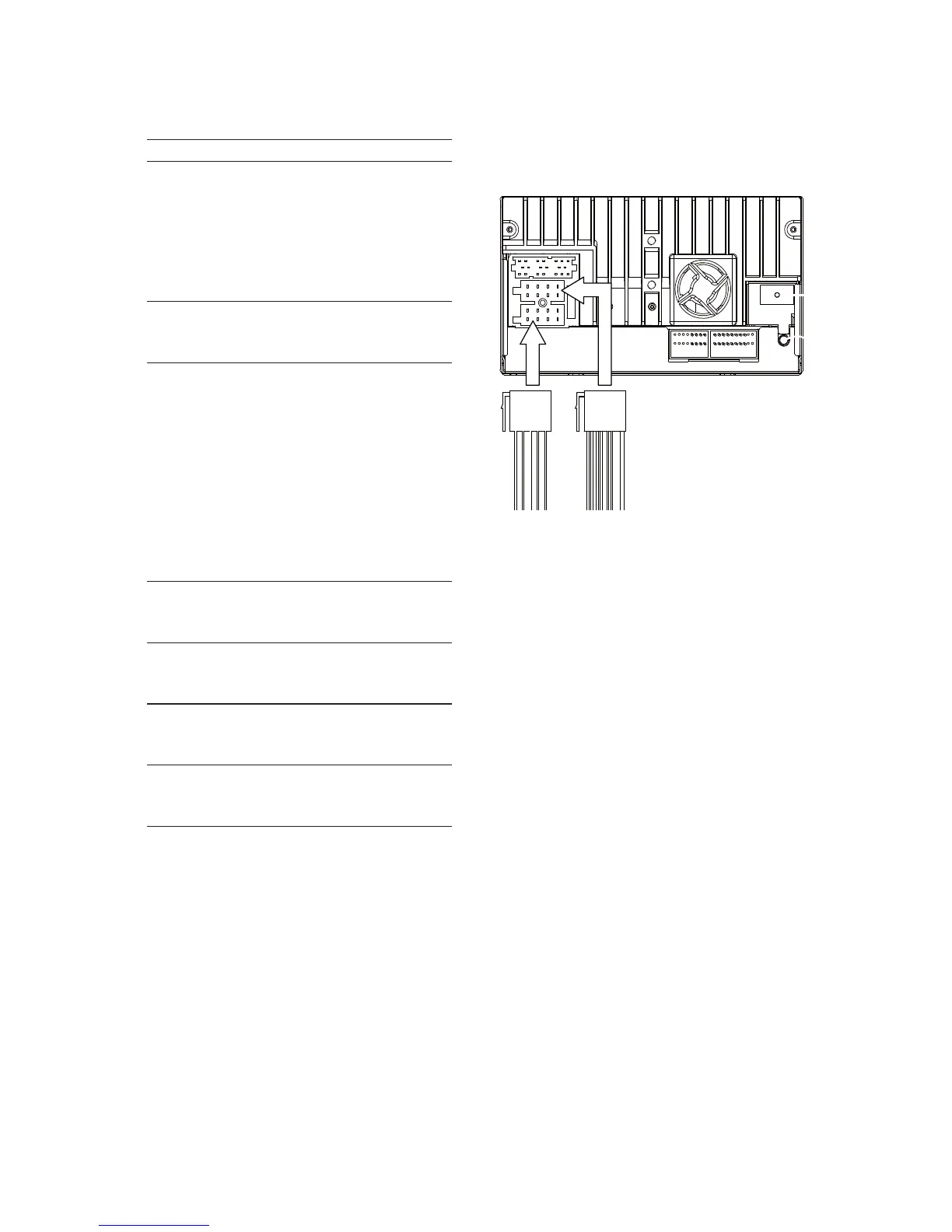
2 Connect the other end of the two ISO
connectors to the car audio system.
3 If necessary, do the other connections:
3 Orange wire Illumination switch
4Black wireA metal surface of
the car
First connect the
black ground (earth)
lead, then connect the
yellow and red power
supply leads.
5Yellow wireThe +12V car battery
which is live at all
times.
6Blue wireThe electric antenna
control lead or
power supply lead of
the antenna booster
If there is no electric
antenna or antenna
booster, or it is
manually operated
telescopic antenna,
it is not necessary to
connect this lead.
7 Green and
green/black
wires
Left speaker (Rear)
8 White and
white/black
wires
Left speaker (Front)
9 Gray and
gray/black
wires
Right speaker (Front)
10 Purple and
purple/black
wires
Right speaker (Rear)
EN



 To Next Page