EN
8 Call log
7KHFDOOORJVWRUHVWKHFDOOKLVWRU\RIDOOPLVVHG
RUUHFHLYHGFDOOV7KHLQFRPLQJFDOOKLVWRU\
includes the name and number of the caller,
call time and date. This feature is available if you
KDYHUHJLVWHUHGWRWKHFDOOHU,'VHUYLFHZLWK
your service provider.
Your phone can store up to 20 call records. The
FDOOORJLFRQRQWKHKDQGVHWÁDVKHVWRUHPLQG
you of any unanswered calls. If the caller allows
the display of his identity, you can view his
name or number. The call records are displayed
LQFKURQRORJLFDORUGHUZLWKWKHPRVWUHFHQW
received call at the top of the list.
Note
Make sure that the number in the call list is valid before
you can call back directly from the call list.
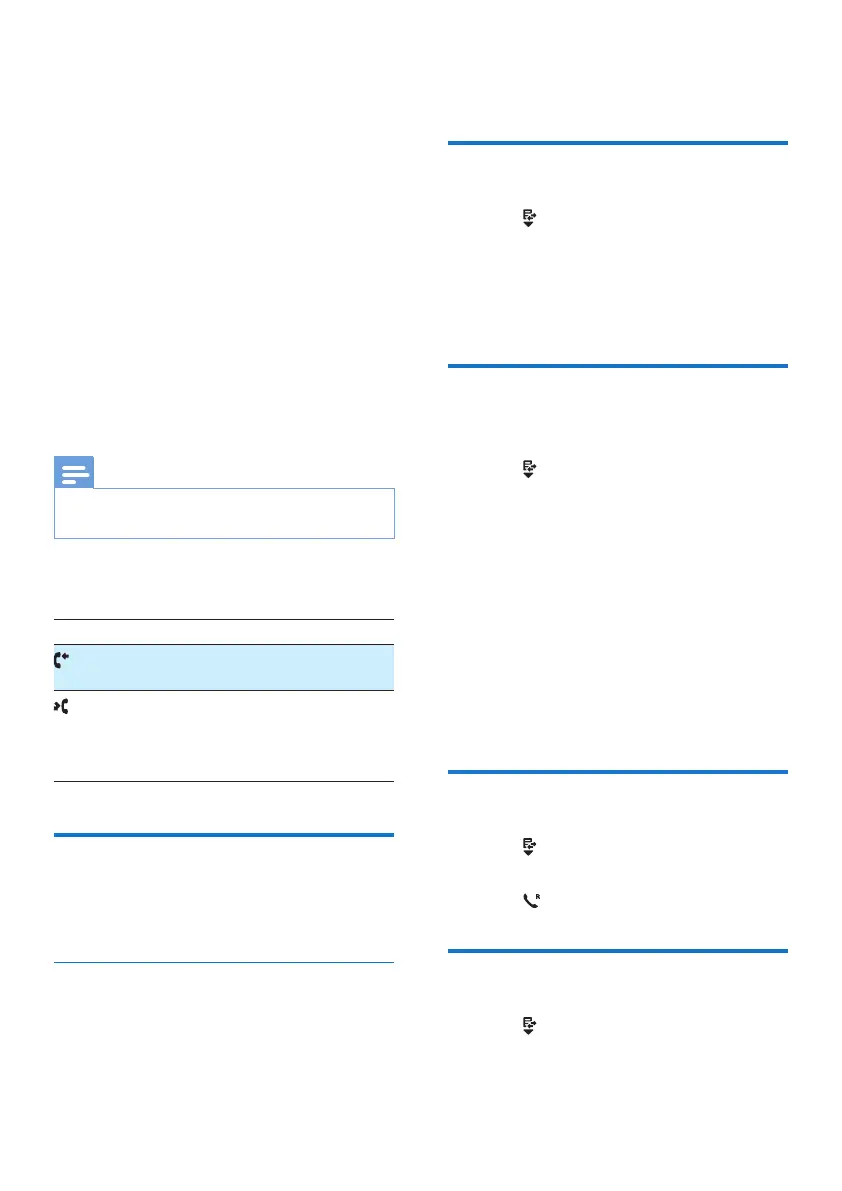
The icons shown on the screen tell you
whether they are missed/received calls.
Icons Description
,WUHPDLQVVWHDGLO\RQZKHQEURZVLQJ
LQFRPLQJFDOOVLQWKHFDOOORJ
,WÁDVKHVZKHQWKHUHLVDQHZPLVVHG
call.
,WUHPDLQVVWHDGLO\RQZKHQEURZVLQJ
WKHPLVVHGFDOOVLQFDOOORJ
Call list type
<RXFDQVHWZKHWKHU\RXFDQYLHZDOOLQFRPLQJ
calls or missed calls from this menu.
Select the call list type
1 3UHVVMENU/OK.
2 Select [Services] > [Call list type], then
press MENU/OKWRFRQÀUP
3 Select an option, then press MENU/OK to
FRQÀUP
View the call records
1
3UHVV .
» 7KHLQFRPLQJFDOOORJLVGLVSOD\HG
2 Select a record, then press MENU/OK
and select [View] for more available
information.
Save a call record to the
phonebook
1
3UHVV .
» 7KHLQFRPLQJFDOOORJLVGLVSOD\HG
2 Select a record, then press MENU/OK to
FRQÀUP
3 Select [Save number], then press MENU/
OKWRFRQÀUP
4 Enter and edit the name, then press
MENU/OKWRFRQÀUP
5 Enter and edit the number, then press
MENU/OKWRFRQÀUP
» The record is saved.
Return a call
1
3UHVV .
2 Select a record on the list.
3 3UHVV to make the call.
Delete a call record
1
3UHVV .
» 7KHLQFRPLQJFDOOORJLVGLVSOD\HG



 To Next Page