9EN
• Press to switch this product
• between the working mode and the
normal standby mode, or
• from the eco power standby mode to
the working mode.
Set the clock
Note
• During setting, if no action is made within 90 seconds,
the product exits clock setting without saving earlier
operations.
1 In standby mode, press and hold CLOCK
to enter the clock setting mode.
» or is displayed.
2 Press + VOL - or / to select
or , and then press CLOCK.
• : 24-hour time format
• : 12-hour time format
» The hour digits begin to blink.
3 Press + VOL -or / to set the hour,
and then press CLOCK.
» The minute digits begin to blink.
4 Press + VOL - or / to set the
minute, and then press CLOCK.
5 Press + VOL - or / to select
or ,
and then press CLOCK.
• : When you tune to
an RDS station that transmits time
signals, the product automatically
synchronizes its clock with the RDS
station.
• : Not synchronize
the clock automatically.
» The set clock is displayed.
Tip
• This product will synchronize its clock with the current
DAB station or the connected iPod/iPhone/iPad.
Select a source
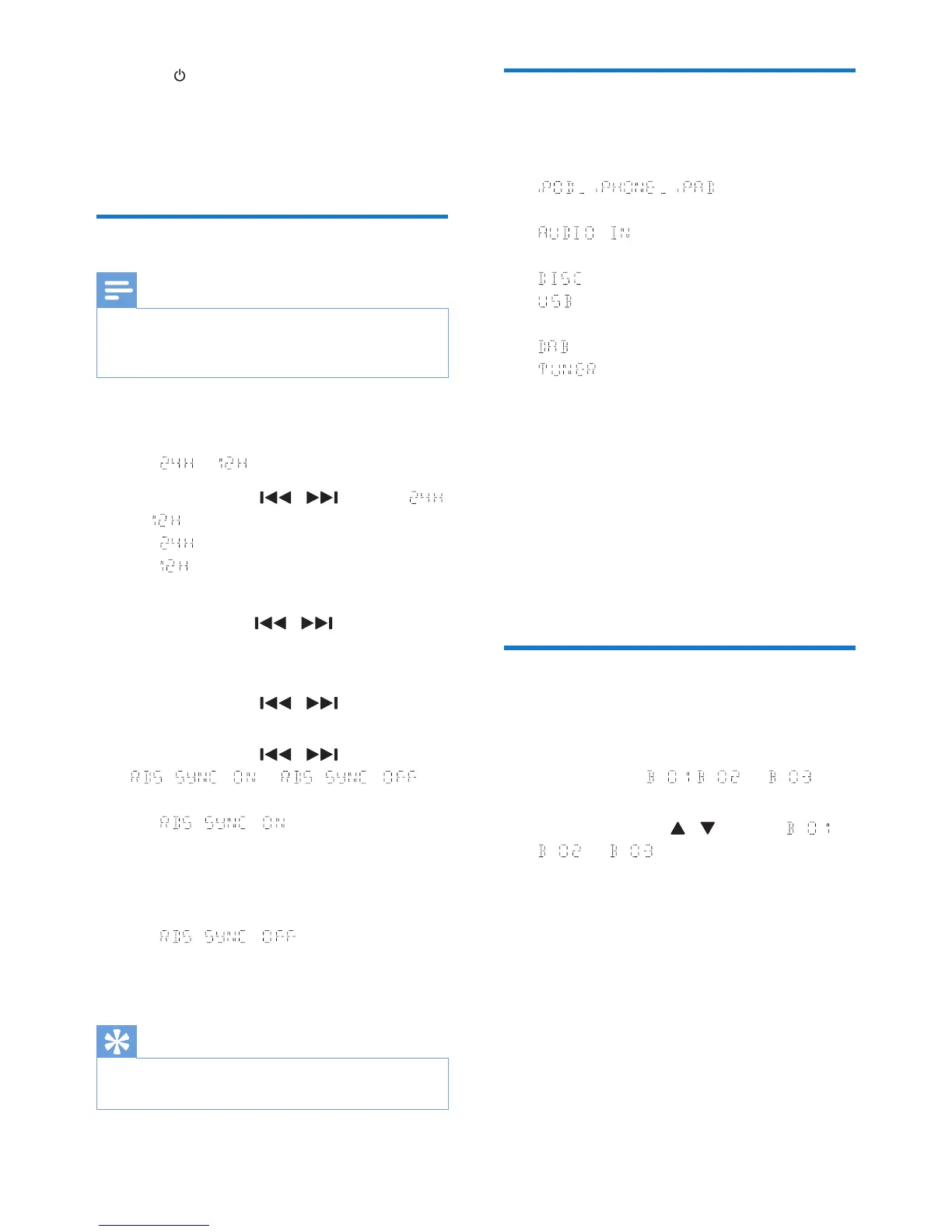
On the product, press SOURCE repeatedly to
select a source.
• : the playlist on the
connected iPhone/iPod/iPad
• : the audio input through the
AUDIO IN socket
• : the disc in the disc compartment
• : .mp3 les stored on the connected
USB storage device
• : the DAB tuner
• : the FM tuner
You can also press source buttons on the
remote control to select a source.
• FM/DAB: the FM tuner or DAB tuner
• DOCK/CD: the playlist on the connected
iPhone/iPod/iPad or the disc in the disc
compartment
• AUDIO IN/USB: the audio input through
the AUDIO IN socket, or the .mp3 les
stored on the connected USB storage
device
Adjust the brightness of LCD
display
1 In normal standby mode, press and hold
DISPLAY until , , or is
displayed.
2 Press VOL +/- or / to select ,
, or .



 To Next Page