13EN
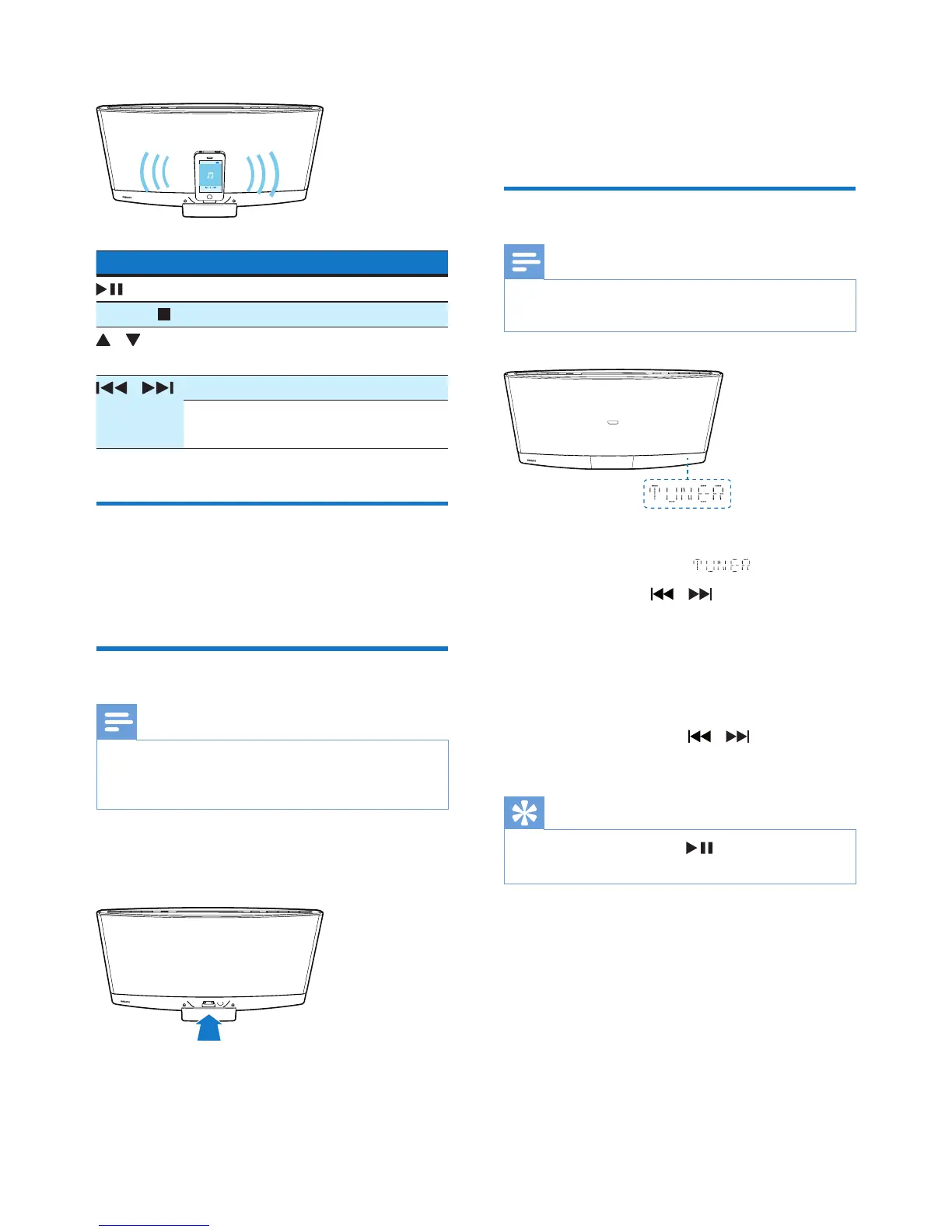
5 Play a track on your iPod/iPhone/iPad.
Buttons Functions
Start, pause, or resume play.
MENU/ Access the playlist of iPod/iPhone.
/ Navigate through the playlist of
iPod/iPhone.
/ Skip to the previous/next track.
Press and hold to rewind a track
or search forward fast.
Charge your iPod/iPhone/iPad
Once the iPod/iPhone/iPad is docked and
recognized, the charging starts.
Unload your iPod/iPhone/iPad
Note
• Risk of damage to the dock or your iPod/iPhone/iPad:
Do not twist or shake your iPod/iPhone/iPad during
unloading.
1 Pull the iPod/iPhone/iPad out of the dock.
2 Press inside to hide the dock.
7 Listen to FM
radio
Tune to an FM radio station
Note
• Make sure that you have connected and fully extended
the FM antenna.
1 Press FM or SOURCE repeatedly to
switch the source to .
2 Press and hold / until the frequency
starts to change.
» The product automatically tunes to the
previous or next station with strong
reception.
• To tune to a station at a specic
frequency, press / repeatedly
until its frequency is displayed.
Tip
• In FM mode, you can press or OK to switch the
sound setting between stereo and monophonic.



 To Next Page