15EN
8 Listen to DAB
radio stations
Note
• For optimal reception, fully extend the antenna and
adjust its position.
• You can program a maximum of 20 DAB radio stations.
• Check with local retailer or go to www.WorldDAB.org
for applicable DAB radio frequencies in your area.
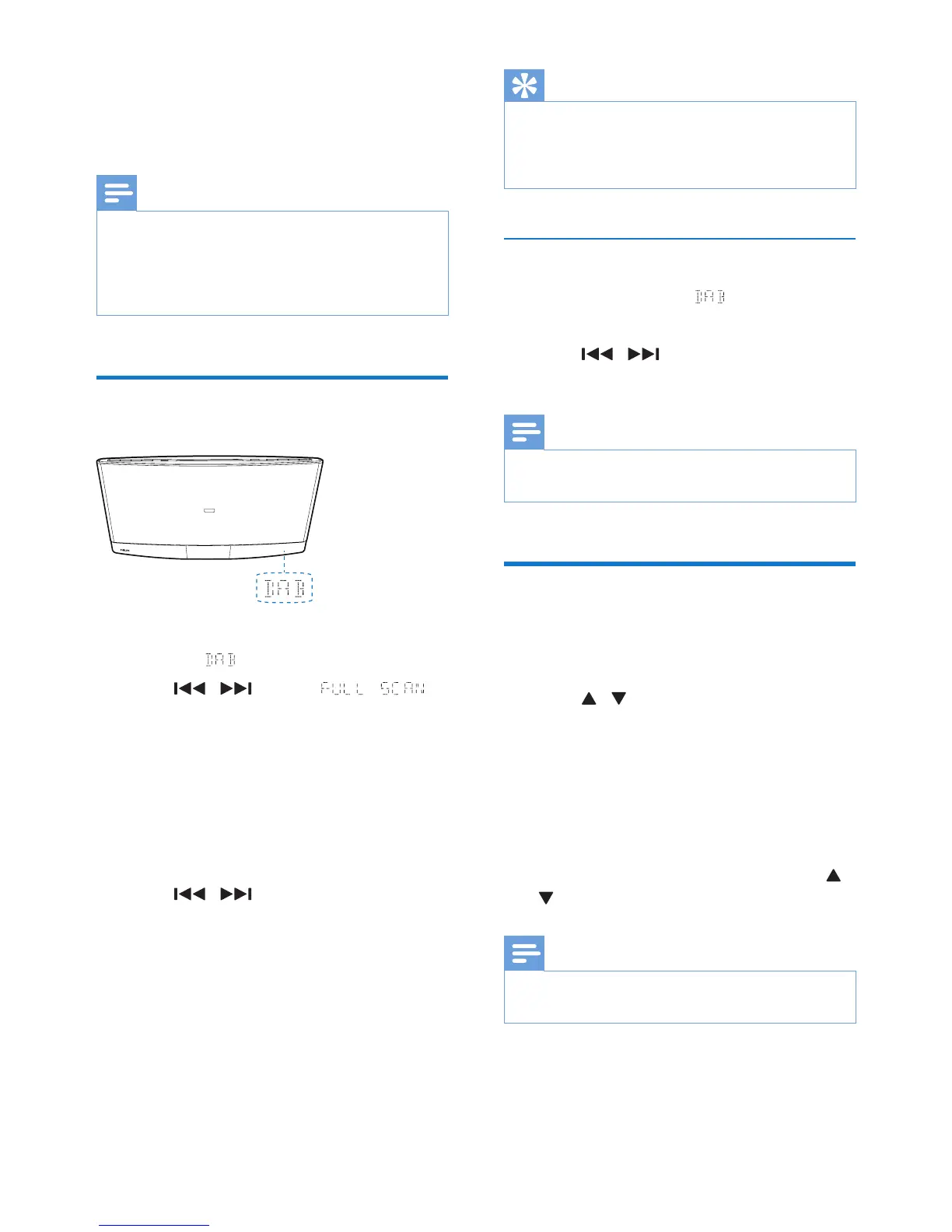
Use for the rst time
1 Press DAB or SOURCE to switch the
source to .
2 Press / until the
menu is displayed.
3 Press OK to activate the automatic search.
» This product automatically stores radio
stations with sufcient signal strength.
» After the search is complete, the
rst stored radio station is broadcast
automatically.
4 Press / to select a station, and
then press OK to start listening.
• To re-scan for DAB stations, press and
hold SCAN/CLOCK for 2 seconds when
listening to a DAB station.
Tip
• You can re-scan to update the list of stored stations
(see "Use DAB menus" > "Re-scan for stations").
• You can tune to a station manually (see "Use DAB
menus" > "Tune to a station manually").
Tune to a stored station
1 Switch the source to .
» The last listened station is broadcast.
2 Press / to select a station, and
then press OK to start listening.
Note
• If ? is displayed before the name of current station, the
station is unavailable or inactive.
Program radio stations
1 Tune to a DAB radio station.
2 Press PROG to activate the programming.
3 Press / to select a preset sequence
number.
4 Press PROG to conrm.
» The radio station is stored with the
selected sequence number.
5 Repeat steps 1-4 to program more radio
stations.
• To tune to a preset radio station, press /
until its name is displayed.
Note
• If you store a radio station with the sequence number
of another one, the earlier one is overwritten.



 To Next Page