12 EN
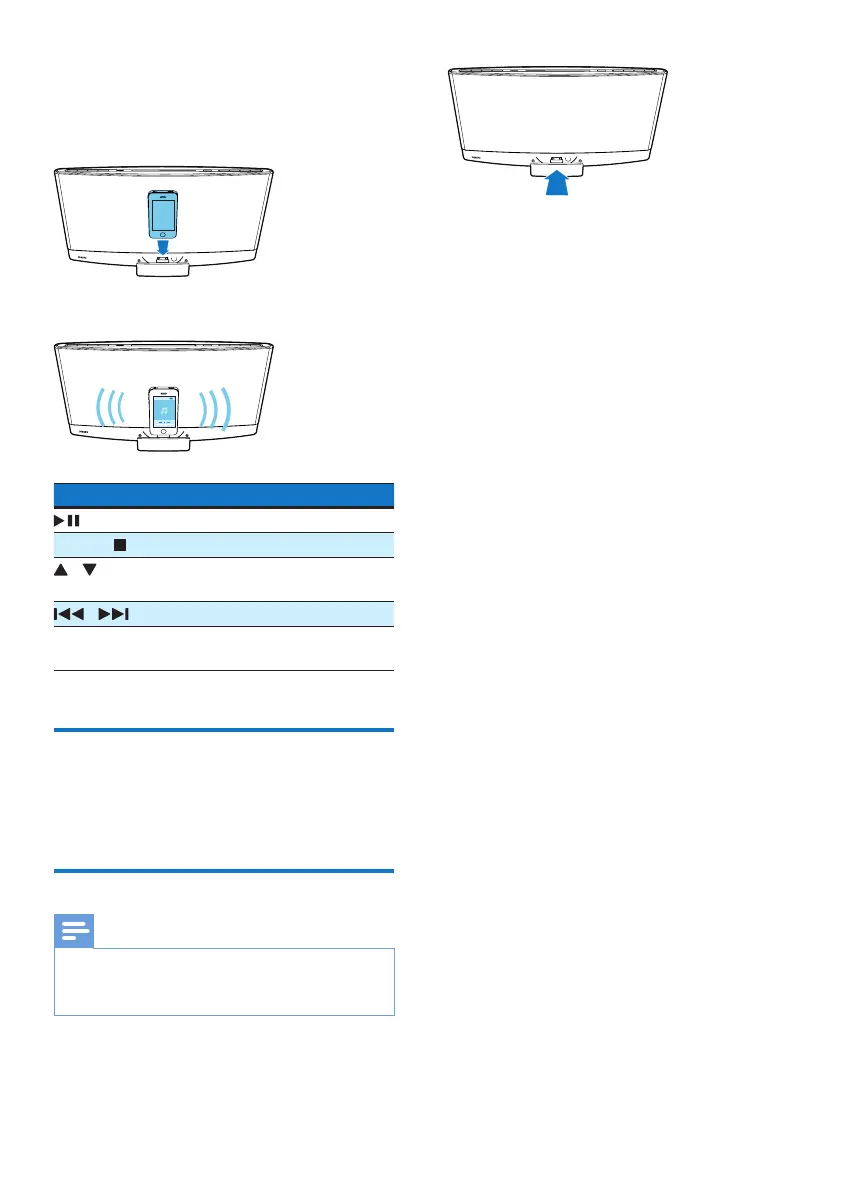
4 Connect your iPod/iPhone/iPad to the
dock.
» Once the iPod/iPhone/iPad is
recognized, the charging starts.
5 Play a track on your iPod/iPhone/iPad.
Buttons Functions
Start, pause, or resume play.
MENU/ Access the playlist of iPod/iPhone.
/ Navigate through the playlist of
iPod/iPhone.
/ Skip to the previous/next track.
Press and hold to rewind a track
or search forward fast.
Charge your iPod/iPhone/iPad
Once the iPod/iPhone/iPad is docked and
recognized, the charging starts.
Unload your iPod/iPhone/iPad
Note
• Risk of damage to the dock or your iPod/iPhone/iPad:
Do not twist or shake your iPod/iPhone/iPad during
unloading.
1 Pull the iPod/iPhone/iPad out of the dock.
2 Press inside to hide the dock.



 To Next Page