16 EN
1 Press OK to access the station list.
2 Press / to select a station from
5A to 13F.
3 Press OK to conrm the option.
Remove invalid stations
This option lists active stations and removes any
stations that are in the list but have no service
in your area. In front of the station name of an
invalid station, a question mark (?) is displayed.
1 Press OK to access the sub-menus.
2 Press / to select an option.
• : Return to the previous menu.
• : Remove invalid stations from the
station list.
3 Press OK to conrm the option.
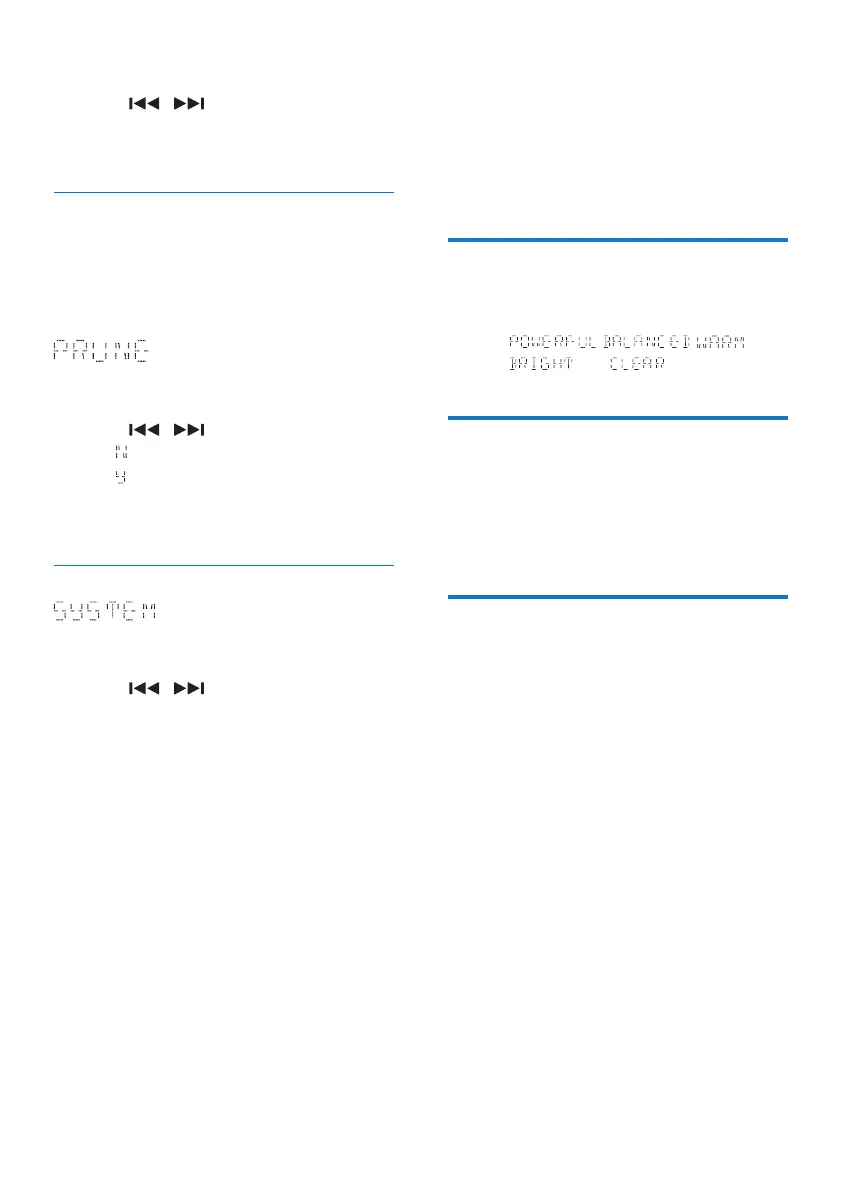
System menus
1 Press OK to access system menus.
2 Press / to select a sub-menu.
• For details, refer to the section 'Use
system menus'.
9 Adjust sound
The following operations are applicable to all
supported media.
Select a preset sound effect
• Press SOUND repeatedly to select a
preset sound effect.
• , , ,
, and
Adjust volume level
• On the remote control, press VOL +/-
repeatedly.
• On the main unit, press VOL+/VOL-
repeatedly.
Mute sound
• Press MUTE to mute or restore the sound.



 To Next Page