8 EN
n REPEAT/SHUFFLE
• Play a track or all tracks repeatedly.
• Play tracks in current album repeatedly.
• Play tracks randomly.
o MENU/
• Access iPod/iPhone menu.
• Stop play or erase a program.
p DOCK
• Select iPod/iPhone/iPad source.
q OK
• Conrmselection.
• Switch between mono and stereo
broadcast.
r
/
• Select a preset radio station.
• Skip to the previous or next album.
s FM
• Select FM tuner source.
3 Get started
Always follow the instructions in this chapter in
sequence.
Placement
Youcanplacetheunitonaatsurfaceor
mount the unit on a wall.
Mount on a wall
See the wall mounting instructions included in
the package.
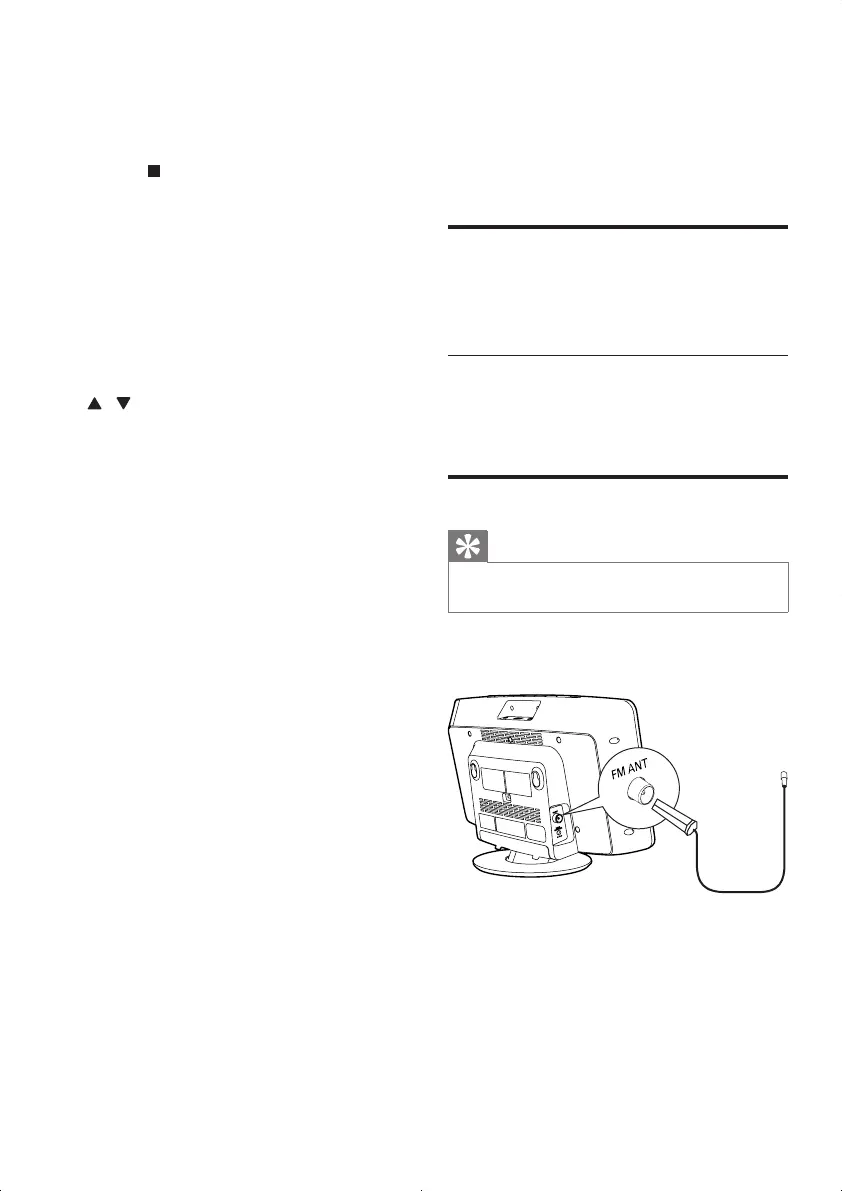
Connect FM antenna
Tip
•
For optimal reception, fully extend and adjust the
position of the antenna.
Connect the supplied FM antenna to the FM
ANT socket on the main unit.
DCM2060_79_UM_V1.0.indd 8 6/1/2012 10:53:51 AM



 To Next Page