16 EN
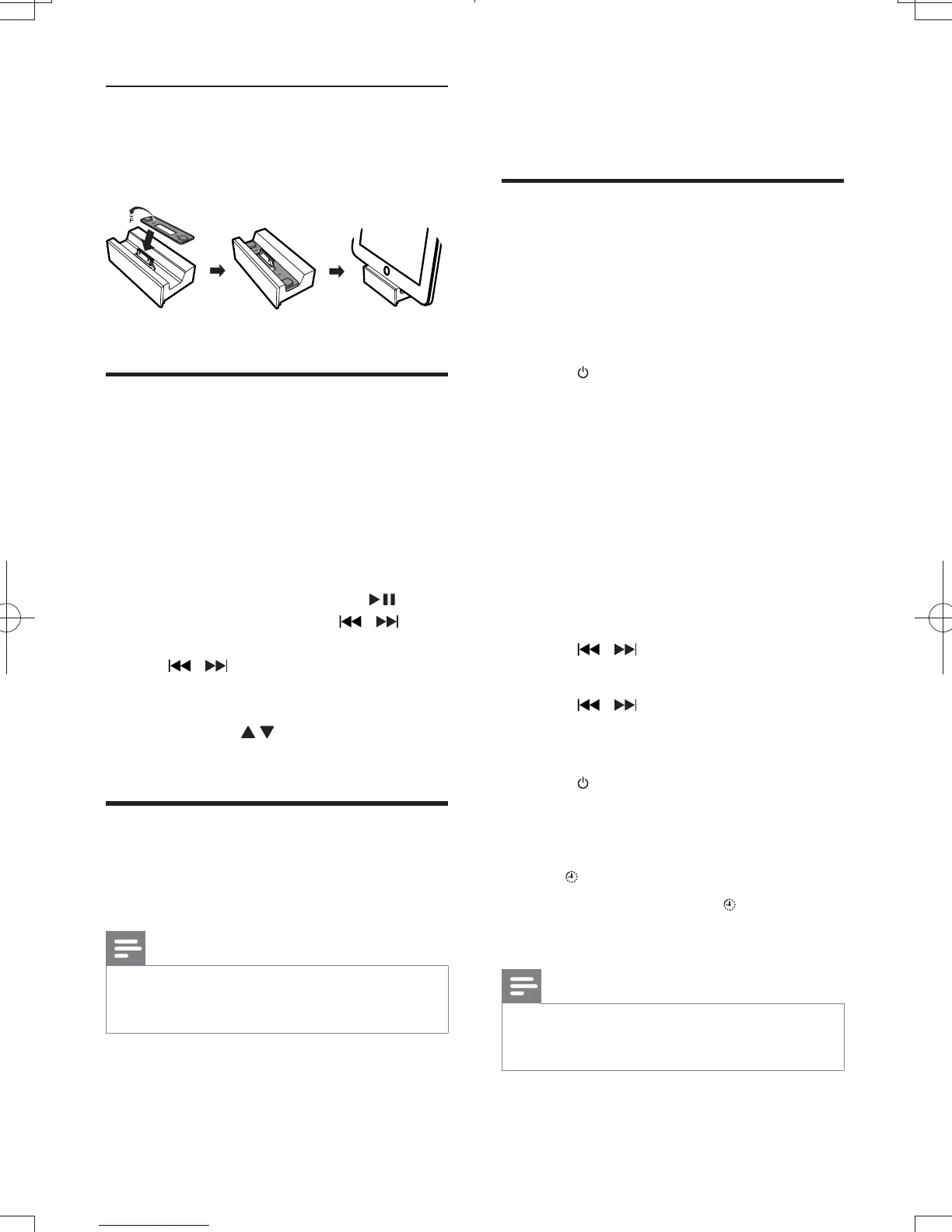
Install the rubber pad
If necessary, install the supplied rubber pad to
keep the iPad/iPad 2 stable before you place
the iPad/iPad 2.
iPad
Make sure that the iPod/iPhone/iPad is
correctly placed.
Press DOCK to select the iPod/iPhone/
iPad source.
3 Play music on the iPod/iPhone/iPad.
To pause/resume play, press
.
To skip to a track, press
.
To search during play, press and hold
, and then release to resume
normal play.
To navigate the menu, press MENU,
and press
to select an option, and
then press OK
When the unit is connected to power, the
docked iPod/iPhone/iPad begins to charge.
Note
The following iPod models cannot be charged: iPod
classic, iPod with video, and iPod with color display.
In Eco power standby mode, charge is not available.
8 Other features
Set the alarm timer
This unit can be used as an alarm clock. The
disc/radio/USB/docked product is activated to
play at a preset time.
Make sure that you have set the clock
correctly.
Press to switch the unit to standby.
Make sure that the clock is displayed
(see "Turn on" > "Switch to standby").
3 Press and hold .
» A prompt to select the source is
displayed.
Press CD, FM, USB or DOCK to select a
source.
5 Press
» The clock digits are displayed and
begin to blink.
Press to set the hour.
Press
8 Press to set the minute.
» The timer is set and activated.
Press to switch to standby mode.
Press repeatedly to activate
or deactivate timer.
» If timer is activated, the display shows
.
» If timer is deactivated,
disappears on
the display.
Note
In MP3 link mode, the alarm timer cannot be set.
If disc/USB/dock source is selected and the audio
cannot be played, tuner is activated automatically.
DCM3065_51_UM_V1.0.indb 16 3/2/2012 2:08:13 PM



 To Next Page