Handset ON /OFF / Text or number entry
10
To power the handset OFF or ON long press the key.
Handset power OFF and ON
Text or number entry
You can enter the names of your phonebook entries character by character,
pressing the corresponding key as many times as necessary to reach the desired
character.
Press under the label to delete a character.
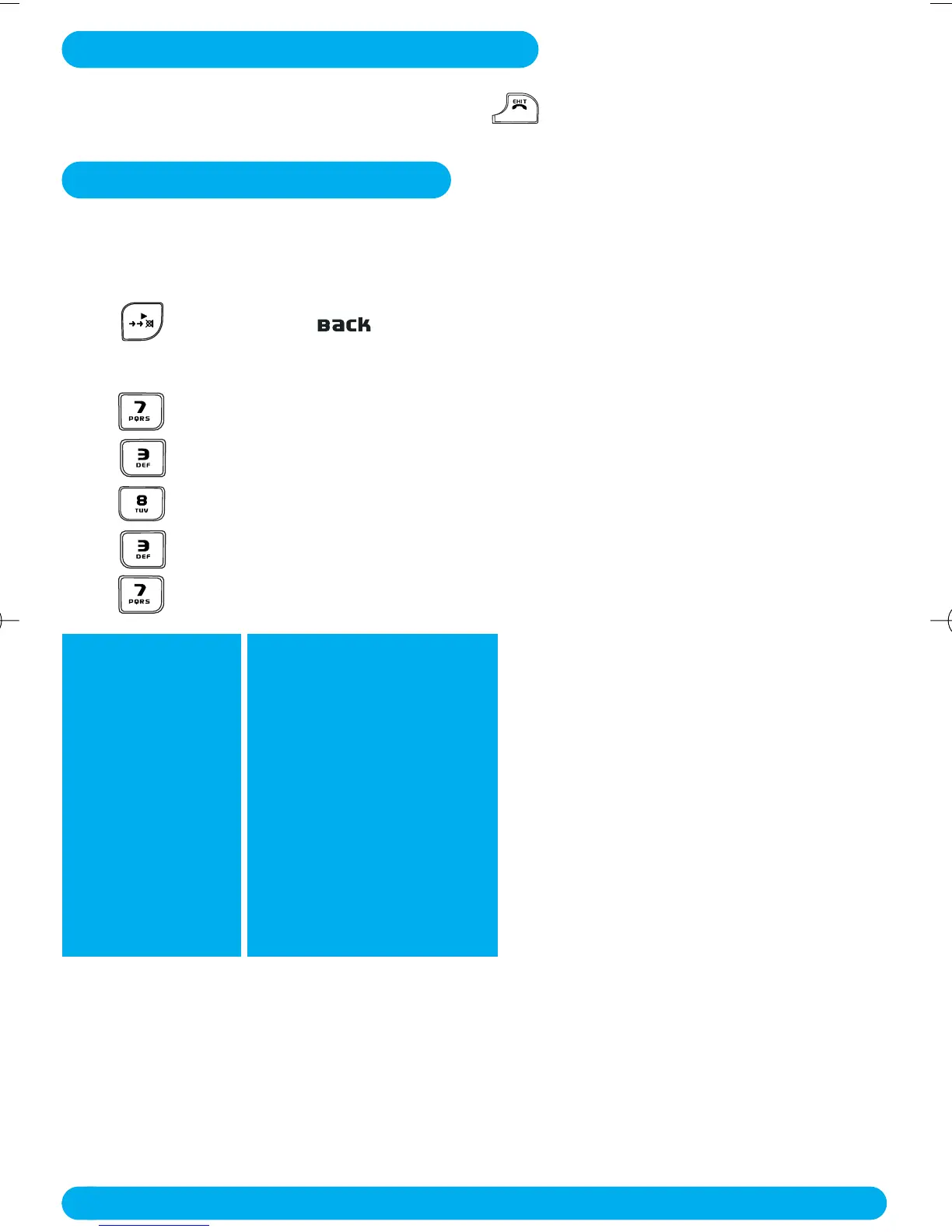
Example to write “Peter”
Press once : P
Press twice : PE
Press once : PET
Press twice : PETE
Press three times : PETER
Multi-tap Sequence
[space]
1 _ < > *
ABC2
DEF3
G H I 4
J K L 5
MNO 6
P Q R S 7
TUV 8 ?
WXYZ 9
0 - / \ # +
Keypad Keys
1
2
3
4
5
6
7
8
9
0
DECT122_GBIE_09.qxd 27.09.2005 17:06 Seite 10



 To Next Page