Personal Settings
18
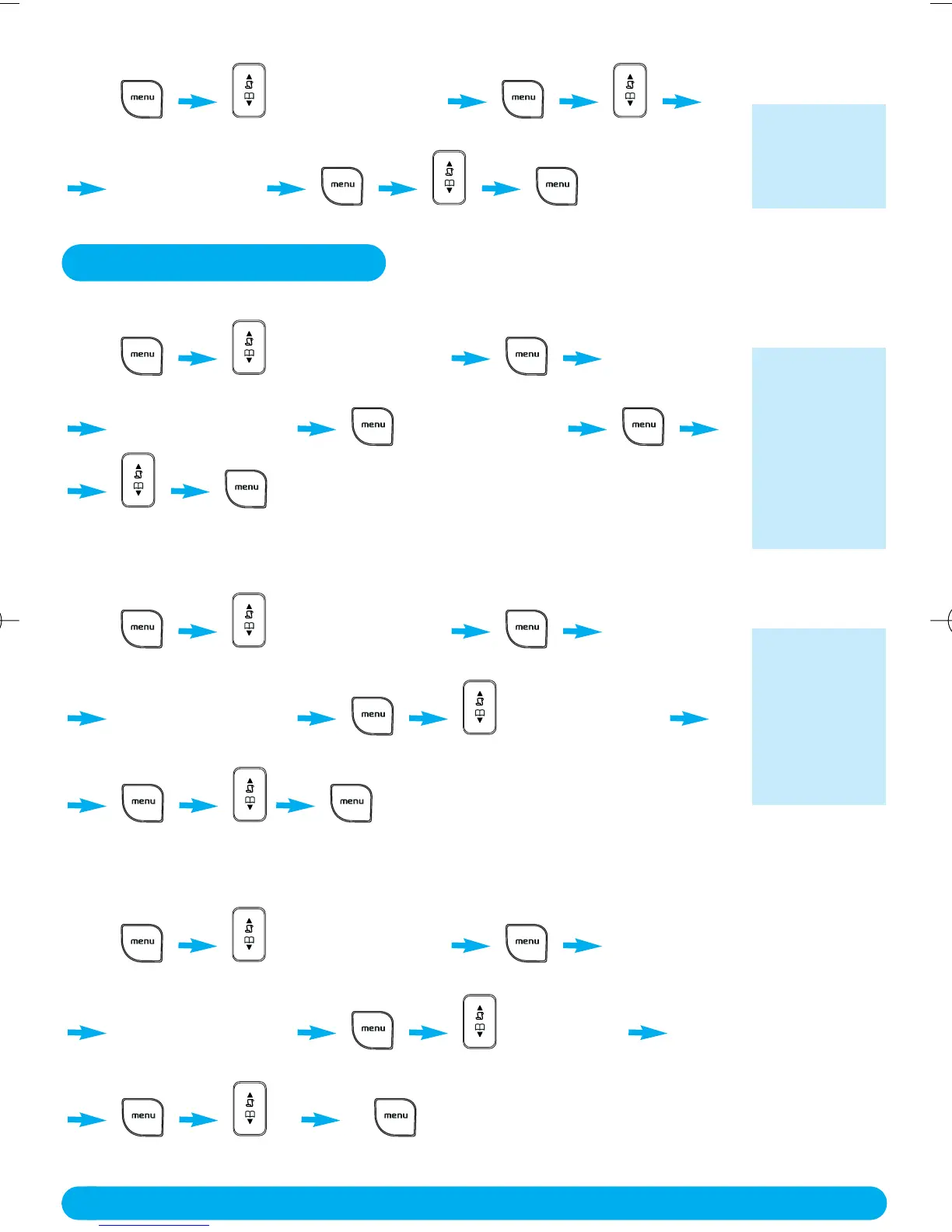
✦ To set the alarm tone
Press CLOCK/ALARM
press Down 1 time press Down 2 times
ALARM TONE to confirm.
scroll to select*
*Choose :
MELODY 1 or
MELODY 2 or
MELODY 3
Personal Settings
✦ To set the handset ringer volume or silence mode (Ringer OFF)
Press PERSONAL SET
press Down 2 times
HANDSET TONE RING VOLUME
to confirm.
scroll to select*
✦ To select the handset ring melody
Press PERSONAL SET
press Down 2 times
HANDSET TONE RING MELODY
press Down 1 time
to confirm.
scroll to select*
✦ To activate / deactivate the key tone
Press PERSONAL SET
press Down 2 times
HANDSET TONE KEY TONE
press Down 2 times
to confirm.
scroll to select ON or OFF
The current
ring melody is
played.
*Choose :
HIGH or
MEDIUM or
LOW or
RINGER OFF
The current
ring melody is
played.
*Choose one
of the available
melodies (1 -
10)
DECT122_GBIE_09.qxd 27.09.2005 17:06 Seite 18



 To Next Page