EasyManua.ls Logo

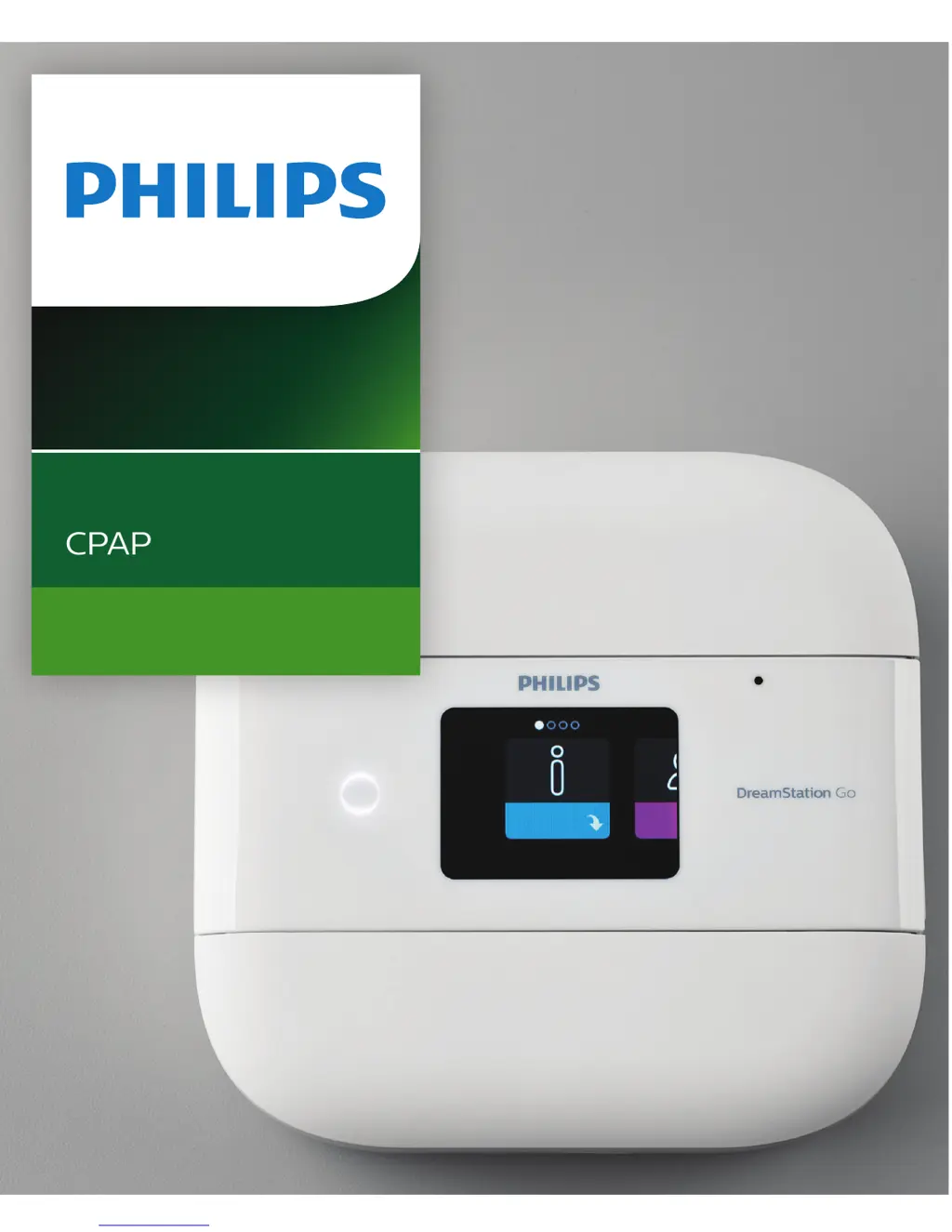
Philips DreamStation Go - User Manual

Philips DreamStation Go
56 pages
Print Icon
To Next Page IconTo Next Page
Loading...
Auto CPAP
CPAP
User manual
DreamStation Go

Table of Contents

Other manuals for Philips DreamStation Go

Questions and Answers

  • A
    allenelizabethAug 19, 2025
    What to do if Philips Health Care Products device doesn't turn on?
    • E
      Erin Powell DVMSep 12, 2025
      If nothing happens when you power on your Philips Health Care Products device and the button backlights don't illuminate, check the power outlet and ensure the device is properly plugged in. Verify the AC power cord is correctly connected. If using a battery pack, ensure it's securely connected. If the battery pack has been exposed to extreme temperatures, allow it to cool or warm to room temperature. Also, check if the battery pack needs charging or replacement.
  • T
    Tyrone BrownAug 21, 2025
    What to do if the airflow does not turn on in Philips Health Care Products?
    • D
      drobertsonAug 21, 2025
      If the airflow does not turn on in your Philips Health Care Products device, ensure the device is powered correctly and the home screen appears. Press the therapy button on top of the device to start airflow. If the airflow still doesn't turn on, there may be a problem with your device.
  • T
    timothy67Aug 25, 2025
    What to do if the airflow pressure feels too high or too low on Philips Health Care Products?
    • J
      Judy HowardAug 25, 2025
      Ensure the tubing type setting (12, 15, or 22) on your Philips Health Care Products matches the tubing you are using (Philips Respironics 12, 15, or 22 tubing type).
  • D
    Diana RojasAug 26, 2025
    Why does the water in my Philips Humidifier run out so quickly?
    • R
      Regina GayAug 26, 2025
      Under normal circumstances, a full humidifier water tank should last through a typical sleep session. Several factors can affect water consumption, including ambient temperature and humidity, humidifier settings, mask leak levels, and sleep duration. First, ensure the water tank is filled to the maximum line before starting your session. Check your mask fit and adjust it to minimize leaks. Also, verify that the device, humidifier, seals, and tube are correctly connected and not leaking. Consider lowering your humidifier settings, switching to Adaptive humidification mode, or adjusting the Target Time to extend the water's duration.
  • P
    Patricia GeorgeAug 28, 2025
    What to do if I have a high leak with my Philips DreamStation Go?
    • H
      heatherbrownAug 28, 2025
      A high leak in your Philips Humidifier setup can stem from several causes. Check the tubing for proper connection and any kinks or tears; replace damaged tubing through your supplier. Ensure the therapy device is correctly seated against the humidifier and that the tank lid is properly seated, pressing around the perimeter if needed. Also, confirm the humidifier tank is fully seated in the base and that the CPAP seal is present and correctly aligned. If the seal has come loose, gently press around the edges of the seal to reseat it.
  • V
    valeriemeyersAug 30, 2025
    How to stop condensation in my Philips DreamStation Go tubing?
    • J
      Jeffrey McdanielAug 30, 2025
      Excessive condensation in the tubing of your Philips Humidifier can occur if the humidity level is set too high. Try reducing the humidity level or switching the humidifier to adaptive humidification. Also, make sure that the humidifier and therapy device are positioned away from air conditioning equipment.
  • E
    Edward WilsonSep 1, 2025
    Why is my Philips Humidifier whistling?
    • M
      Mark MartinSep 1, 2025
      A leak or whistling sound from your Philips Humidifier or therapy device (excluding mask leaks) can arise from several factors. Ensure the therapy device air inlet isn't obstructed and that the filters are clean and properly inserted. Verify that the device, humidifier, and tube are connected correctly and are not leaking. Also, confirm that the humidifier tank lid is correctly seated; gently press around its perimeter to reseat it if necessary.
  • S
    sarastephensSep 3, 2025
    What to do if I spilled water in my Philips Humidifier?
    • D
      Diane LozanoSep 3, 2025
      If you've accidentally spilled water into the base of your Philips Humidifier, a small amount of water typically won't harm the device and should evaporate during normal use. However, if too much water has been spilled, disconnect power from the device. Remove the water tank and pour out any excess water until it's at or below the maximum fill line. Separate the humidifier from the therapy device and pour out the spilled water. After the heater plate has cooled, wipe the humidifier with a paper towel or soft cloth. Ensure the underside of the humidifier and the tabletop are dry before reconnecting the humidifier and power supply, and reinstalling the water tank.
  • S
    Sara NorrisSep 5, 2025
    What to do if my Philips DreamStation Go fell off the table?
    • R
      Ryan FlynnSep 5, 2025
      If your Philips Humidifier has fallen, ensure it's placed on a hard, flat surface so the rubber feet can grip (avoid placing it on fabric). Keep the humidifier level for proper operation and away from the edge of the table. If water enters the therapy device, drain it and allow it to air dry completely before reapplying power. Manage the tubing properly by routing it behind the bed's headboard. If the humidifier doesn't operate correctly after falling, contact your supplier or Philips Respironics.
  • J
    Jason SmithSep 7, 2025
    Why is the airflow low on my Philips Humidifier?
    • D
      Debbie TravisSep 8, 2025
      If your Philips Humidifier's airflow is low or stopped while the therapy device is running, it may have an airflow obstruction. Contact your supplier or Philips Respironics. If the problem persists, return the humidifier to your supplier for further inspection.

Summary

Safety Information

Intended Use and Important Notes

Defines the intended use, patient criteria, and emphasizes physician instruction and approved accessories.

Warnings

Critical safety warnings covering device operation, environment, accessories, and potential hazards.

Cautions

Cautions related to device damage, RF communications, electrostatic discharge, and placement.

Contraindications and Safety Symbols

Lists conditions contraindicating therapy and explains safety symbols used in the manual.

System Overview

System Contents

Lists all items included in the DreamStation Go system package.

Accessories

Lists optional accessories available for the DreamStation Go system.

System Diagram

Illustrates and describes the various features and ports of the DreamStation Go device.

Therapy Device Operations

Device Placement and Power

Guides on device placement, connecting AC power, and starting therapy.

Navigating Device Screens and Settings

Details interaction with the UI, menu navigation, and various therapy settings.

Therapy Features (My Comfort, My Device, My Support)

Explains comfort, device settings, and support information access.

Mask Fit and Mobile Pairing

Covers checking mask fit, pairing with mobile devices, and pop-up messages.

Tubing Management

Tubing Types and Connection

Identifies tubing types and explains connection procedures.

Cleaning and Pop-Up Messages

Provides cleaning instructions and explains tubing-related pop-up messages.

Filter Maintenance

Filter Types

Describes reusable and disposable fine filters for the device.

Installing and Replacing Filters

Details the procedure for inserting or changing the device's air filter.

Filter Pop-Up Messages

Explains messages related to filter status, such as a blocked air inlet.

Using Accessories

USB Ports and microSD Card

Explains USB ports for charging and microSD card usage for data.

microSD Card Pop-Up Messages

Lists messages related to microSD card activity, errors, and capacity.

Battery Pack Operation

Indicators, Charging, and Attachment

Covers battery indicators, charging, and attaching the pack to the device.

Disconnecting the Battery Pack

Explains the procedure for safely removing the battery pack from the device.

Care and Maintenance

Device and Battery Pack Care

Outlines routine cleaning and inspection for the device and battery pack.

Reusable Filter Care

Provides instructions for rinsing and maintaining the reusable air filter.

Troubleshooting Common Issues

Tips, Problem Solving, and Customer Service

Offers solutions for common problems, troubleshooting tips, and contact info.

Specific Troubleshooting Scenarios

Addresses issues like display errors, ramp feature problems, and airflow variations.

Additional Information and Notices

Traveling, Altitude, and Oxygen Use

Information on traveling, altitude compensation, and adding supplemental oxygen.

Technical Notices and Specifications

Covers FCC, RF, EMC notices, and detailed device specifications.

Philips DreamStation Go Specifications

General IconGeneral
BrandPhilips
ModelDreamStation Go
CategoryHumidifier
LanguageEnglish

Related product manuals