English
30
Timer Recording (continued)
D
To con rm your entry, move to
CONFIRM
in the menu and press OK.
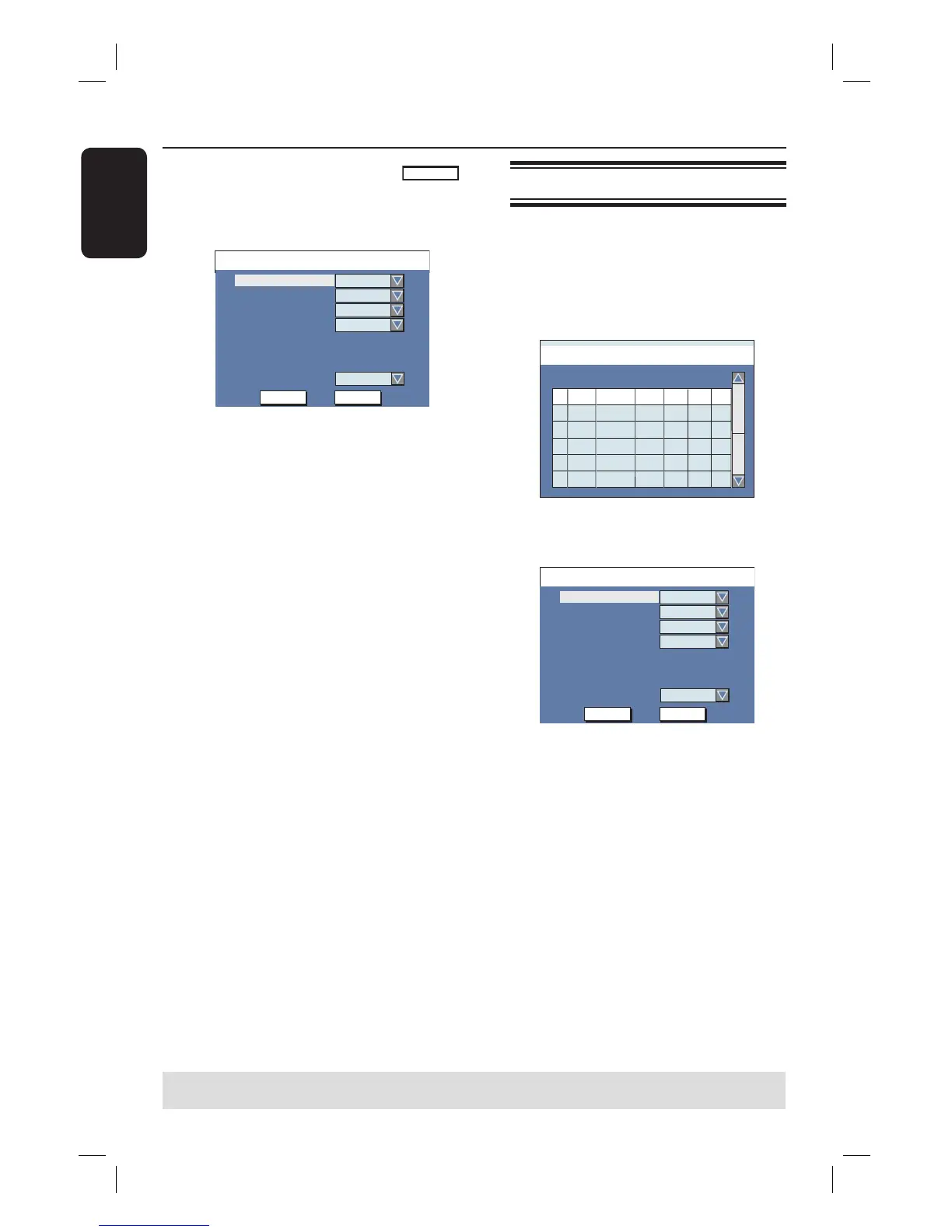
The programme information will be
shown on the timer editor menu.
Timer Editor 09 : 05 : 56
OK
OK CANCEL
Date
Start
End
01 / 01 / 06
10 : 33
11 : 03
Source
Ch003
Rec Mode
SP
Mode
Once
VPS
Off
Dest.
DVD
Note: You may have to manually key in
channel number that is assigned to the
SHOWVIEW
®
/ VIDEO Plus+ code if it has
not been assigned to the programming
number. Follow the instructions on the
TV screen.
E
Press T to select { Dest. } in the menu
and press X.
F
Select the recording destination (DVD
or VCR) and press OK.
G
Press TIMER to exit the menu.
H
Insert a recordable DVD or VHS tape
into the recorder.
For VHS tape, locate the start point
position for recording.
I
Press STANDBY-ON to switch the
recorder to standby mode.
The ‘TIMER’ icon will light up on the
display panel if a timer recording is set.
If the recorder is not in standby mode,
a noti cation message will appear three
minutes before the recording begins.
The recorder will automatically power
off when the timer recording ends.
Timer recording (manually)
A
Turn on the TV to the correct viewing
channel for the recorder (e.g. ‘EXT’, ‘0’,
‘AV’).
B
Press TIMER on the remote control.
The timer schedule list appears.
Timer Schedule 09 : 05 : 56
1
2
3
4
5
6
Source Rec Mode Date Start End VPS
CH003
SP
05/01/06
14.00 15.30
CH010
CH005
CH008
EP
SP
SP
25/01/06
30/01/06
31/01/06
02.00
17.00
12.30
06.30
18.15
14.00
On
Off
On
Off
C
Select an empty eld and press OK.
The timer editor menu appears.
Timer Editor 09 : 05 : 56
OK
OK CANCEL
Date
Start
End
01 / 01 / 06
10 : 33
11 : 03
Source
Ch003
Rec Mode
SP
Mode
Once
VPS
Off
Dest.
DVD
D
Use ST keys or the numeric keypad
0-9 to select or enter the recording
information, then press OK to con rm.
TIPS: Ensure that there is suf cient space available on the recordable DVD or VHS tape before
recording. You have to nalise the DVD±R before it can be playback on other players.













 To Next Page