English
33
Dubbing from VCR to DVD
This allows you to archive your VHS
tapes to a recordable DVD.
DIRECT
DUBBING
A
Insert a recordable DVD.
B
Insert a prerecorded VHS tape.
C
Press VCR on the remote control.
D
Press u to start tape playback. Find
the place where you want to start
recording and press u again to pause
the playback.
E
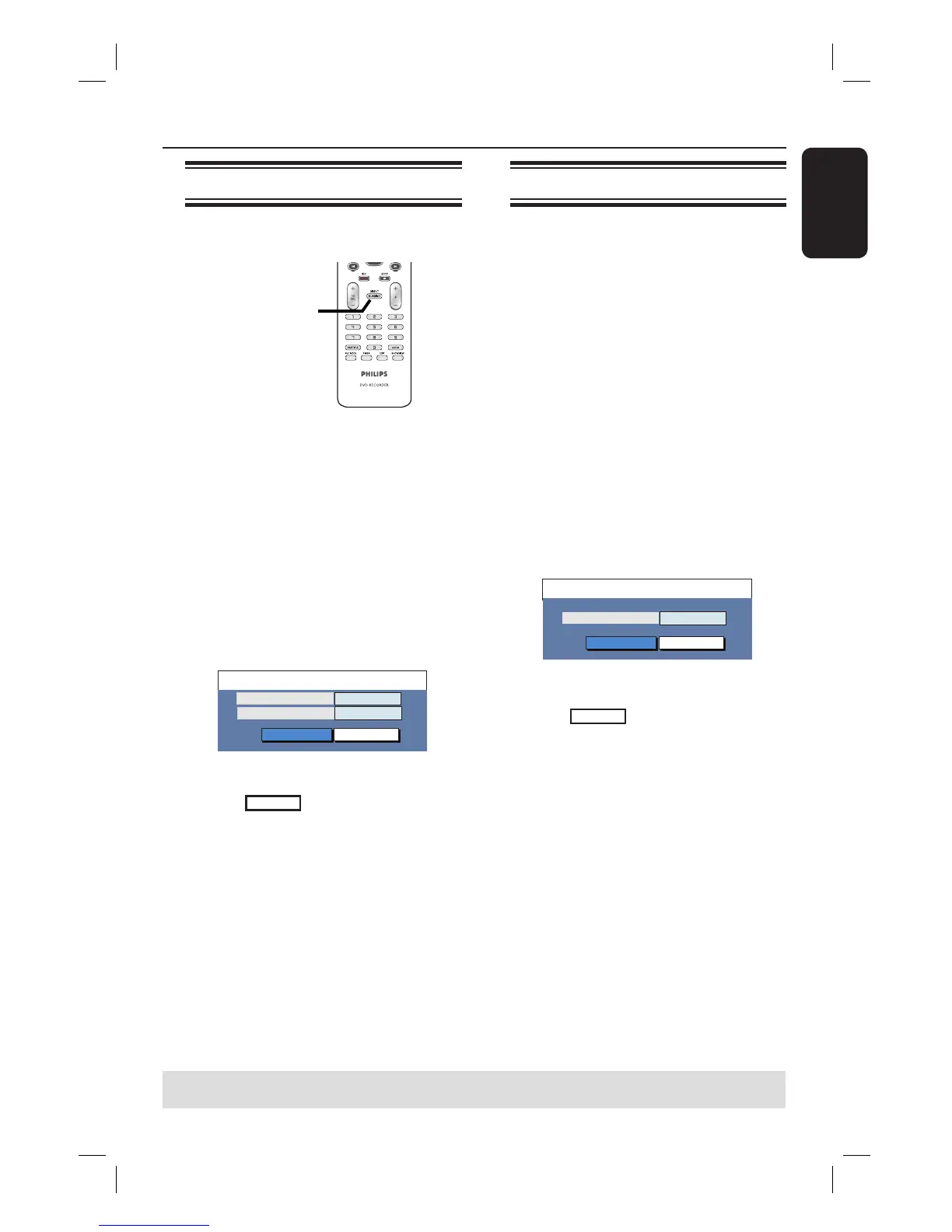
Press DIRECT DUBBING on the
remote control.
The dubbing menu appears.
Dubbing to DVD
OK
SP
Rec. Mode
OK Cancel
01:54
Remaining Time
F
Select the desired recording mode.
G
Move to
OK
in the menu and press
OK to start dubbing.
H
To stop the dubbing, press STOP x.
Otherwise, dubbing will stop
automatically when the VHS tape ends.
Direct Dubbing (Disc î Tape)
Dubbing from DVD to VCR
If the disc you are attempting to dub is
copy-protected, you will not be able to
copy the disc. It is not permitted to copy
Macrovision encoded DVDs.
A
Insert a blank VHS tape in the tape deck.
B
Insert the disc you want to copy in the
disc tray.
C
Press DVD on the remote control.
D
Press u to start disc playback. Find the
place where you want to start recording
and press u again to pause the
playback.
E
Press DIRECT DUBBING on the
remote control.
The dubbing menu appears.
Dubbing to VCR
OK
OK Cancel
SP
Rec. Mode
F
Select the desired recording mode.
G
Move to
OK
in the menu and press
OK to start dubbing.
H
To stop the dubbing, press STOP x.
You must stop the copy process
manually when the DVD movie ends.
Otherwise, the disc may replay and
record over and over again.
TIPS: Ensure that there is suf cient space available on the recordable DVD or VHS tape before
recording.













 To Next Page