PROBLEM SOLUTION
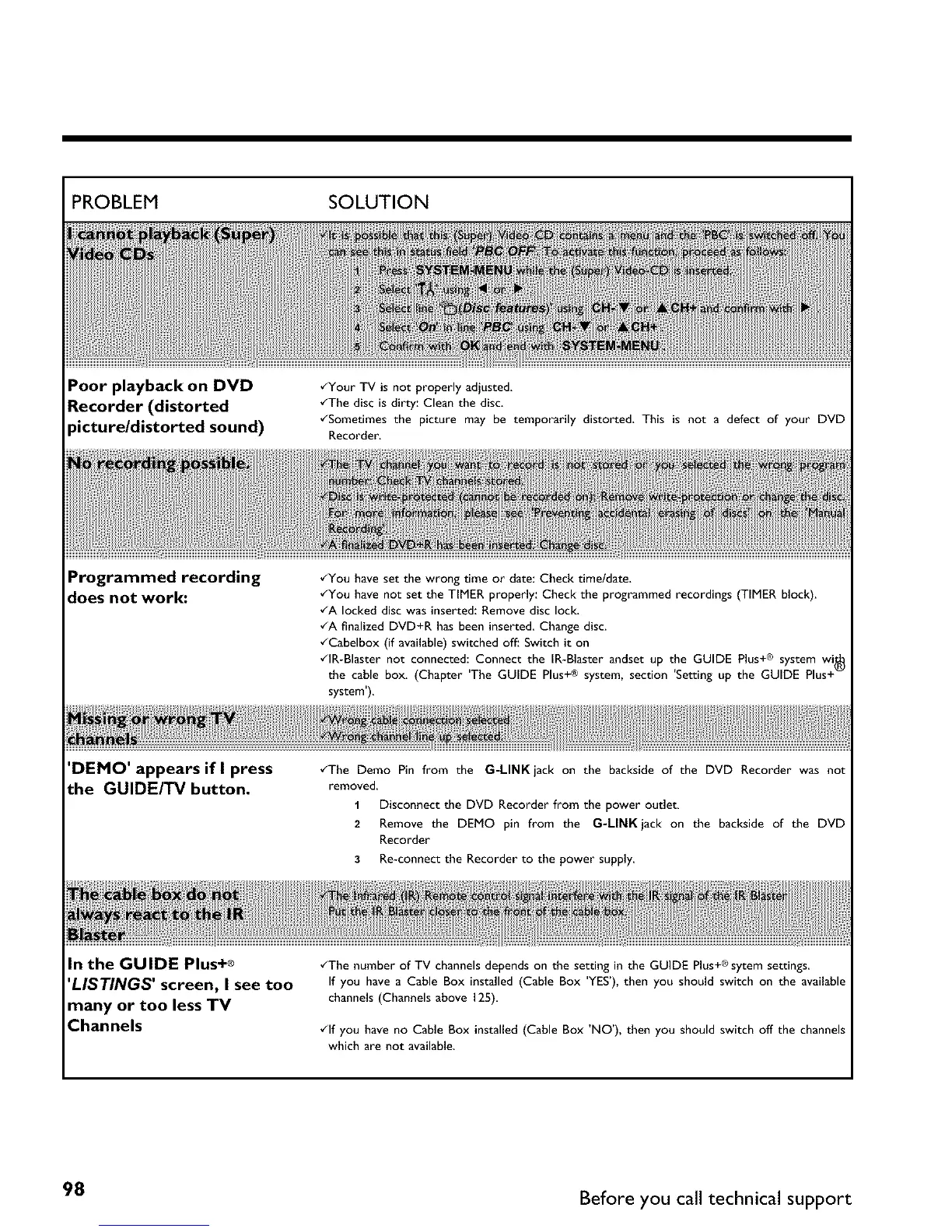
Poor playback on DVD
Recorder (distorted
_our TV is not properly adjusted,
•_The disc is dirty: Clean the disc.
Programmed recording
does not work:
Recorder.
•/You have set the wrong time or date: Check timeldate.
•_You have not set the TIMER properly: Check the programmed recordings (TIMER block).
•_A locked disc was inserted:Remove disc lock.
•_A finalized DVD+R has been inserted. Change disc.
•_Cabelbox (if available) switched off: Switch it on
•_lR-Blaster not connected: Connect the IR-Blaster andset up the GUIDE Plus+® system wi_
the cable box. (Chapter 'The GUIDE Plus+® system, section 'Setting up the GUIDE Plus+-
system').
'DEMO' appears if I press
the GUIDE/TV button.
•_The Demo Pin from the G-LINK jack on the backside of the DVD Recorder was not
removed.
1 Disconnect the DVD Recorder from the power outlet.
2 Remove the DEMO pin from the G=LINKjack on the backside of the DVD
Recorder
3 Re-connect the Recorder to the power supply.
In the GUIDE Plus+®
'LISTINGS' screen, I see too
many or too less TV
Channels
•_The number of TV channels depends on the setting in the GUIDE Plus+®sytem settings.
If you have a Cable Box installed (Cable Box 'YES'),then you should switch on the available
channels (Channels above 125).
•_lf you have no Cable Box installed (Cable Box 'NO'), then you should switch off the channels
which are not available.
98 Before you call technical support



 To Next Page